JavaScript Development Tools
Get to know the tools of the JavaScript ecosystem. These tutorials cover npm and package.json for managing dependencies, bundlers and build tools like Vite, linters like ESLint, formatters like Prettier, and code editors like VS Code. You’ll learn what each tool does, when you need it, and how to set it up without getting lost in configuration.
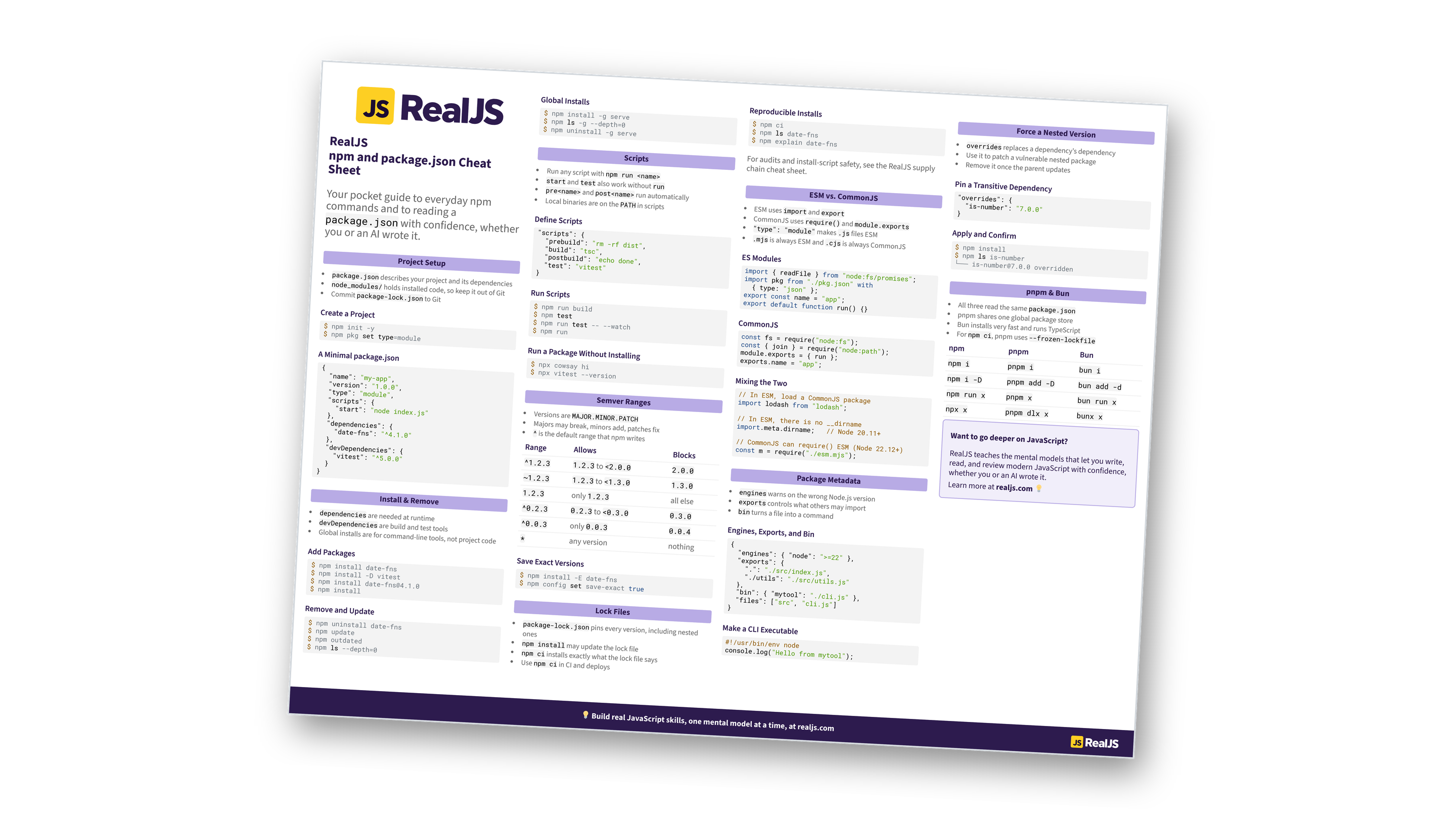
Free Bonus: Download the npm and package.json Cheat Sheet PDF and keep the essentials at hand.
A good toolchain makes you faster and your code more reliable. Learn to use your browser’s developer tools for debugging, run scripts with npm, keep dependencies up to date and secure, and use Git to track your changes. Together, these tools give you a productive, repeatable development environment.
npm is the package manager that comes with Node.js. It installs open-source packages from the npm registry into your project and records them in package.json. You also use it to run project scripts, such as npm run build or npm test.
Not always. Modern browsers support ES modules, so small projects can run without one. A build tool like Vite helps when you use npm packages, TypeScript, or JSX, and it optimizes your code for production.
ESLint analyzes your code for likely bugs and rule violations, such as unused variables. Prettier only formats code, handling spacing, line breaks, and quotes. Most projects use both: Prettier for formatting and ESLint for code quality.
VS Code is the most popular choice, with built-in JavaScript and TypeScript support, debugging, and a large extension ecosystem. WebStorm is a full-featured alternative. Any editor works well once you add a linter, a formatter, and type checking.
dependencies are packages your code needs to run, such as a web framework. devDependencies are only needed during development, such as test runners, linters, and build tools. Install dev tools with npm install --save-dev.