JavaScript Best Practices

Working code is only the first step. These tutorials show you how to write JavaScript that’s clean, readable, and easy to maintain. You’ll learn naming conventions, how to keep functions small and focused, when to use const over let, why strict equality with === avoids surprises, and how to handle errors so problems surface early instead of failing silently.
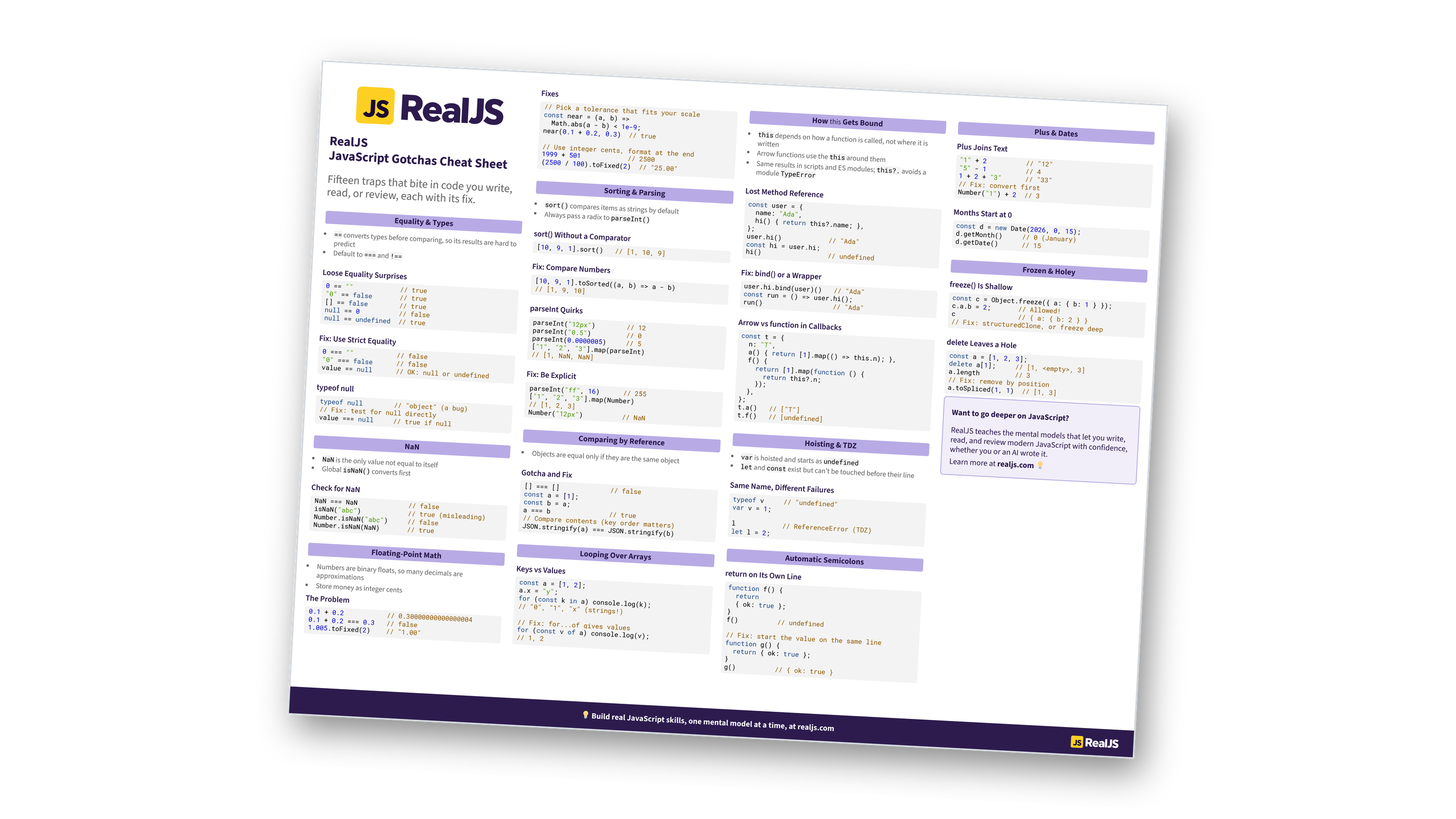
Free Bonus: Download the JavaScript Gotchas Cheat Sheet PDF and keep the essentials at hand.
Good habits matter even more as projects grow and teams get bigger. Use a linter like ESLint and a formatter like Prettier to keep code consistent, structure projects into focused modules, and document the parts that aren’t obvious. You’ll also learn to recognize the common JavaScript pitfalls, from type coercion to this binding, and how to avoid them.
Use const by default and let only when you need to reassign. Compare with === instead of ==, keep functions short, and give variables descriptive names. Handle errors explicitly, and let a linter and formatter enforce the details so you can focus on logic.
The == operator converts values to a common type before comparing, which leads to surprises like 0 == "" being true. The === operator compares both value and type without conversion, so its results are predictable. Most style guides require ===.
JavaScript inserts missing semicolons automatically, but the rules have edge cases that can change how code runs. Either style works as long as you’re consistent. The easiest approach is to let a formatter like Prettier apply one style across your whole project.
ESLint catches likely bugs and enforces coding rules, and Prettier formats code automatically. Add TypeScript or JSDoc type annotations to catch type errors early, and run tests on every change. Editor integrations and pre-commit hooks make these checks automatic.