TypeScript

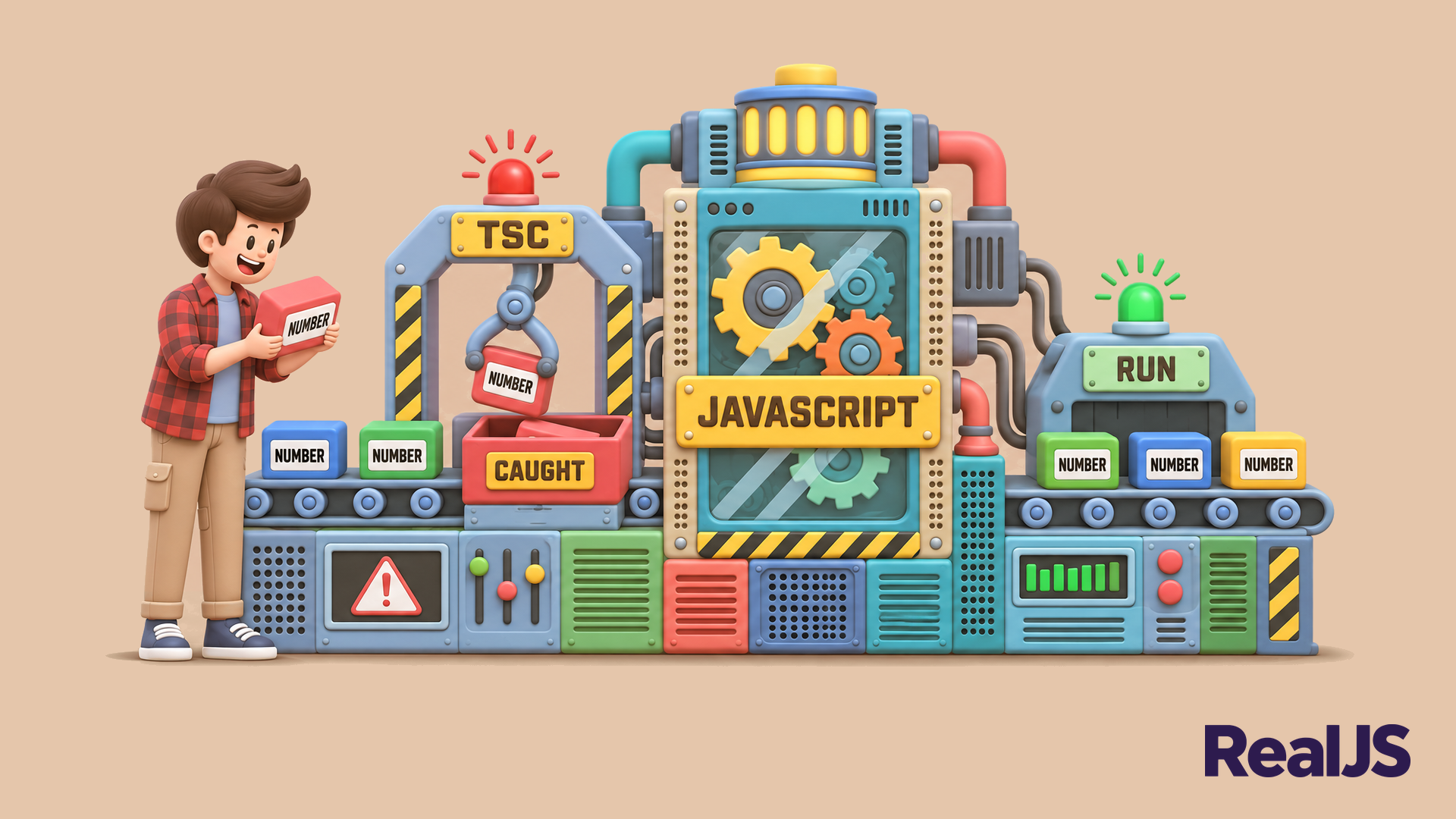
TypeScript adds static types to JavaScript. These tutorials show you how to annotate variables and functions, describe the shape of objects with interfaces and type aliases, and combine types with unions and generics. The TypeScript compiler checks your code as you write it, so you catch typos, wrong arguments, and missing properties before your code ever runs.
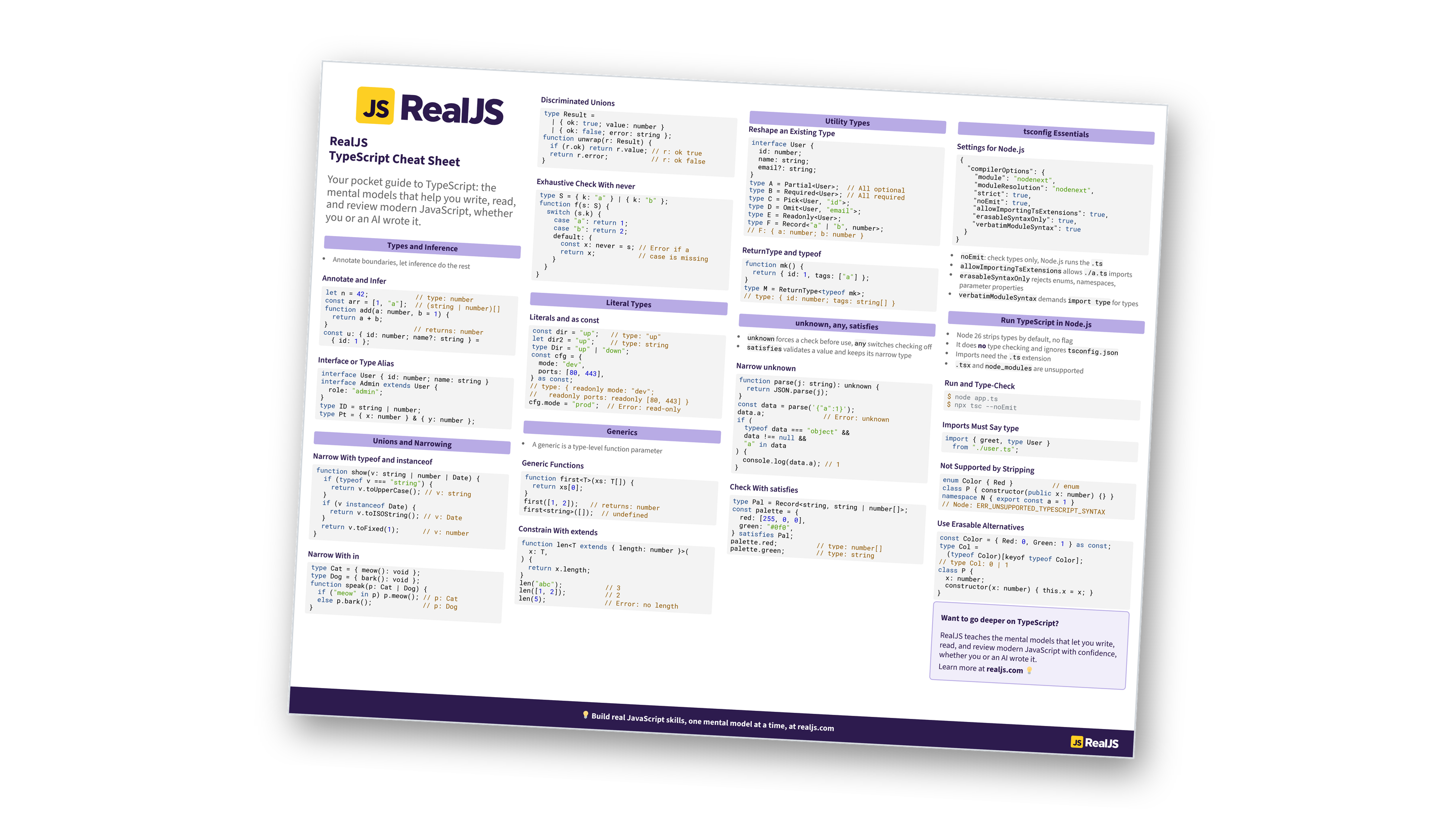
Free Bonus: Download the TypeScript Cheat Sheet PDF and keep the essentials at hand.
Types pay off most in larger codebases and on teams. Learn how to configure tsconfig.json, add TypeScript to an existing JavaScript project step by step, type third-party libraries, and use narrowing and utility types to model real-world data. Your editor gets better autocomplete and safer refactoring along the way.
TypeScript is JavaScript with optional static types. Every JavaScript program is also valid TypeScript, and TypeScript compiles back to plain JavaScript to run. The difference is that TypeScript checks your types before the code runs, catching many bugs early.
Yes. TypeScript builds on JavaScript, so you’ll need to know the core language first: variables, functions, objects, arrays, and modules. Once that’s comfortable, adding types is a small step that makes your existing knowledge more powerful.
Both describe the shape of data. An interface describes object shapes and can be extended or merged, while a type alias can also name unions, tuples, and other combinations. For plain object shapes, either works, so pick one style and use it consistently.
Install TypeScript with npm install --save-dev typescript, create a tsconfig.json, and enable allowJs so your JavaScript files keep working. Then rename files from .js to .ts one at a time and fix the errors the compiler reports.
No. TypeScript’s types are removed when the code is compiled, so the JavaScript that runs is just as fast as hand-written JavaScript. The type checking happens only at build time and in your editor.