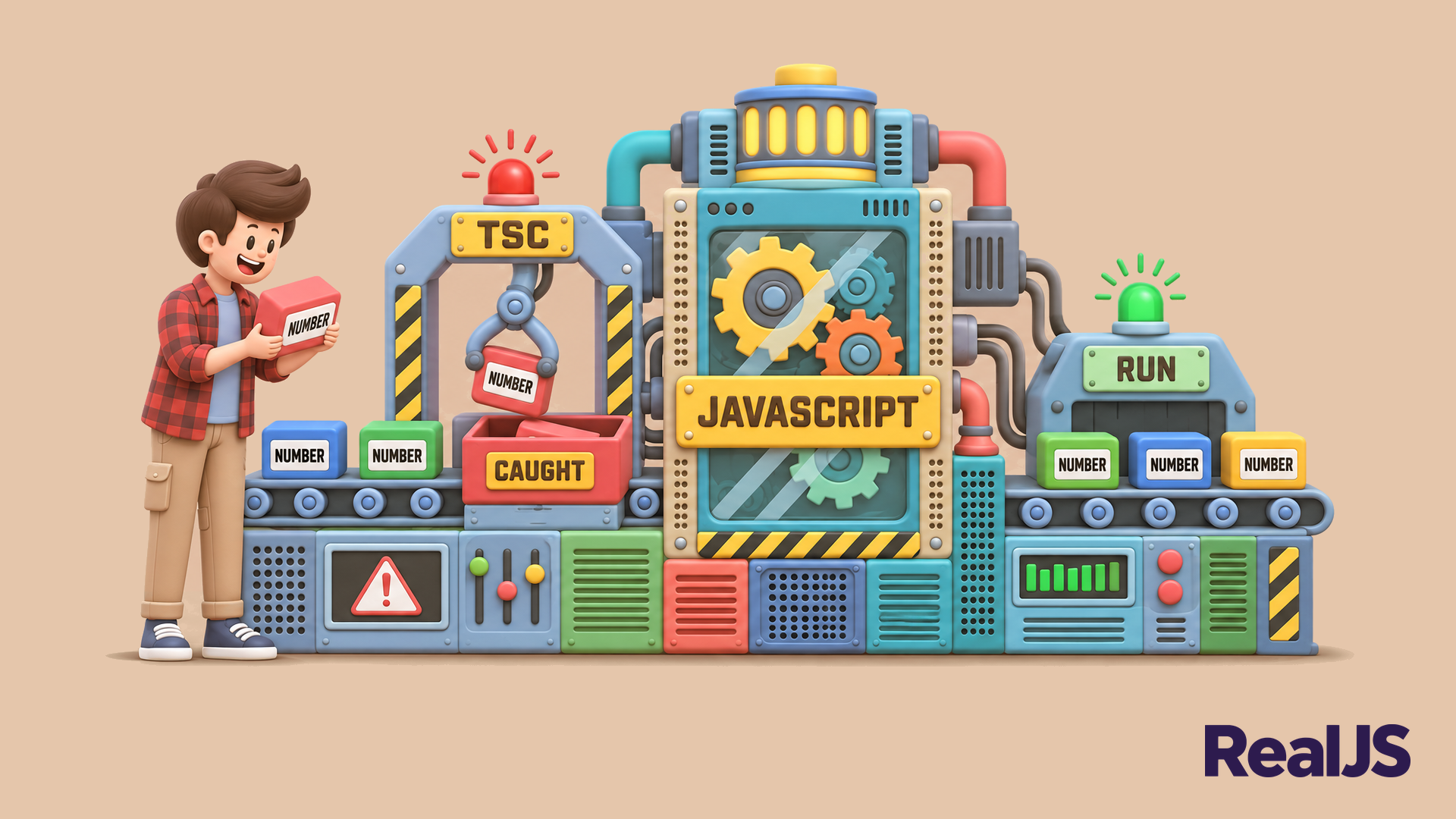
TypeScript is JavaScript with labels that mark what kind of value goes where. A checker reads those labels and catches mistakes before your code runs. If you’re a beginner deciding between JavaScript and TypeScript, start with JavaScript. Labels are one more thing to learn, and a small script has few places for a mistake to hide.
Every TypeScript file turns back into plain JavaScript before it runs, so what you learn first carries over. Node.js, the program that runs JavaScript outside a browser, now does that step for you: version 26 runs a TypeScript file directly, with no extra tools.
But Node.js drops the labels without reading them, so a file that TypeScript’s checker rejects still runs and prints NaN, JavaScript’s “not a number” value.
Here’s how to choose between the two, based on what you’re building:
- JavaScript if you’re learning your first language or writing small scripts and pages
- TypeScript if your code keeps growing or other people work on it with you
- JavaScript with checks if you want TypeScript’s checker without switching languages, by adding a
// @ts-checkline and writing your labels in comments
Free Bonus: TypeScript Cheat Sheet
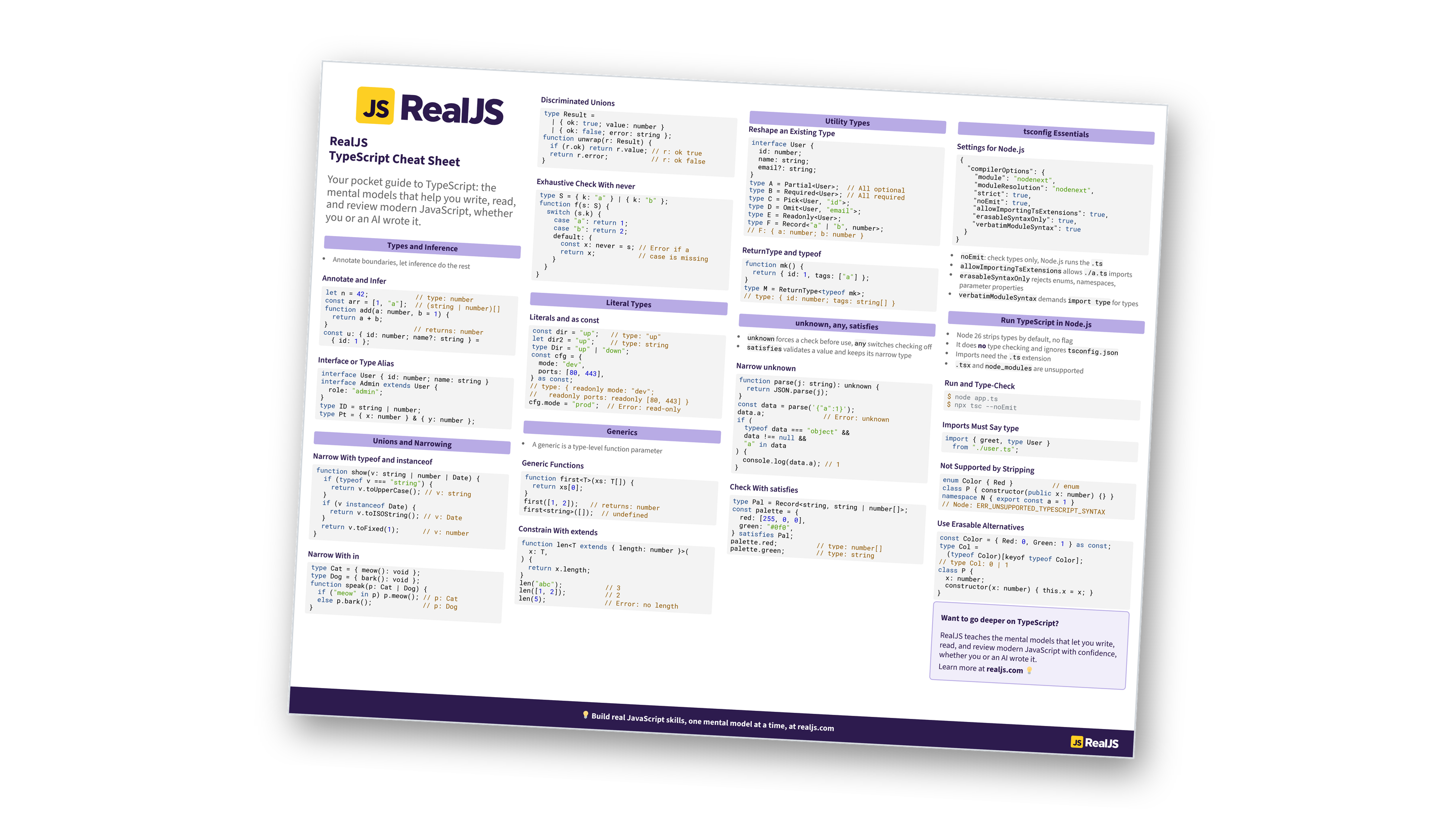
Types, unions, narrowing, generics, and what Node.js type stripping won't run, in one printable reference.
Get the Free Cheat Sheet »What Does TypeScript Add to JavaScript?
Every value in a program has a type, such as a number or a piece of text, which programmers call a string. TypeScript adds labels that say which type each value should have. They work like labels on storage boxes. One box says “numbers only,” and another says “text only.”
TypeScript’s checker, a program called tsc, reads every label in your file before the code runs. It works like a spell-check. It points out mistakes before you send anything, while you can still fix them.
Plain JavaScript has no labels, so by default nothing checks the values before the code runs.
This small program works out the price of an order. A function called total() multiplies a price by a quantity, and console.log prints each result. The program also has two common mistakes:
total.js
function total(price, quantity) {
  return price * quantity;
}

console.log(total(4, 3));
console.log(total("4", "three"));

const item = { name: "pen", price: 4 };
console.log(item.prise);
Run it with Node.js 26.13.0, and the program prints three lines:
$ node total.js
12
NaN
undefined
The first line, 12, is right. The second call passes text, "4" and "three". The * sign needs numbers here, so JavaScript tries to turn both into numbers first. The word "three" isn’t written in digits, so JavaScript gives up and returns NaN.
The last line asks for prise instead of price. JavaScript doesn’t stop at the typo. It hands back undefined, its value for “nothing here.”
Neither mistake stops the program, so it finishes as if nothing went wrong. A shop page built this way would show a total of NaN, and nothing would warn the person who built it.
Here’s the same program in TypeScript. Apart from the new filename, total.ts, the only change is the : number labels. The two inside the parentheses say both inputs must be numbers, and the one after them says total() gives back a number:
total.ts
function total(price: number, quantity: number): number {
  return price * quantity;
}

console.log(total(4, 3));
console.log(total("4", "three"));

const item = { name: "pen", price: 4 };
console.log(item.prise);
First, install TypeScript with the single command shown in What Does TypeScript Cost You?. The examples here use version 7.0.2. The npx command runs any tool you’ve installed with npm, and the command below uses it to run tsc. The --noEmit option tells tsc to check the file and stop there, without writing any new files:
$ npx tsc --noEmit total.ts
total.ts(6,19): error TS2345: Argument of type 'string' is not assignable to
parameter of type 'number'.
total.ts(9,18): error TS2551: Property 'prise' does not exist on type
'{ name: string; price: number; }'. Did you mean 'price'?
Each error prints as one long line, wrapped here to fit the page. It names the file, then the line and the column in parentheses. Line 6 is the call with text in it, and line 9 is the typo. For the typo, the checker suggests the fix: Did you mean 'price'?
The program doesn’t run because tsc only reads the code. You find out about the mistakes while you’re still writing, before a customer ever sees NaN.
Code editors that use TypeScript read the same labels while you type, so yours can underline prise before you ever save the file. The TypeScript handbook lists other editor features, such as autocomplete, which suggests names. Another feature is renaming, which changes a name everywhere it’s used in one go.
TypeScript checks nothing once your program starts. The labels are there for the checker and your editor, and they’re removed before the code runs.
Can You Run TypeScript Without a Build Step?
A build step is an extra command you run before your program starts. For TypeScript, it turns each .ts file into a plain .js file. Browsers need that step because they run only JavaScript. A proposal to let the language accept type labels is still an early idea.
Outside the browser, Node.js 26 skips the build step. Run the same total.ts file from the previous section, and Node.js runs it like any other program:
$ node total.ts
12
NaN
undefined
There’s no error and no warning. The three lines match the plain JavaScript version exactly, NaN and undefined included.
Node.js removes the type labels before it runs the code, and it never reads them. This is called type stripping. It works like sending an email without running the spell-check. The spell-check is there, but nothing makes you use it before you click send.
Type stripping has been on by default since Node.js 23.6, and the Node.js 26 documentation lists it as stable.
The checker reads only your code, before anything runs, so it never sees values that arrive later, such as what someone types into a form. Your code has to check those values itself.
Type stripping only deletes labels, so Node.js rejects TypeScript features that would need new code written in their place. One of them is enum, which gives names to a fixed set of values, such as the shirt sizes small, medium, and large. A file with an enum in it stops with the error TypeScript enum is not supported in strip-only mode.
Node.js also ignores tsconfig.json, the file where a project keeps its TypeScript settings, so a bigger project may need a few changes before Node.js can run its .ts files directly. Deno and Bun, two other programs that run JavaScript outside the browser, run .ts files directly too.
What Does TypeScript Cost You?
An install. The checker doesn’t come with Node.js or with browsers, so you add it to each project. The tool that installs it is npm, which comes with Node.js and adds packages of code to your project. One command does it:
$ npm install --save-dev [email protected]
The @7.0.2 part asks for the exact version the examples use. The --save-dev option records TypeScript as a tool you need while you write the code. Your program doesn’t need it to run.
A second command. With plain JavaScript, you run the file and see what happens. With TypeScript, you run tsc or watch your editor first, and then you run the file. A web page also needs the build step that turns .ts files into .js files for the browser.
Labels to learn. number and string read like plain words, but labels can also describe lists, objects, and functions, and reading those takes practice. The TypeScript cheat sheet collects the common ones on one page.
A stricter checker. Since TypeScript 6.0, released in March 2026, a setting called strict is on from the start, so tsc asks for a label on any function input whose type it can’t work out. TypeScript 7.0, from July 2026, keeps that setting and runs the check faster.
Plain JavaScript has strengths of its own. It runs in every browser and in Node.js with nothing to install. A change shows up as soon as you reload the page or run the file again.
Some people list async and await as TypeScript extras. These two words let a program wait for slow work, such as loading data, without freezing. They’re part of JavaScript itself, which has had async functions since 2017.
Can You Get Type Checks in Plain JavaScript?
Yes. You can keep writing .js files and still use TypeScript’s checker. The labels go inside comments, notes to yourself that JavaScript ignores when it runs. The checker reads comments written in a format called JSDoc, where each line that starts with @ describes one part of a function.
Here’s total() again as a .js file. The // @ts-check line at the top turns the checker on for this file, and the comment that starts with /** holds the labels:
checked.js
// @ts-check

/**
 * @param {number} price
 * @param {number} quantity
 * @returns {number}
 */
function total(price, quantity) {
  return price * quantity;
}

console.log(total("4", "three"));
The two @param lines say that price and quantity should be numbers. The @returns line says that total() gives back a number. The last line makes the same mistake as before, passing text.
To check the file from the command line, you run tsc with two extra options. The --allowJs option lets it read .js files, and --checkJs tells it to check them:
$ npx tsc --allowJs --checkJs --noEmit checked.js
checked.js(12,19): error TS2345: Argument of type 'string' is not assignable
to parameter of type 'number'.
The wrapped error is the same complaint the checker made about total.ts, now about line 12 of a .js file. Editors that use TypeScript show it too, as you type, once the file starts with // @ts-check.
The comments change nothing about how the file runs. It’s still plain JavaScript, so Node.js runs it, mistake and all:
$ node checked.js
NaN
You don’t rename any files or change how they run, and you can add the check to one file at a time. Labels inside comments take more typing than TypeScript’s : number, though.
JavaScript vs TypeScript: Which Should You Pick?
Plenty of developers have learned TypeScript. GitHub’s Octoverse report, published in October 2026, ranks it first among programming languages by monthly contributors: people who add code to a project on GitHub, review it, report problems, or comment in a given month. Each one counts toward the project’s main language. Python ranks second, and JavaScript third.
In the State of JavaScript 2025 survey, 10,934 developers said how they split their time between JavaScript and TypeScript, and about 40 percent wrote only TypeScript. Half the people who answered this survey had ten or more years of experience, so the 40 percent figure says more about seasoned developers than new ones.
What to pick depends on what you’re writing and who writes it with you.
You’re Writing Your First Program
Pick JavaScript. You’re already learning how values and functions behave, and labels would add a second set of rules at the same time. Your browser and Node.js run a .js file with nothing to install. When something goes wrong, like the NaN in the first example, you learn why from what the code printed.
You’re Making a Small Page
Pick JavaScript. A small page has only a few functions, so you can keep all of them in your head. If values like NaN or undefined start showing up, add // @ts-check and a few comment labels to the file that causes trouble. The page runs exactly as before.
You’re Working on a Larger Project or With a Team
Pick TypeScript. Once a project has dozens of files, nobody remembers what every function expects. The labels write those expectations down, where the checker can test them. When a friend calls total() with text, tsc flags the call as soon as you check, so nobody has to hunt for the bug later.
You Already Have JavaScript Code
Start with JSDoc checks and then move to TypeScript. Add // @ts-check file by file, and fix what the checker reports. Your files keep running the whole way because they’re still plain JavaScript. When most of them pass, renaming them to .ts and moving the labels out of the comments is a small step.
The Bottom Line
The prise typo gave undefined in plain JavaScript and again when Node.js 26 ran the .ts version. Only the checker caught it, before the code ran, and it even suggested price.
If this is your first language, write plain JavaScript and let mistakes like that one teach you how values behave. When they start costing you time, a // @ts-check line gets you the checker without leaving JavaScript. Switch to .ts files once the project outgrows your memory or a friend joins in.
RealJS is a new site for learning JavaScript, and its first tutorials are on the way. To find out why learning JavaScript still pays off when AI writes some of your code, and to join the waitlist, check out Welcome to RealJS.
Frequently Asked Questions
These are the questions people ask most often about JavaScript and TypeScript, with short answers:
Start with JavaScript. Type labels are extra syntax to learn while the basics are still new. Nothing is wasted when you switch, since TypeScript becomes JavaScript before it runs.
It adds type labels, such as number, that say what kind of value a variable or a function input should hold. The tsc checker compares your code with those labels and reports mismatches, and editors use them to underline mistakes as you type.
Yes. Node.js 26 strips the labels off and runs what’s left, with nothing extra to install. Because it never reads the labels, a file with type errors still runs.
No. Node.js runs the file without looking at the labels. To see type errors, run tsc or use an editor that understands TypeScript.
Yes. Start a .js file with // @ts-check and put the labels in JSDoc comments. The file still runs as plain JavaScript, and you can convert a project gradually.