Practice JavaScript by writing real code
JavaScript practice problems built into your courses, right after the lessons they practice
You learn to write code by writing it. RealJS coding exercises give you a small, focused task, an editor in your browser, and automated tests that tell you exactly what works and what doesn't. Working out what works and what doesn't is also how you check code that an AI wrote for you.
Read and build a library book card
This is a real exercise from the Records With Objects course. Read the task, write your function in the editor, and click Run Tests.
Anyone can read the task and write code in the editor. Running the tests is part of a RealJS membership, so you can write your solution now and join to check it.
Practice right after you learn it
Exercises sit inside RealJS courses, directly after the lessons they practice. Learn a concept, then prove to yourself that you can use it.
Small and focused
Each exercise targets one skill from the lessons you just finished, without the noise of a big project.
Nothing to install
Write and run JavaScript right on the page, without any setup or copying code into a terminal.
Picks up where you left off
Your latest code and test results are saved, and finished exercises are marked as completed in your course.
Know exactly what's working
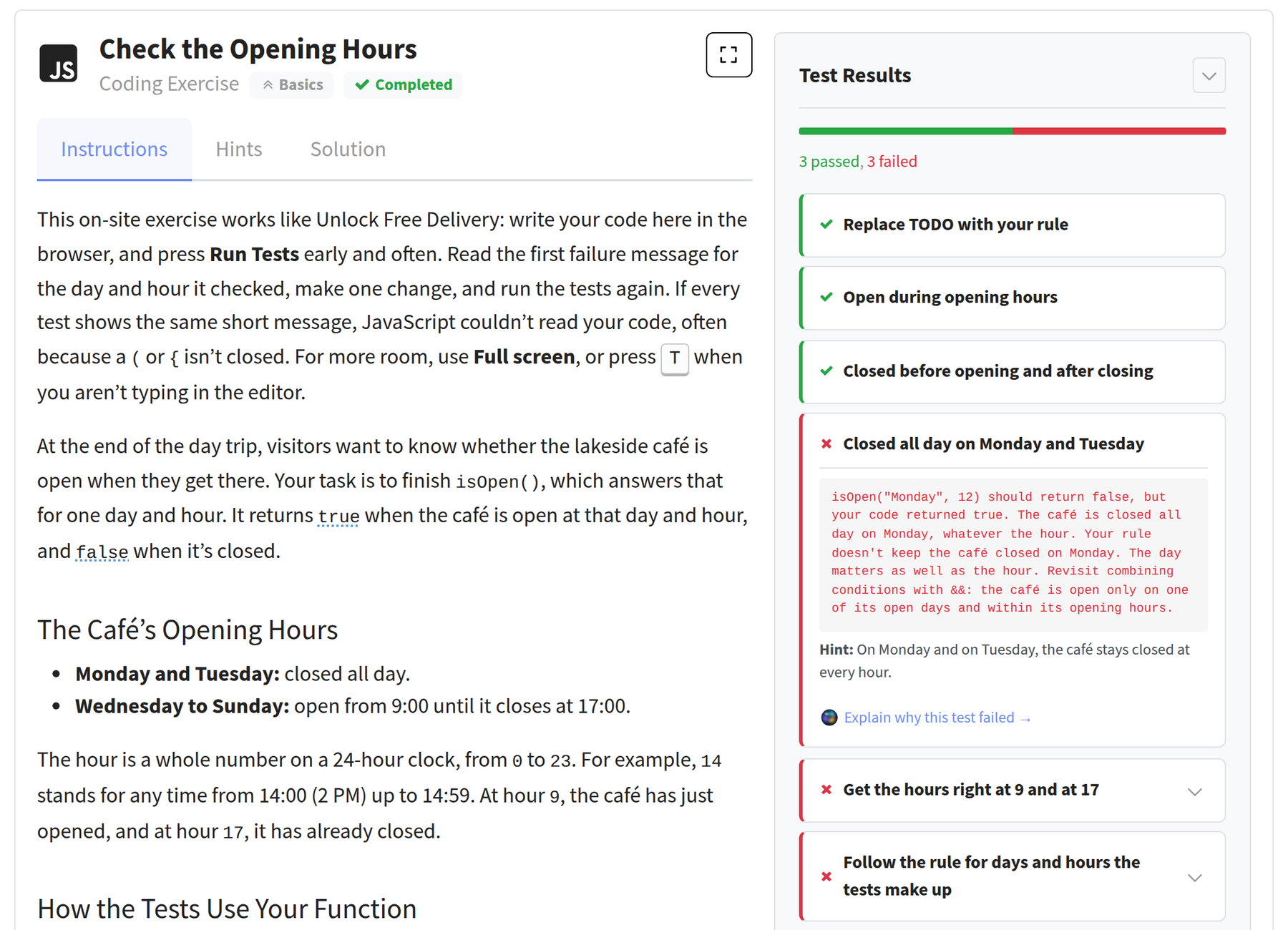
Every exercise comes with a set of automated tests. Run them as often as you like, and you'll see which checks pass and which don't.
- A failing test shows what it checked, what your code returned, and what went wrong.
- Many tests add a hint that points at the likely mistake.
- Click Explain why this test failed to talk it through with Mentor AI.
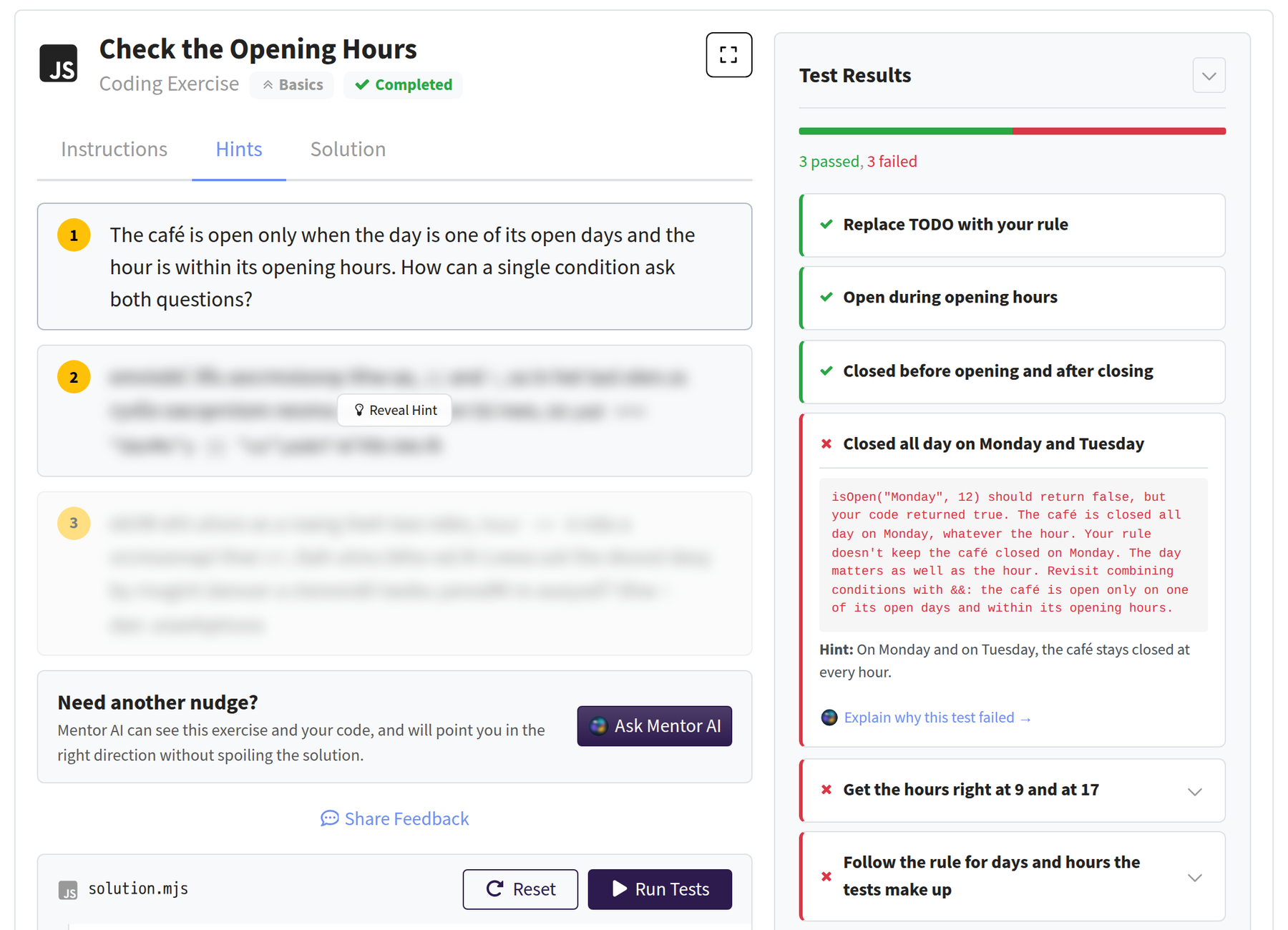
Hints when you need them, one at a time
Stuck? Open the Hints tab and reveal just enough to get moving again. Each hint nudges you a little further without giving the whole answer away, so you still get to solve it yourself.
Mentor AI can also see the exercise and your code, and it points you in the right direction without spoiling the solution.
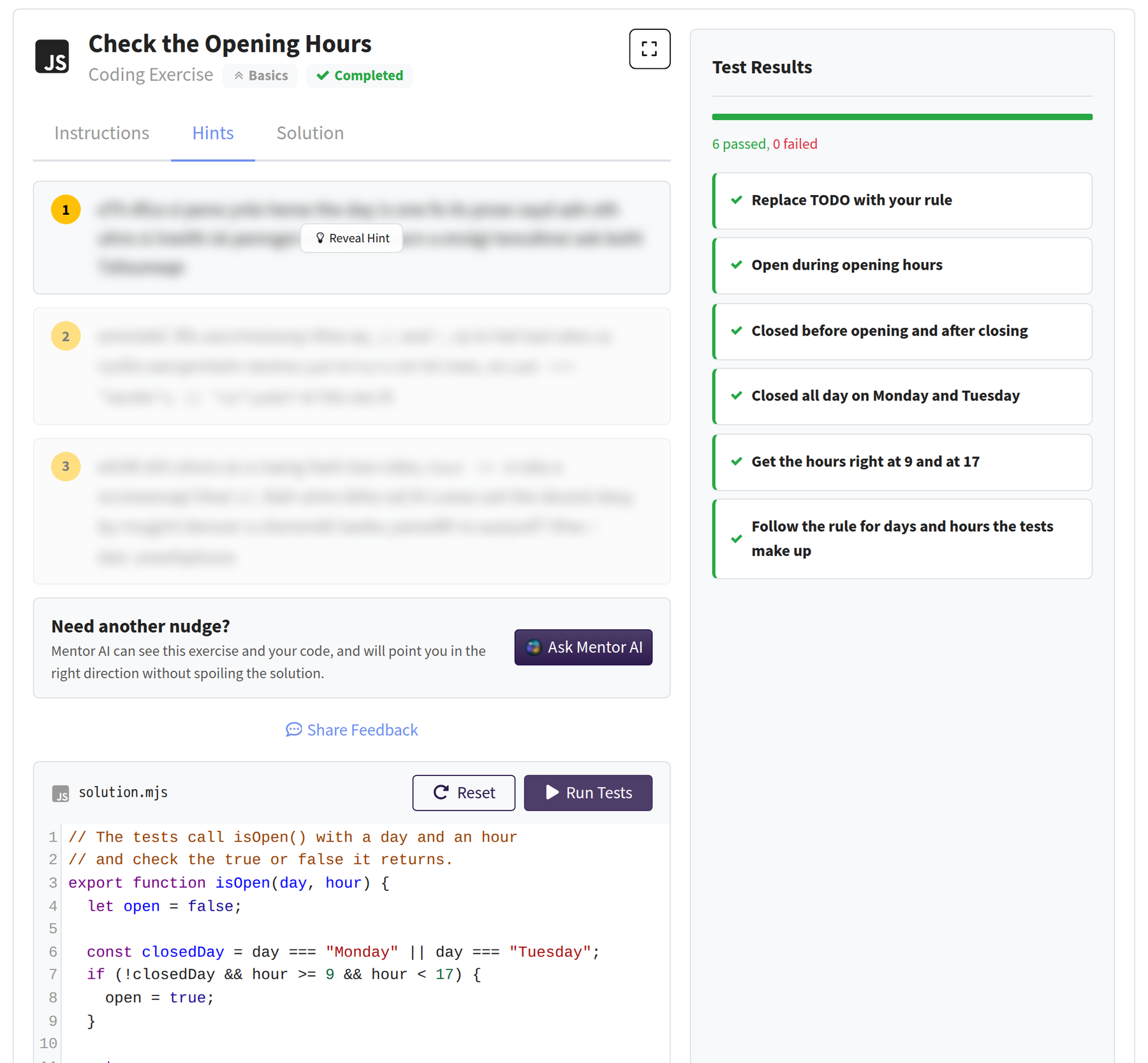
Watch every test turn green
When every check passes, you've used what you just learned in code you wrote yourself.
Finished exercises are marked as completed, so you can see your progress through the course.
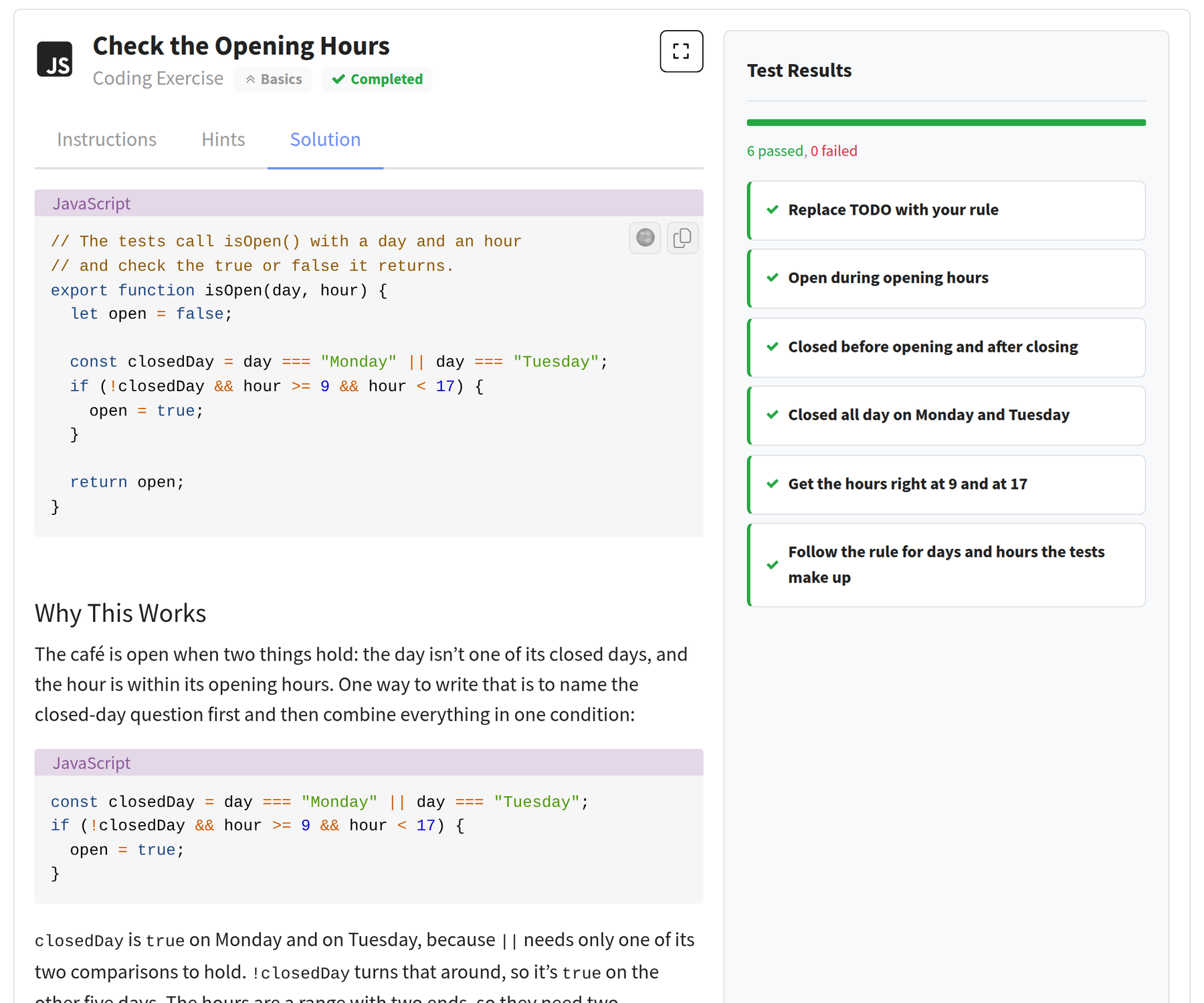
Compare your code with ours
When you're ready, reveal the reference solution. Its Why This Works notes explain the approach step by step.
Comparing a second way to solve the same problem helps you learn to judge the trade-offs between approaches.
Questions and answers
Exercises live inside RealJS courses, each one right after the lessons it practices. Follow a learning path, and you’ll meet them as you go.
Yes. Each exercise only practices what the lessons right before it covered. If you start on a beginner path like JavaScript Basics, the first exercises don’t assume anything beyond those first lessons.
A coding exercise has you write working JavaScript and checks it with tests. A JavaScript quiz checks what you remember with short questions and explains every answer. Most courses use both.
No. You write and run your code right on the exercise page, and the tests check it for you.
Yes. A RealJS membership includes every coding exercise, along with the courses and learning paths they belong to. Without a membership, you can still read each task and write code in the editor.
Failing tests explain what went wrong, and many include a hint. The Hints tab adds step-by-step nudges, Mentor AI can look at your code with you, and the reference solution is always one click away.
Yes. Change your code and run the tests again as many times as you need. The Reset button restores the starter code if you want a clean slate.
Yes. When you come back to an exercise, your latest code and test results are still there, and exercises you’ve passed show up as completed.
Start writing your own JavaScript
Get your free learning plan to find the learning path and courses that fit where you're starting.
