JavaScript tutorials that explain how it really works
Free, in-depth articles on one topic at a time
Not every question needs a whole course. RealJS tutorials take one topic, explain why JavaScript behaves the way it does, show you where it surprises people, and link to the reference terms, courses, and learning paths that go deeper.
Which array methods change the original?
This interactive diagram comes from the Array entry in the JavaScript reference, which tutorials link to whenever a term comes up. Pick an operation and switch between the in-place method and its copying counterpart to see what each returns and what happens to the original array.
Tools that help you while you read
RealJS tutorials come with learning tools built right into the page:
- Rest your pointer on a highlighted JavaScript term to see a quick definition.
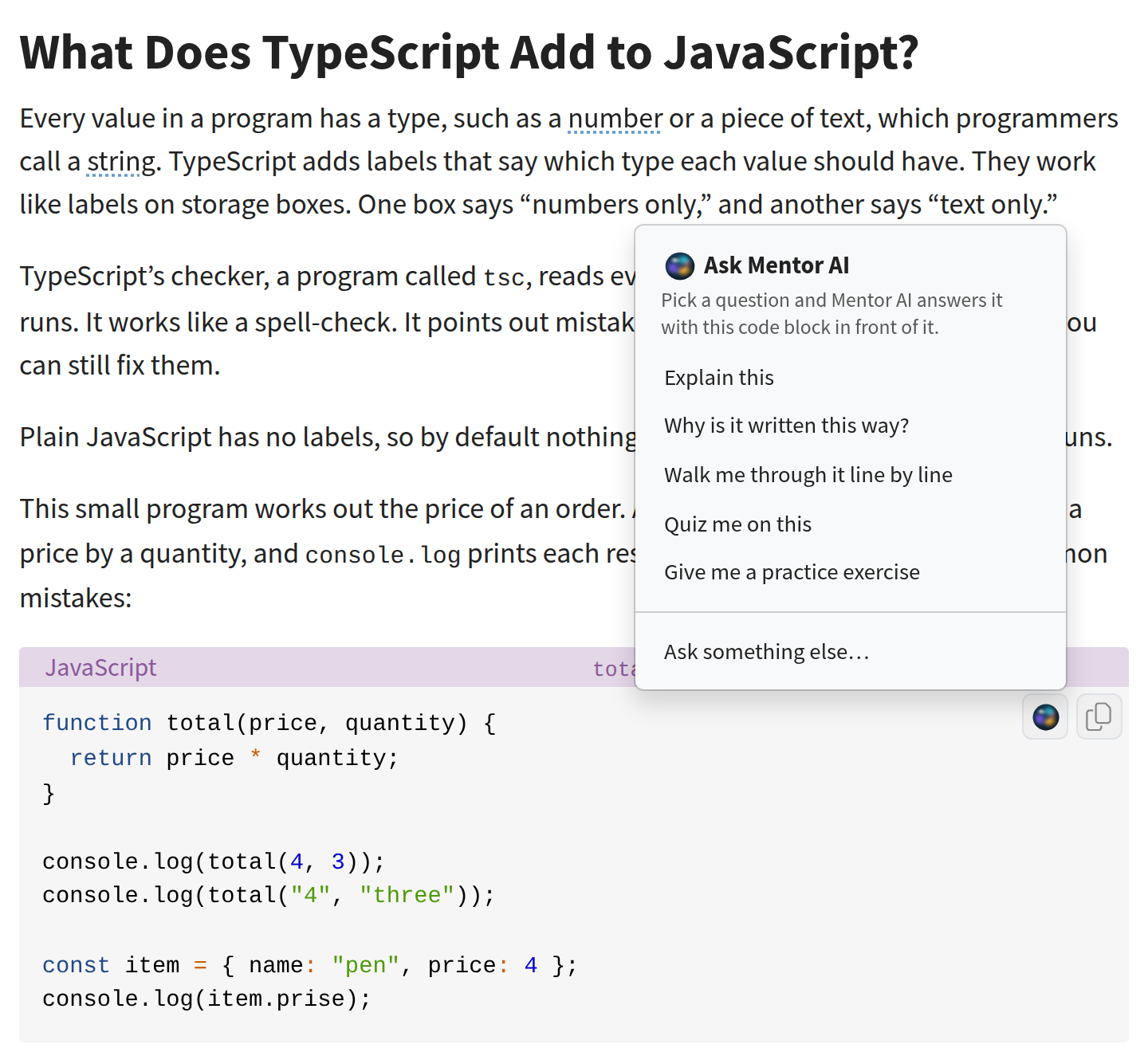
- Ask Mentor AI about any code block to get an explanation, a walkthrough, or a practice exercise.
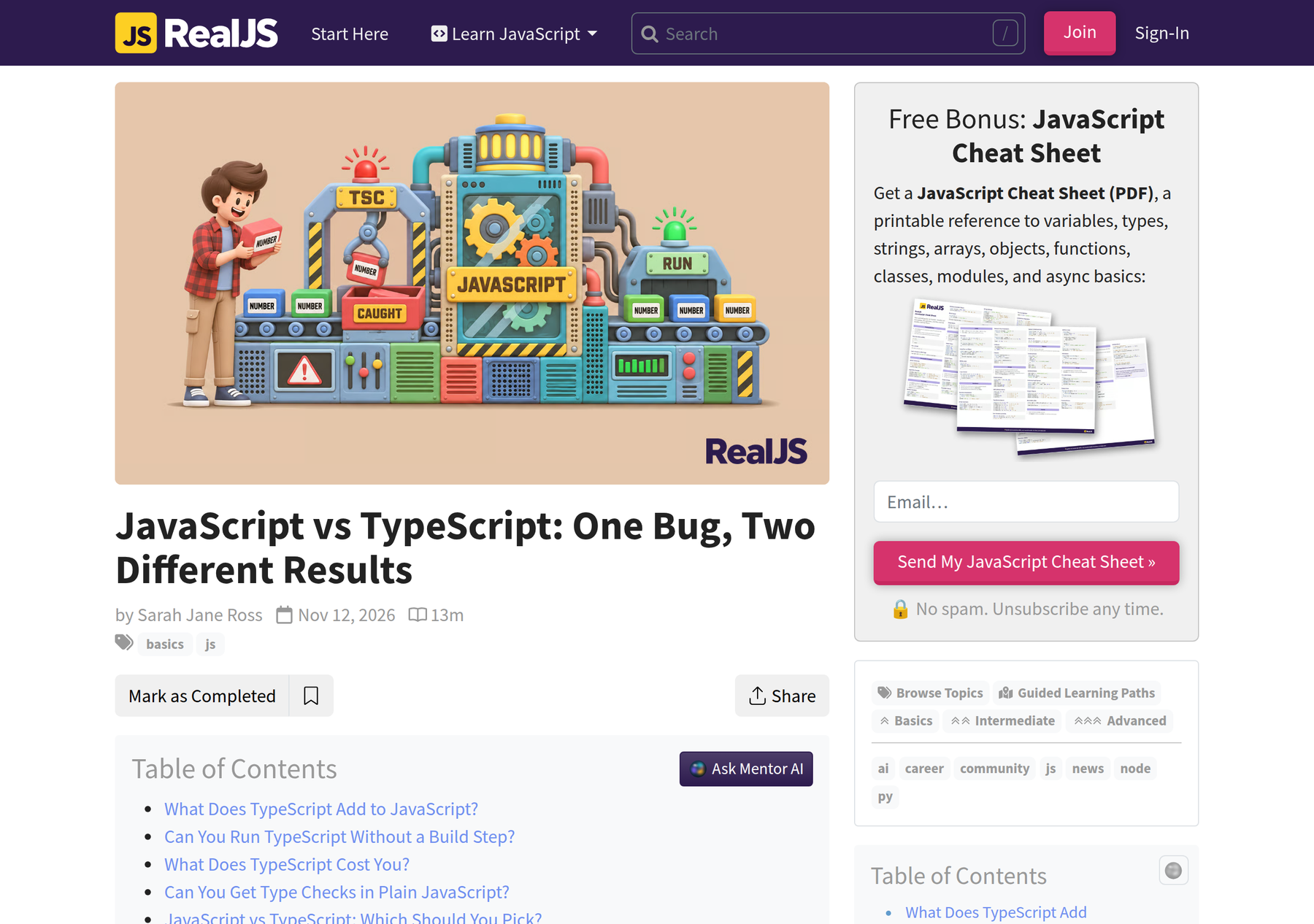
- Follow along in the table of contents, which highlights the section you're reading.
- Mark the tutorial as completed, or bookmark it for later.
Everything you need to go from reading to doing
Code you can run
Realistic examples you can copy with one click and run yourself.
Terms explained in place
JavaScript terms link to the JavaScript reference, with short entries you can preview without leaving the page.
Easy to navigate
A table of contents shows the whole tutorial and highlights the section you're reading.
A mentor for every code example
Stuck on a code block? Click Ask Mentor AI and pick a question, like Explain this, Walk me through it line by line, or Give me a practice exercise.
Mentor AI sees that exact code and knows which tutorial you're reading, so its answer is about the code you're looking at.
Written for the age of AI coding
AI can write a lot of JavaScript for you. RealJS tutorials build the mental models and judgment you need to read that code, check it, and decide what to change.
Every tutorial is held to a high bar for accuracy and clarity.
Start reading
Tutorial
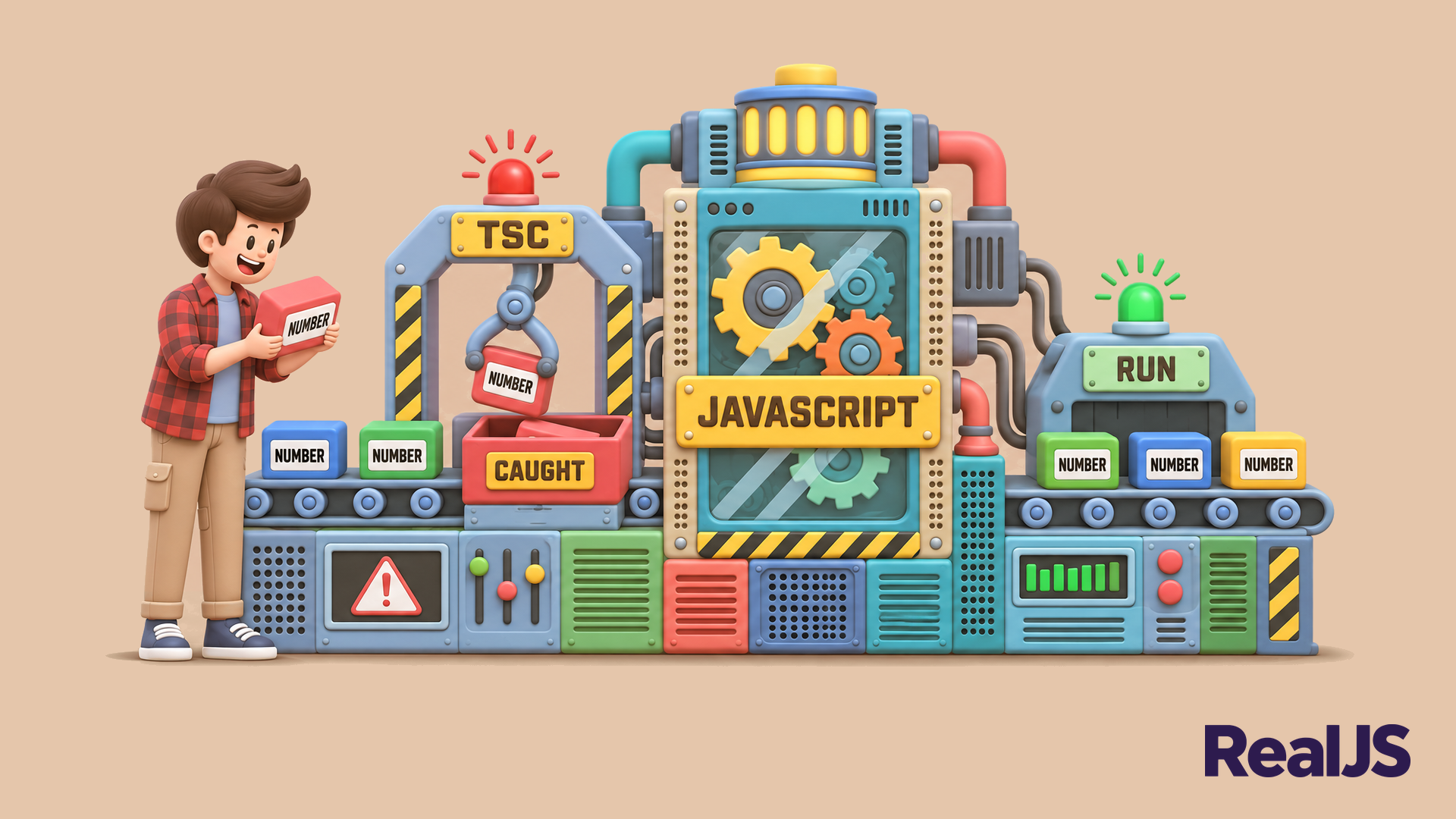
JavaScript vs TypeScript: One Bug, Two Different Results
JavaScript vs TypeScript: see what type labels add, what they cost, and which to pick, with one bug in both and Node 26 running .ts files directly.
Tutorial
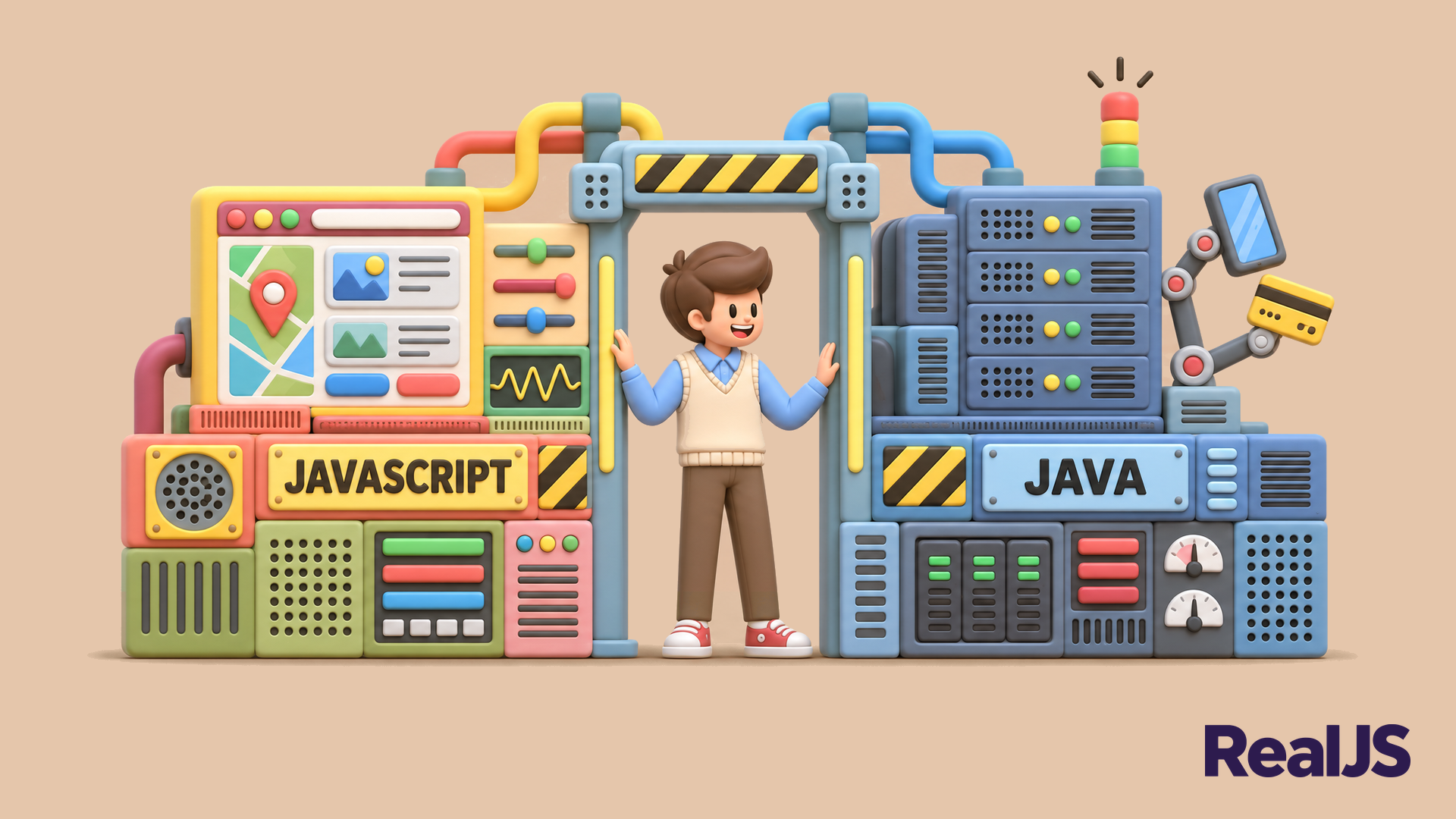
Java vs JavaScript: The Real Difference and Where to Start
Java vs JavaScript: they share a name thanks to a 1995 marketing deal, not a shared design. Here's the story, the real difference, and which to learn first.
Tutorial
Welcome to RealJS: Why Learning JavaScript Still Matters When AI Writes the Code
AI agents write more JavaScript every year, so is learning the language still worth it? Here's why we think it matters more than ever, and why we're building RealJS.
Questions and answers
Yes. Tutorials are free to read, and you don’t need to sign in. A RealJS membership adds courses, coding exercises, Mentor AI, and more.
A tutorial explains one topic in one sitting. A course is a planned sequence of videos, written lessons, exercises, and a quiz that takes you step by step toward a skill, as part of a learning path.
Browse or search all tutorials, follow a learning path, or tell Mentor AI what you want to learn and it’ll point you to where to start.
Yes. Click Mark as Completed when you finish a tutorial, and add a bookmark to save it for later. A free account is enough.
Find your next JavaScript tutorial
Answer a few quick questions, and your free learning plan suggests where to start.
