Array
The Array global object creates arrays, ordered lists of values stored under numeric indexes starting at zero, and its prototype holds the methods that every array can call. An array is an object, so typeof reports "object", and Array.isArray() is the reliable check:
> const scores = [88, 92, 75];
undefined

> scores.length
3
> Array.isArray(scores)
true
> typeof scores
'object'
Array has been part of ECMAScript since its first edition and is Baseline Widely available. Arrays grow and shrink as elements are added or removed, hold values of any type, and update .length automatically. Methods such as .map() and .filter() take a callback and return a new array.
Syntax
The Array constructor takes either a list of elements or a single length:
new Array([<element0>, <element1>, ...])
new Array(<arrayLength>)
| Parameter | Description |
|---|---|
element0, element1, … |
The values the new array holds, in order |
arrayLength |
When it’s the only argument and a number, the length of a new array of empty slots. It must be an integer from 0 to 2 ** 32 - 1, or the constructor throws a RangeError |
The new keyword is optional, so Array(3) and new Array(3) both return an array. Most code uses the literal form [1, 2, 3] instead, or Array.of() and Array.from(), which don’t treat one number as a length.
Key Static Methods and Properties
| Member | Kind | Description |
|---|---|---|
Array.isArray() |
Static method | Returns true if the value is an array |
Array.from() |
Static method | Creates an array from an iterable or array-like object, with an optional mapping function |
Array.fromAsync() |
Static method | Returns a promise for an array built from an async iterable, an iterable, or an array-like object (ES2026) |
Array.of() |
Static method | Creates an array from its arguments, even when there’s only one number |
Key Instance Methods and Properties
| Member | Kind | Description |
|---|---|---|
.length |
Instance property | Returns the number of slots, which is always greater than the highest index. Setting it shorter truncates the array |
.push(), .pop() |
Instance method | Add elements to or remove the last element from the end, in place |
.unshift(), .shift() |
Instance method | Add elements to or remove the first element from the start, in place |
.at() |
Instance method | Returns the element at an index, counting from the end for negative indexes (ES2022) |
.map(), .filter() |
Instance method | Return a new array of transformed elements or of the elements that pass a test |
.reduce() |
Instance method | Combines the elements into a single value with an accumulator callback |
.forEach() |
Instance method | Calls a function once for each element and returns undefined |
.find(), .findIndex() |
Instance method | Return the first element that passes a test, or its index |
.findLast(), .findLastIndex() |
Instance method | Search from the end and return the last matching element, or its index (ES2023) |
.includes(), .indexOf() |
Instance method | Check whether a value is present, or return its first index or -1 |
.some(), .every() |
Instance method | Check whether at least one element, or every element, passes a test |
.slice() |
Instance method | Returns a shallow copy of a section of the array |
.splice() |
Instance method | Removes, replaces, or inserts elements in place and returns the removed ones |
.concat() |
Instance method | Returns a new array that joins the array with other arrays or values |
.flat(), .flatMap() |
Instance method | Return a new array with nested arrays flattened, optionally after mapping |
.join() |
Instance method | Returns a string of the elements joined by a separator |
.sort(), .reverse() |
Instance method | Sort or reverse the array in place and return it |
.toSorted(), .toReversed(), .toSpliced(), .with() |
Instance method | Return a changed copy and leave the original array untouched (ES2023) |
Methods named to...() and .with() copy the array, while .sort(), .reverse(), .splice(), .push(), and their relatives change it in place.
Pick an operation and switch between the in-place method and its copying counterpart to see what each returns and what happens to tasks:
Examples
A checkout page lists the IDs of orders over fifty dollars and totals every order. Chaining .filter() and .map() builds the ID list, and .reduce() sums the totals:
> const orders = [
…   { id: 1, total: 40 },
…   { id: 2, total: 120 },
…   { id: 3, total: 75 },
… ];
undefined

> orders.filter((order) => order.total > 50).map((order) => order.id)
[ 2, 3 ]
> orders.reduce((sum, order) => sum + order.total, 0)
235
A build dashboard shows its task list in alphabetical order without reordering the stored list. The .toSorted() method returns a sorted copy:
> const tasks = ["deploy", "test", "build"];
undefined

> tasks.toSorted()
[ 'build', 'deploy', 'test' ]
> tasks
[ 'deploy', 'test', 'build' ]
A seating chart needs a row of numbered seats. Array.from() takes an object with a length and a mapping function that receives each index:
> Array.from({ length: 4 }, (_, index) => `Seat ${index + 1}`)
[ 'Seat 1', 'Seat 2', 'Seat 3', 'Seat 4' ]
A paginated API client yields one page of users at a time from an async generator. Array.fromAsync(), added in ES2026 and Baseline Widely available, awaits every page and collects them into one array:
> async function* fetchPages() {
…   yield ["ada", "grace"];
…   yield ["linus"];
… }
undefined

> (await Array.fromAsync(fetchPages())).flat()
[ 'ada', 'grace', 'linus' ]
Common Gotchas
Without a compare function, .sort() converts elements to strings and sorts them by UTF-16 code units, so 100 lands before 9:
> [10, 9, 100].sort()
[ 10, 100, 9 ]
> [10, 9, 100].sort((a, b) => a - b)
[ 9, 10, 100 ]
A single number passed to the constructor sets the length instead of becoming an element. The result holds empty slots, which .map() skips:
> Array(3)
[ <3 empty items> ]
> Array(3).map(() => 0)
[ <3 empty items> ]
> Array.of(3)
[ 3 ]
Array.from({ length: 3 }, () => 0) or Array(3).fill(0) creates an array of real values instead.
Related Resources
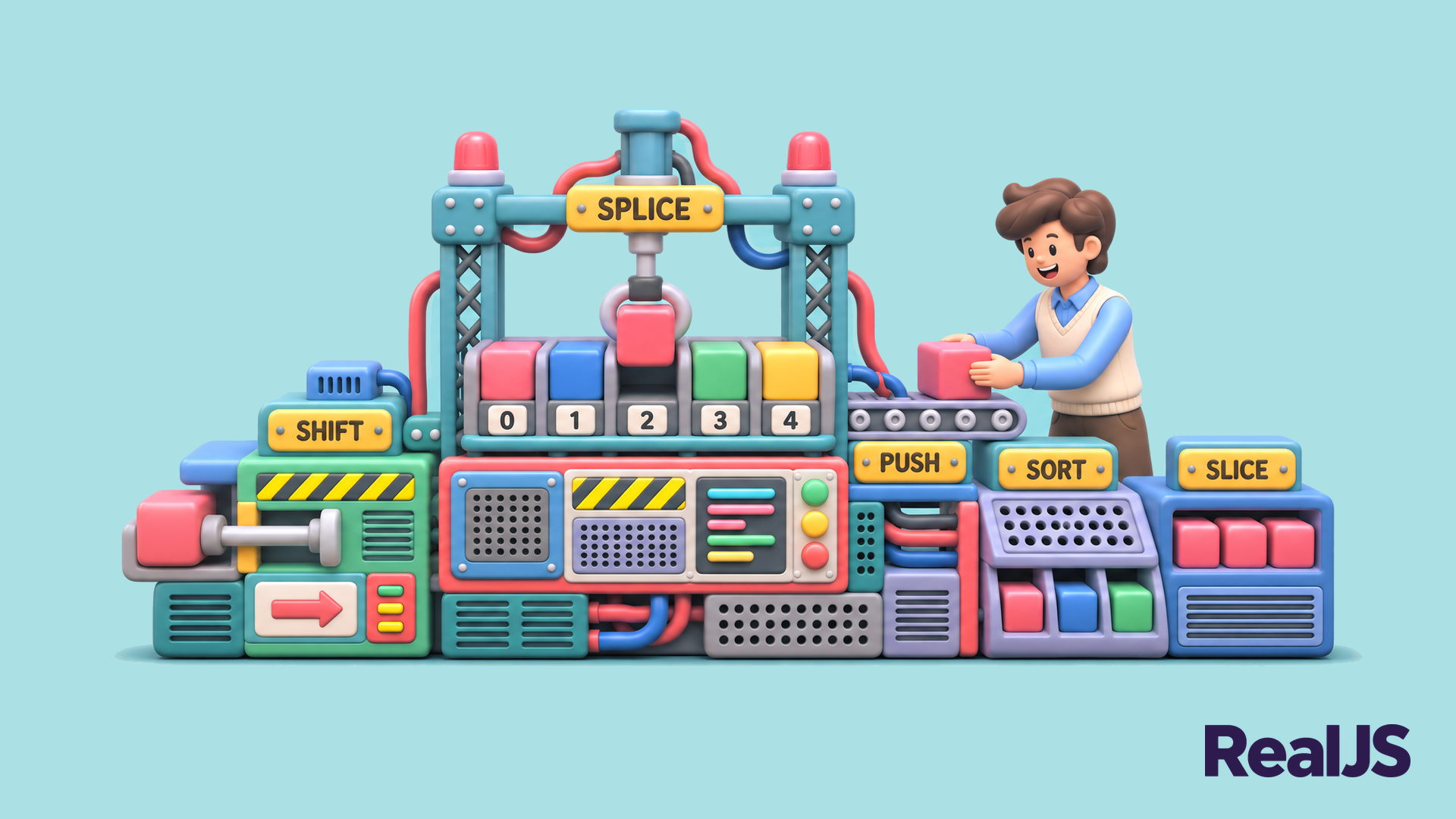
Course
JavaScript Arrays for Pythonistas
Port a support team's on-call rota script from Python to JavaScript, and learn how arrays replace Python's lists and tuples, from indexing and slicing to editing, searching, and sorting.
For additional information on related topics, take a look at the following resources:
- Copying, Freezing, and Sorting JavaScript Arrays for Pythonistas (Course)
- From Comprehensions to JavaScript Array Methods (Course)
- JavaScript Arrays for Pythonistas (Fast Track) (Course)
- Lists With Arrays (Course)
- From Comprehensions to JavaScript Array Methods (Fast Track) (Course)
- Copying, Freezing, and Sorting JavaScript Arrays for Pythonistas (Fast Track) (Course)
Have a question about this? Mentor AI can show you examples, compare related terms, and point you to tutorials.
Ask Mentor AI

By Leodanis Pozo Ramos • Updated Nov. 20, 2026
