JavaScript courses designed as learning experiences
Videos, written lessons, interactive widgets, Mentor AI, exercises, and quizzes, planned together from the start
Each RealJS course is built for its place on a learning path. The lessons build on each other, each exercise practices what the lessons before it covered, and the quiz at the end shows you what to revisit.
Learn by doing, from the first lesson
This widget comes from What a Program Does, the first lesson of Your First Programs. A literal-minded helper follows your instructions exactly. Move the steps with the arrows, choose how much milk to add, and add the missing wait, then click Run and see whether you get a proper cup of tea.
Every kind of lesson, right where you need it
Each course uses whichever format teaches an idea best.
Short videos
See an idea explained on screen, with subtitles and a full transcript.
Written lessons
Read at your own pace, with code you run on your own computer.
Interactive widgets
Change the inputs and watch what happens, right inside the lesson.
Mentor AI scenarios
Practice an idea in a conversation that knows which lesson you're on.
Coding exercises
Write code in the browser and let automated tests check it.
Quizzes
Check what stuck and get sent back to the lesson that covers what didn't.
Watch, then follow along
Video lessons come with subtitles in English and eight more languages, plus a full transcript you can read alongside.
Confused by something on screen? Click Ask Mentor AI about this moment in the player, and Mentor AI picks up right where the video is.
Practice with Mentor AI, right in the lesson
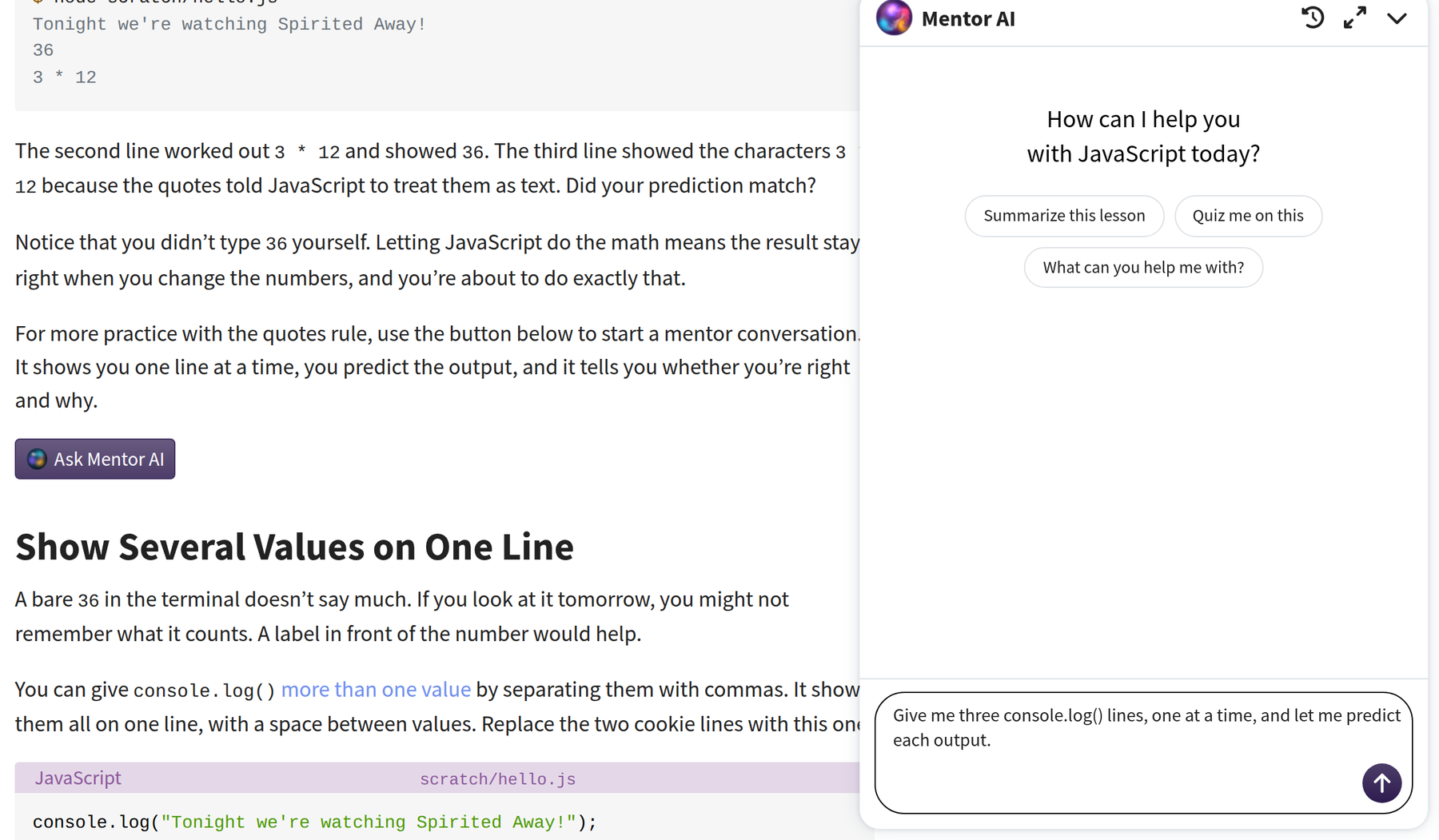
Lessons include Mentor AI scenarios at the moments where talking an idea through helps most. Press the button and Mentor AI opens with a question already typed in, like Give me three console.log() lines, and let me predict each output.
Mentor AI knows which lesson you're on. It coaches you toward the answer instead of handing it over, because you remember an answer better when you work it out yourself.
Write code between the lessons
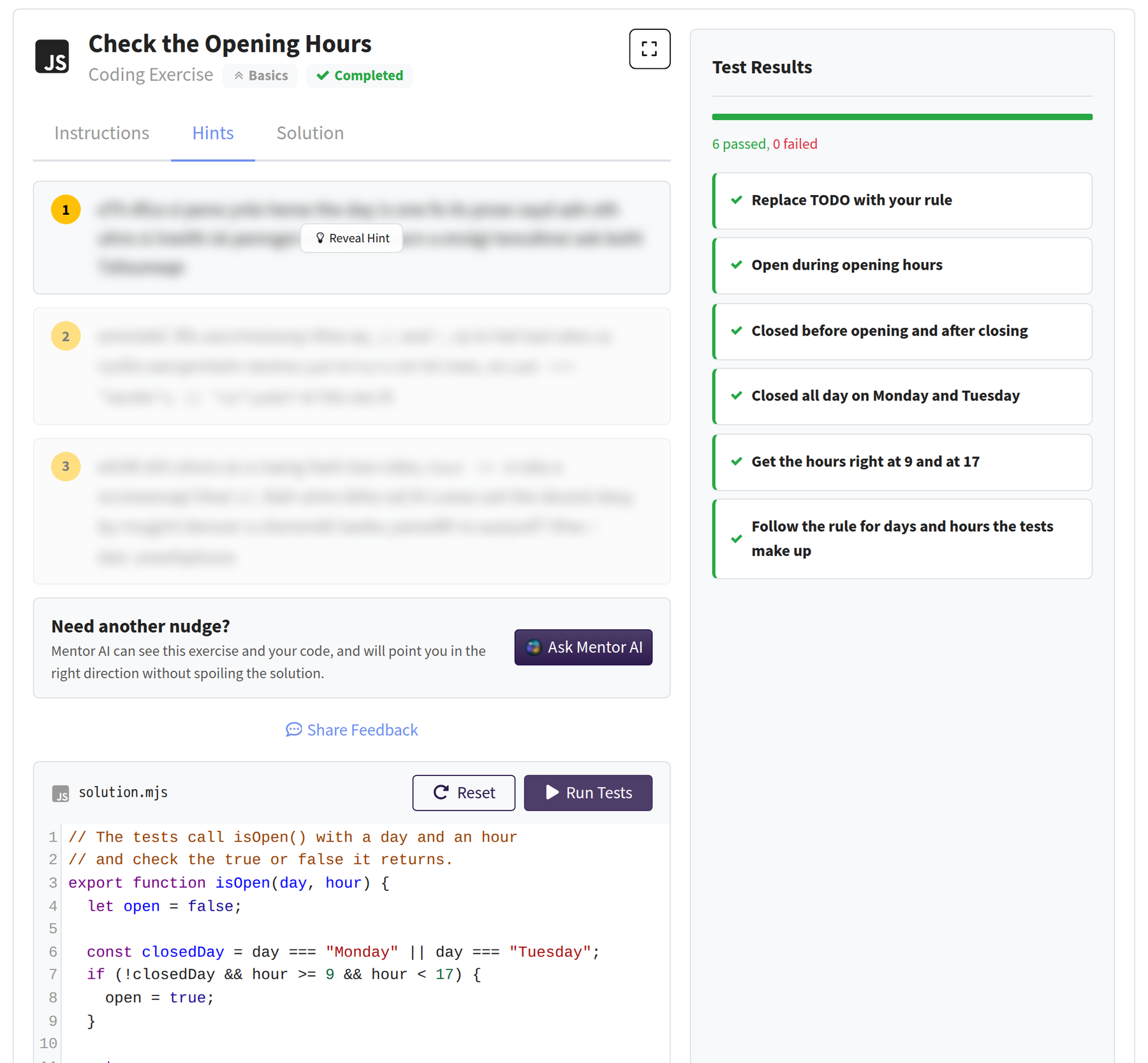
Coding exercises come right after the lessons they practice. Write your solution in the browser, run the tests, and fix one thing at a time until every check passes.
Find out what to revisit
Most courses end with a quiz. Each answer comes with an explanation and a link back to the lesson that covers it, so a wrong answer tells you exactly where to look again.
Track your progress and earn a certificate
Click Mark as Completed as you finish each lesson, and the progress bar in the course contents moves forward. Continue Learning takes you back to where you left off. When you finish every lesson in a course, you earn a shareable certificate of completion for your LinkedIn profile or portfolio.
Browse JavaScript courses by learning path
The courses on a path follow each other in order, so you always know which one to open next. See all learning paths »
Learning Path
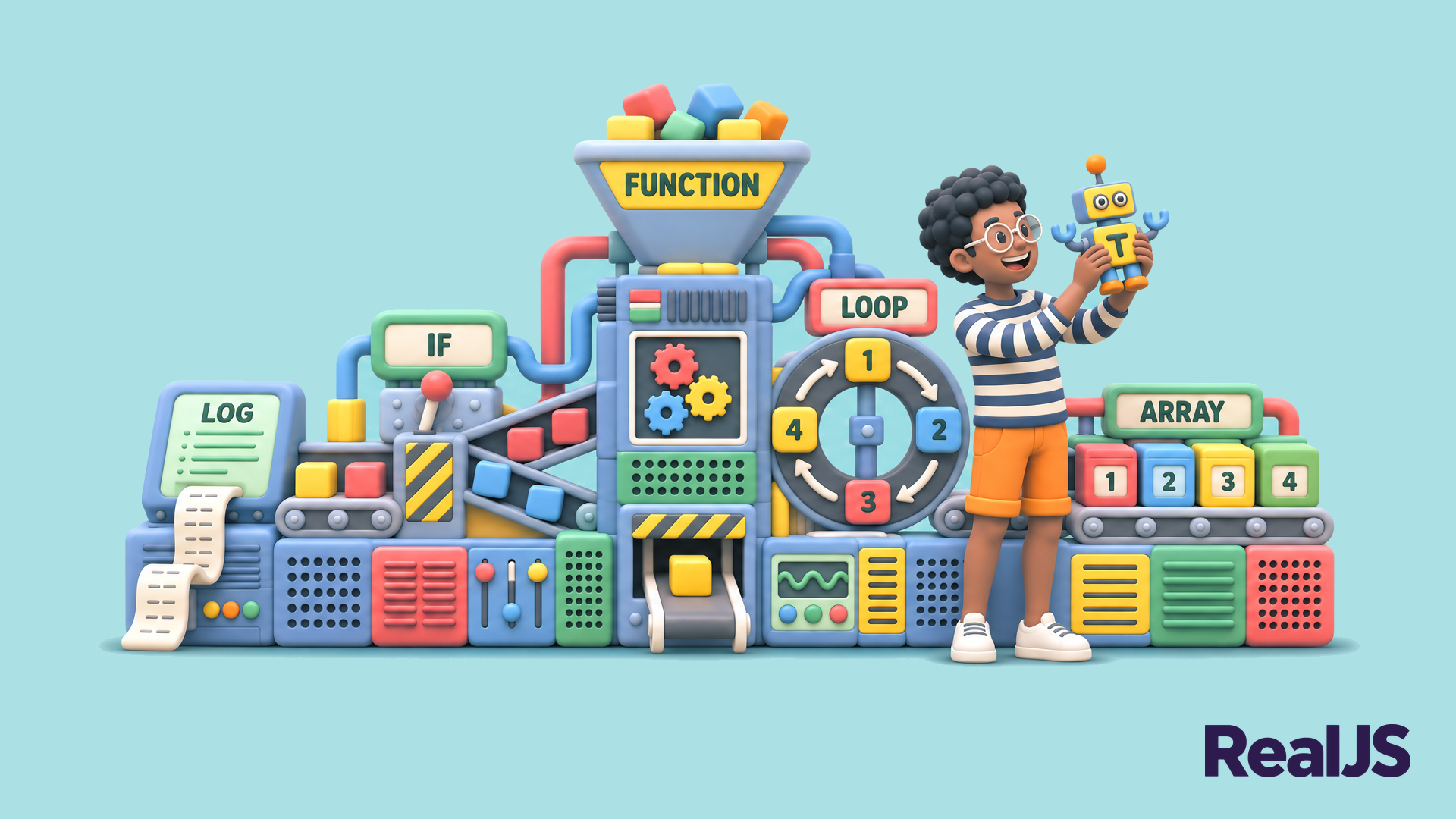
JavaScript Basics
9 Resources ⋅ Skills: Running Code With Node, Variables, Text, Comparisons, Conditionals, Functions, Loops, Arrays, Objects, Debugging
Learning Path
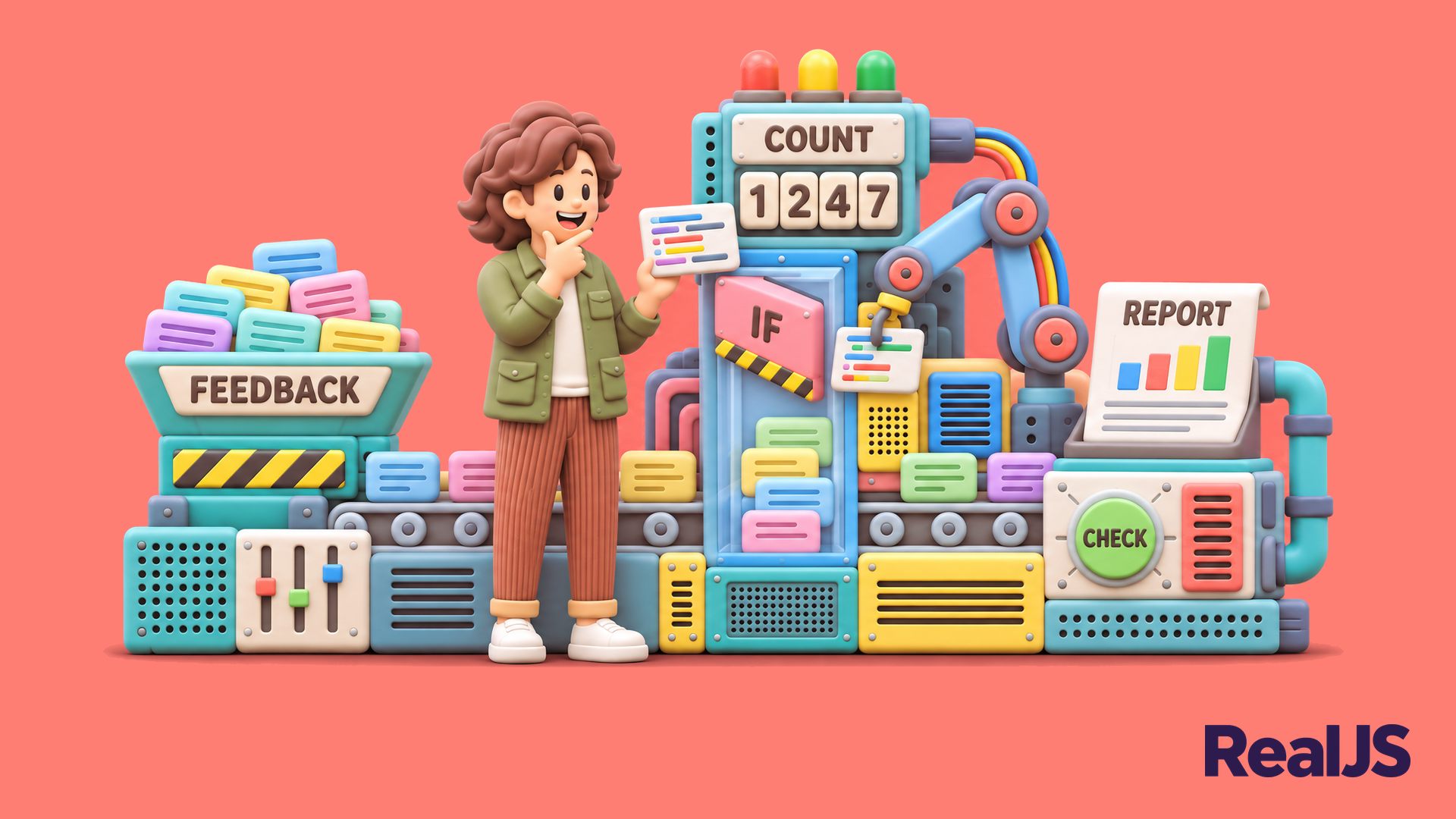
Practical Programming With JavaScript and AI
6 Resources ⋅ Skills: Reading Code, Conditionals, Loops, Functions, Debugging, Checking AI-Written Code
Learning Path
JavaScript for Beginner Pythonistas
14 Resources ⋅ Skills: Variables, Numbers, Strings, Arrays, Objects, Conditionals, Loops, Functions, Modules, Debugging
Learning Path
JavaScript Coding Interview Practice
7 Resources ⋅ Skills: Coding Interviews, Algorithms, Data Structures, Time and Space Complexity
Questions and answers
Courses are part of a RealJS membership. The first lessons of every course are free previews, so you can see how a course works before you join.
Yes. Video lessons have subtitles in English and eight more languages, along with a full transcript.
Lessons build on each other, so going in order usually helps. If you already know a section, skim it, check yourself with its exercise or quiz, mark it as completed, and move on.
Yes. As a member, you earn a certificate of completion for each course you finish. You’ll find them all on your Certificates page, each with a link you can share on LinkedIn or in your portfolio. It’s a certificate of completion, not a proctored certification exam, so it shows which courses you’ve worked through and finished.
Ask Mentor AI from any lesson or from the video player. It already knows which lesson you’re on. Each lesson also has a Discussion tab where you can ask a question.
Start your first RealJS course
Get your free learning plan to find the path and course that fit where you're starting.
