Practical Programming With JavaScript and AI
Learning Path ⋅ Skills: Reading Code, Conditionals, Loops, Functions, Debugging, Checking AI-Written Code

AI tools can write a lot of working code, but someone still needs to understand it. If you can read a program, describe what it should do, and check whether it does that, you can use AI with confidence and provide lots of value for your company.
This learning path teaches you these skills in JavaScript, and you don’t need any programming experience to begin. You’ll learn how programs make decisions with conditions, repeat work with loops, and stay organized with small, reusable functions. You’ll also practice testing your results against real data, tracking down errors, and explaining how your code reached its answer. These habits help whether you write the code yourself or an AI helps.
Throughout the path, you’ll work on a task that comes up in many jobs, which is turning customer feedback into a clear and accurate report. By the end, you’ll have a small project of your own that you understand and can explain.
Practical Programming With JavaScript and AI
Learning Path ⋅ 5 Resources
Is this path right for you? Mentor AI knows what’s in it and can help you decide where to begin.
Ask Mentor AI

Write Your First Reporting Code in the Browser
You don’t need to install anything to get started. Using browser-based exercises, you’ll read and change a short function, select and count messages, and then organize those rules into small functions you can reuse.

Course
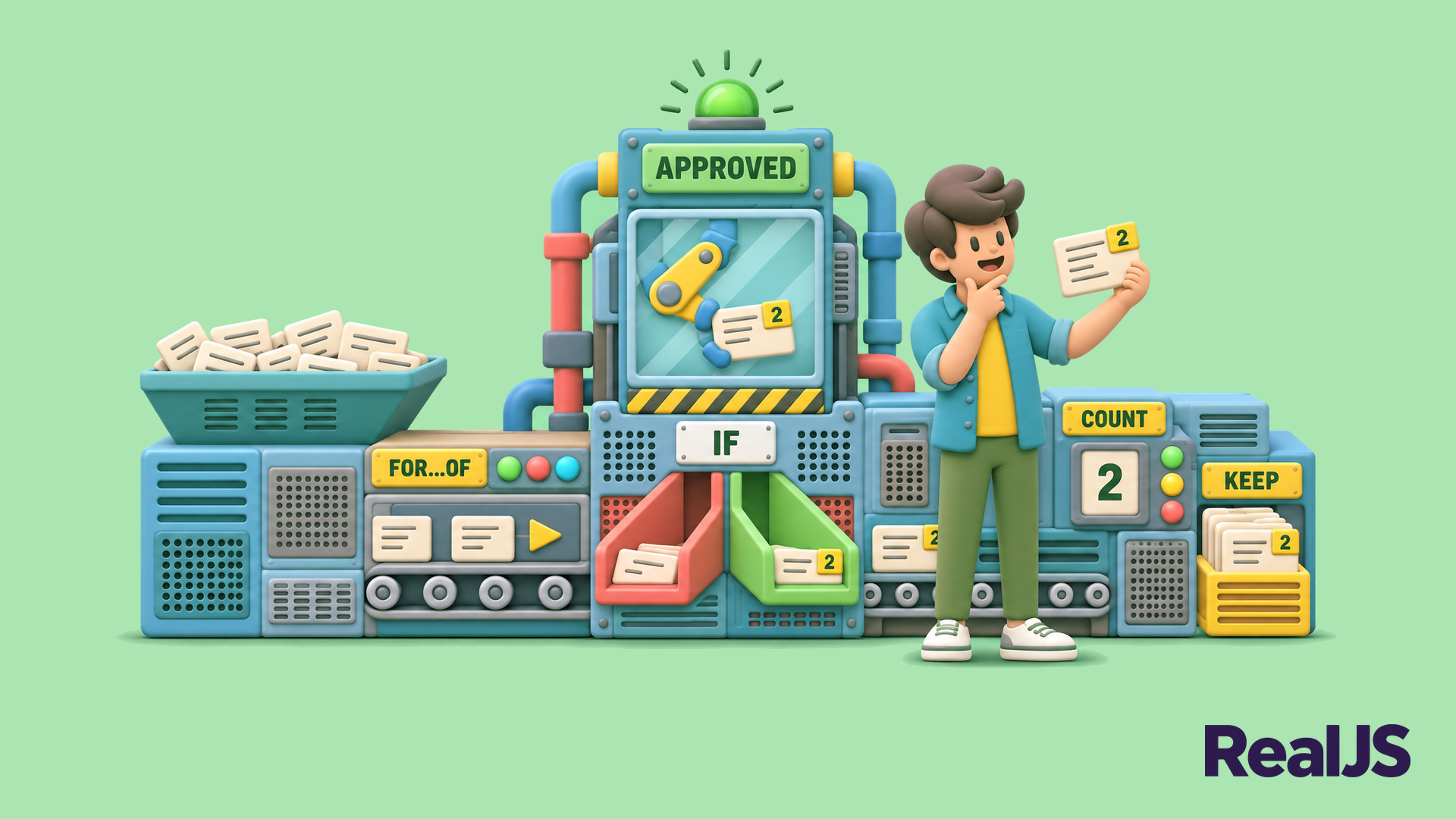
Read and Change Reporting Code
Learn to read and change a short JavaScript function that turns customer feedback records into report lines. You'll name values, check an AI-assisted change, and write a line that stays traceable to its source.
Course
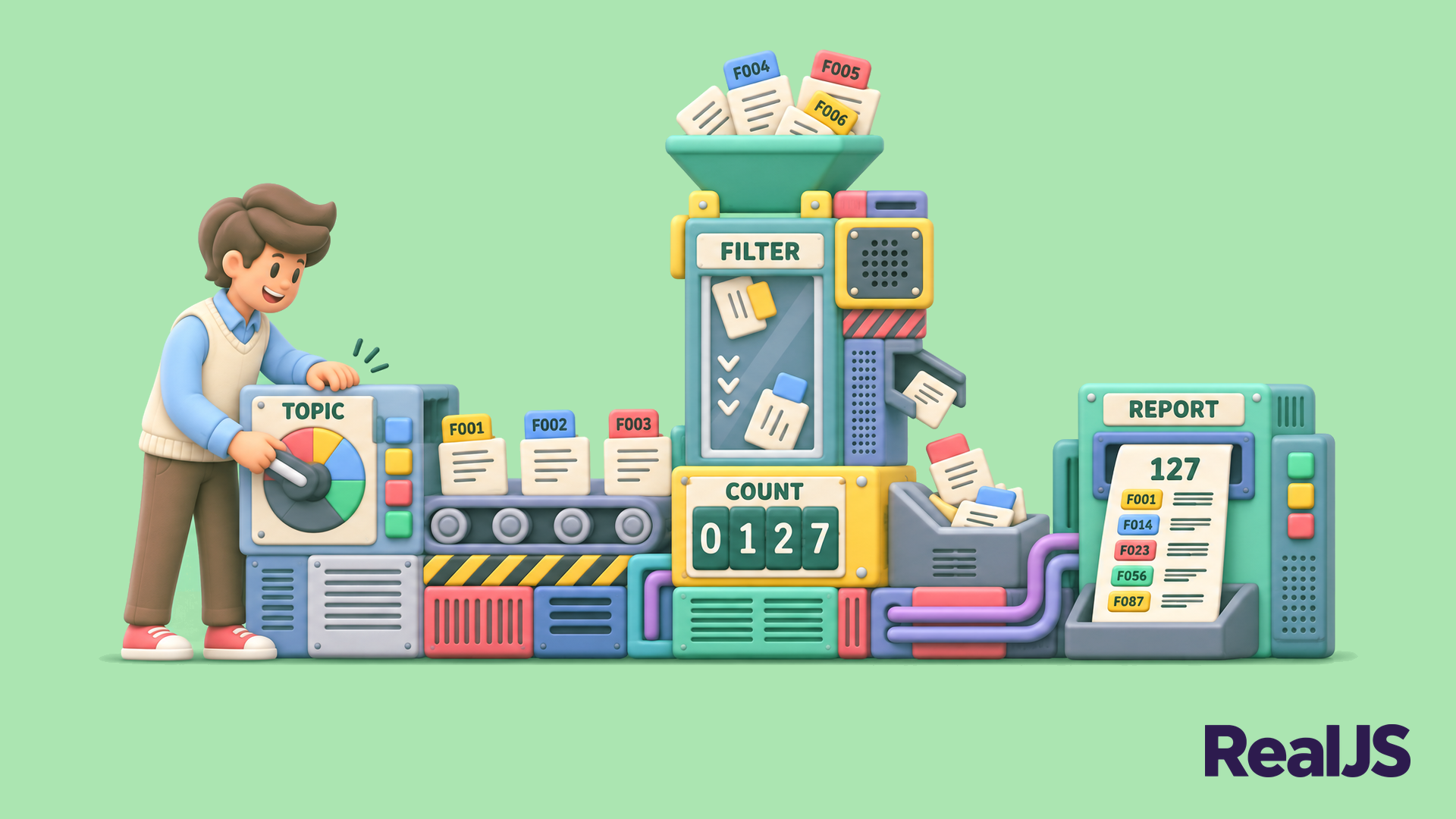
Select and Count Feedback
Write JavaScript that answers a reporting question you can check: pick out the feedback messages that match a topic and an approved label, count them, and keep the original messages behind the number.
Course
Write Reusable Reporting Functions
Learn to write small JavaScript functions with clear inputs and results, then combine them into a reusable report that counts feedback messages by topic and lists the source IDs behind every number.
Take Your Report Into a Local Project
Next, you’ll move your functions into a small project on your own computer and run them on new data. You’ll add rules for incomplete and duplicate records, then combine everything into a complete report and explain how it reached each number.
Course
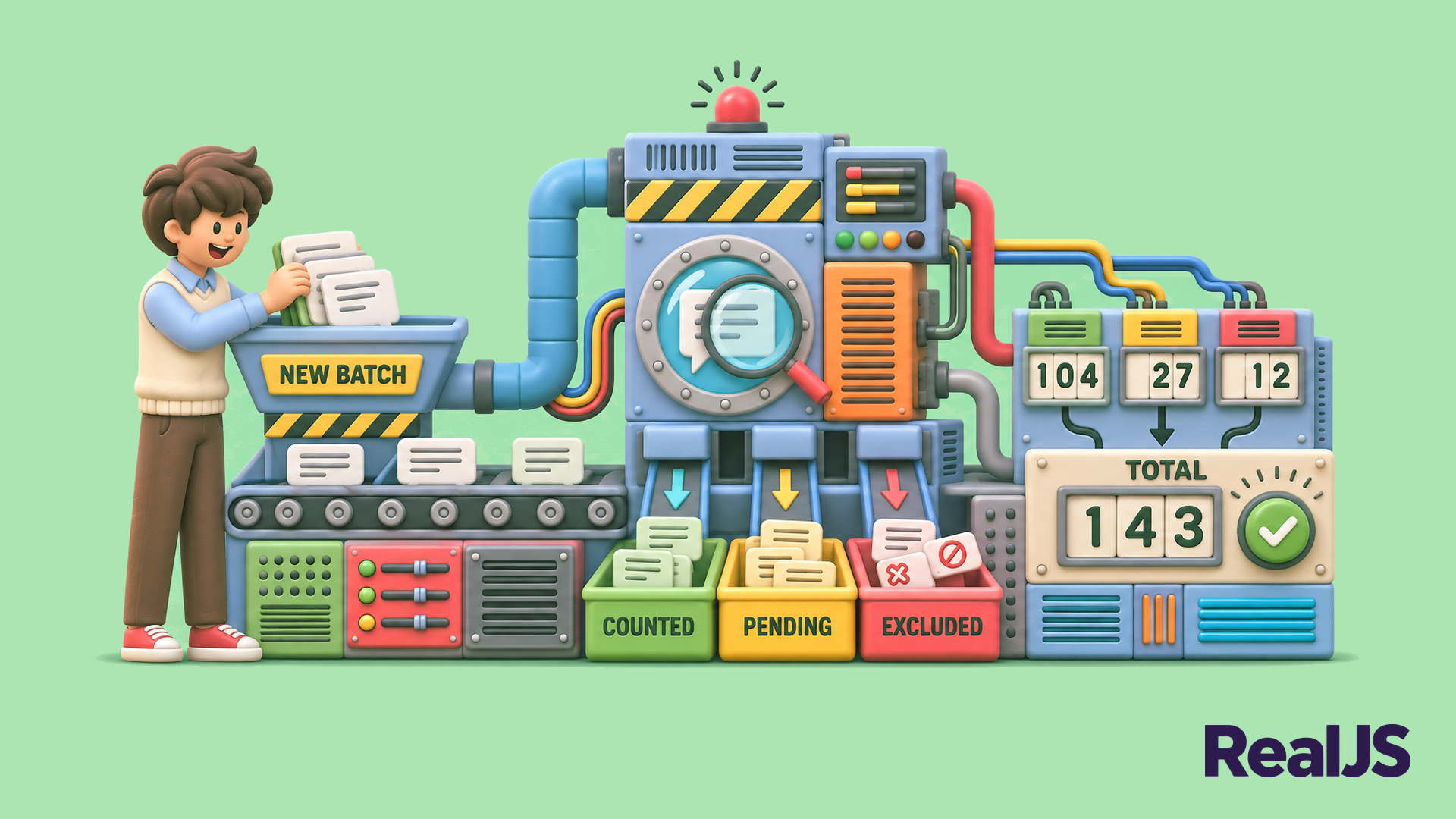
Reuse Your Report on New Data
Keep your feedback-reporting functions in a small local project and run them on a new batch. Add clear rules for pending, incomplete and duplicate records, and explain every record your report counts, holds back or excludes.
Course
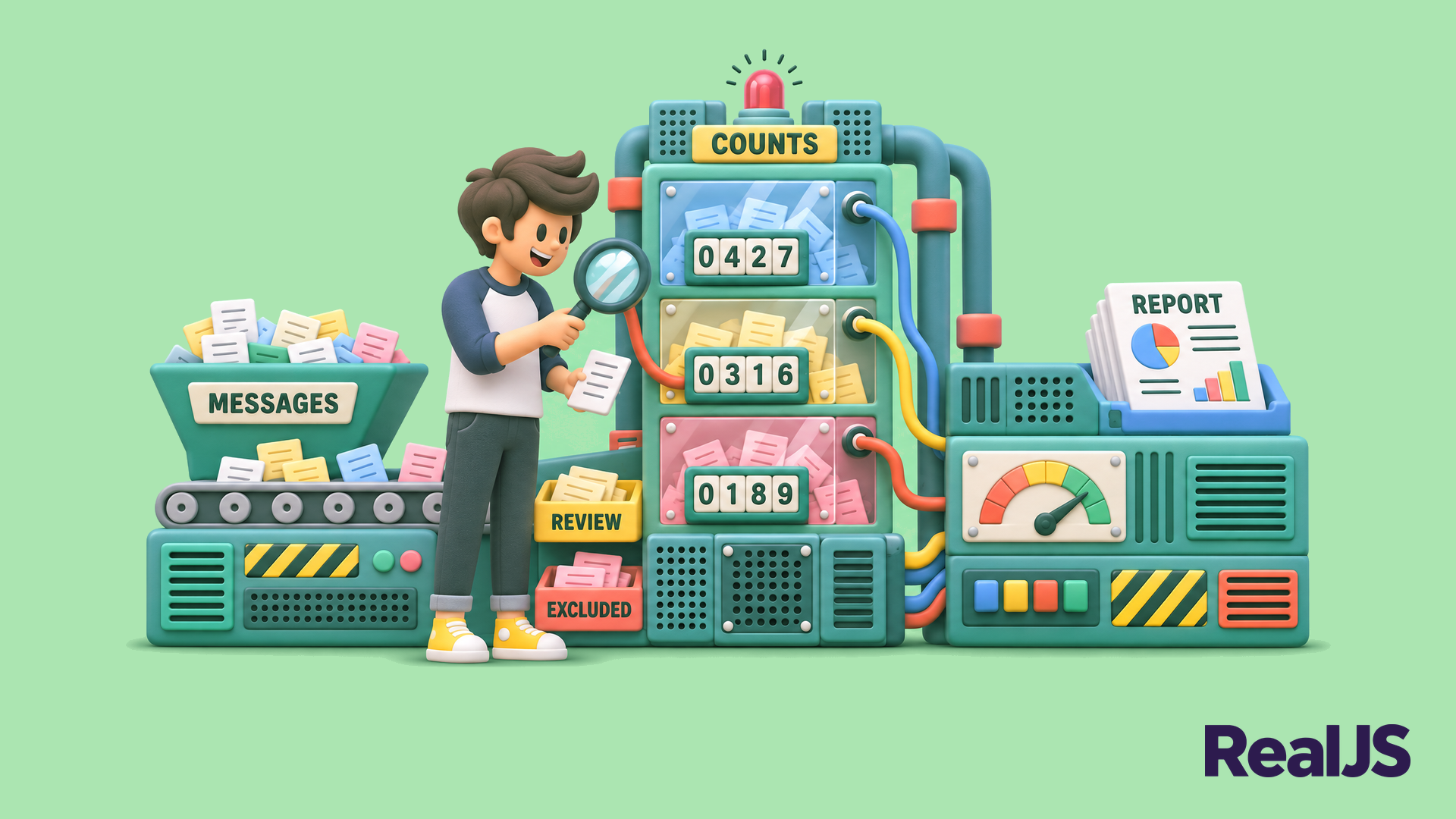
Build a Feedback Report You Can Explain
Build a JavaScript feedback report that counts messages by topic and shows the messages behind each count, then adapt, check and explain it.
Congratulations on completing this learning path! You can now read, write, and check JavaScript that selects, counts, and reports on real data. You can also explain how your code reaches its results, whether you wrote it yourself or an AI helped.
To keep practicing, point your report at a new question, such as a different topic or time period, and explain the answer to someone else.
Got feedback on this learning path?
Looking for real-time conversation? Visit the RealJS Community Chat or join the next “Office Hours” Live Q&A Session. Happy coding!
