JavaScript Basics
Learning Path ⋅ Skills: Running Code With Node, Variables, Text, Comparisons, Conditionals, Functions, Loops, Arrays, Objects, Debugging
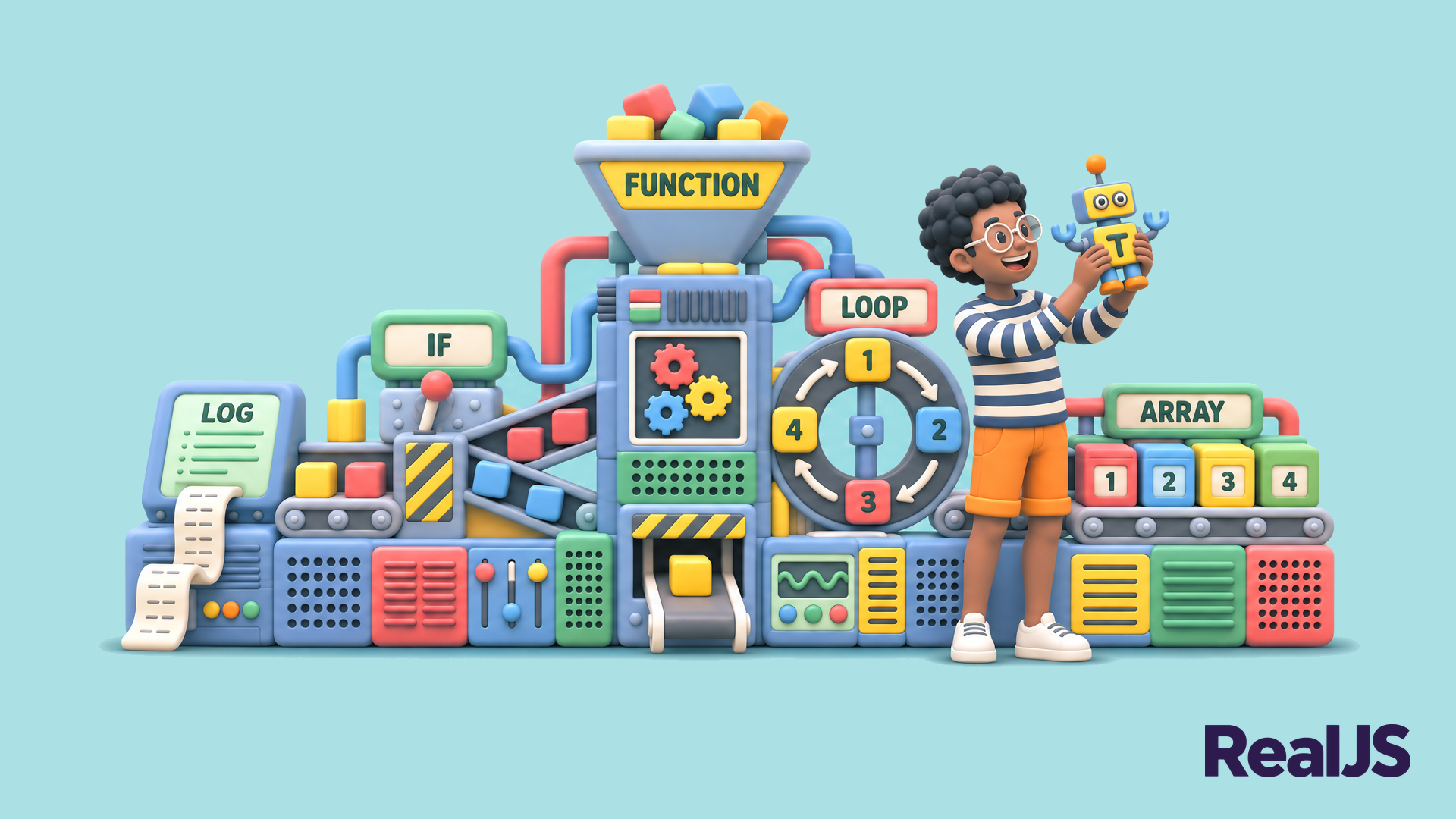
You don’t need any programming experience to start this learning path. From the first course, you’ll write JavaScript in VS Code on your own computer and run it with Node in the terminal. Along the way, exercises on this site check your code and give you instant feedback.
You’ll start by showing output with console.log() and fixing your first errors. Then you’ll name values, calculate with numbers, build messages from text, compare and convert values, and teach your programs to make decisions with if, else if, and else. Next, you’ll write your own functions, repeat work with loops, and ask questions in the terminal. Finally, you’ll keep lists of values in arrays and describe things with named fields in objects.
Each course ends with a small project, from a movie-night snack calculator to a secret-code guessing game you play in the terminal, followed by a recap of what you’ve learned. By the end, you’ll build a small program on your own computer that you understand and can explain.
JavaScript Basics
Learning Path ⋅ 9 Resources
Is this path right for you? Mentor AI knows what’s in it and can help you decide where to begin.
Ask Mentor AI

Write and Run Your First Programs
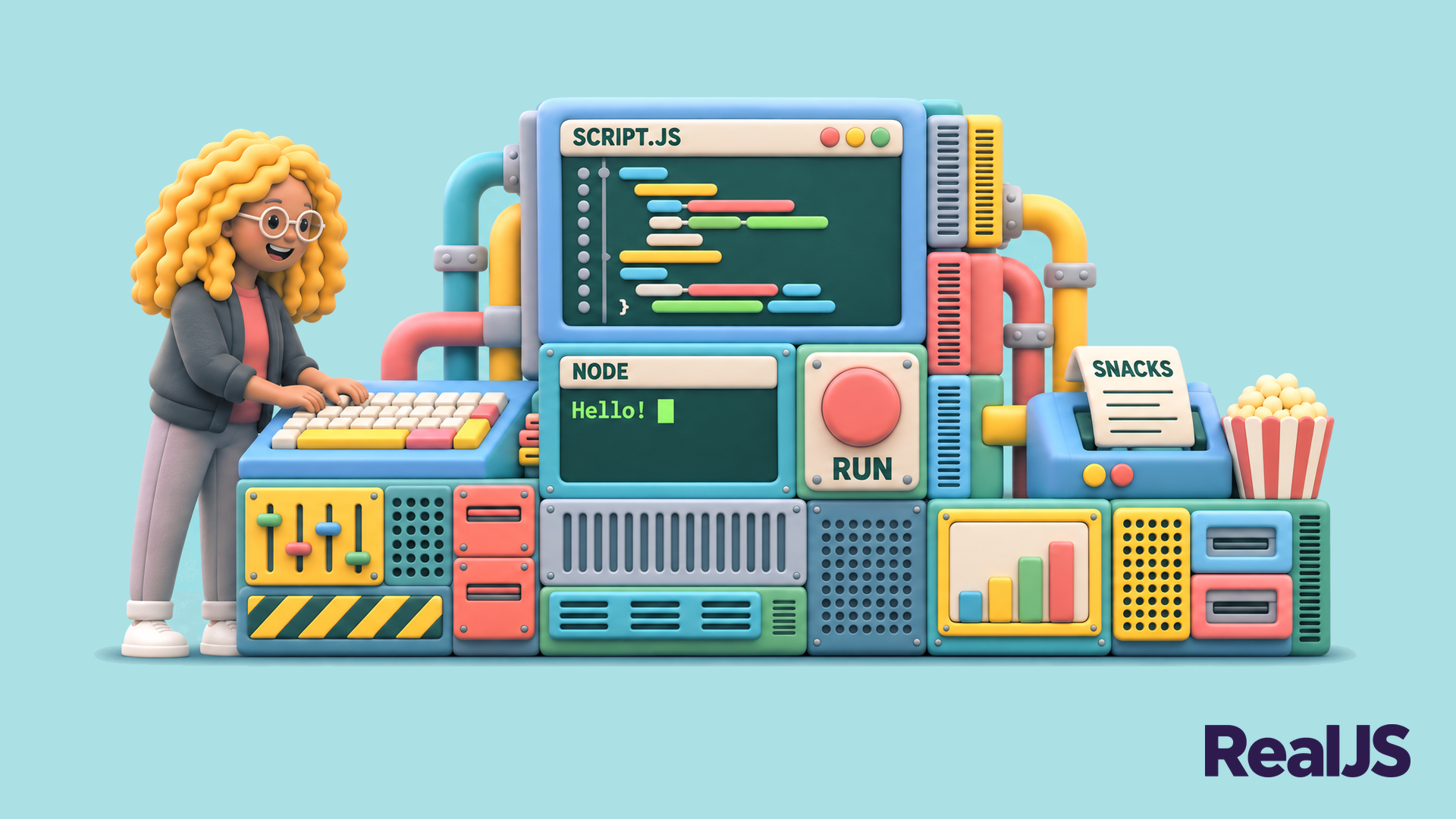
Set up VS Code and Node on your computer, then write, run, and change your first JavaScript programs. You’ll show output in the terminal, read error reports, and fix mistakes one step at a time.
Course
Your First Programs
Write and run your first JavaScript programs with VS Code and Node, show output with console.log(), and fix your first errors.
Work With Numbers and Text
Give values names, calculate with them, and turn the results into messages people can read. Then you’ll compare values to get yes-or-no answers, convert numeric text into numbers, and check each result against what you expected.
Course
Values, Names, and Text
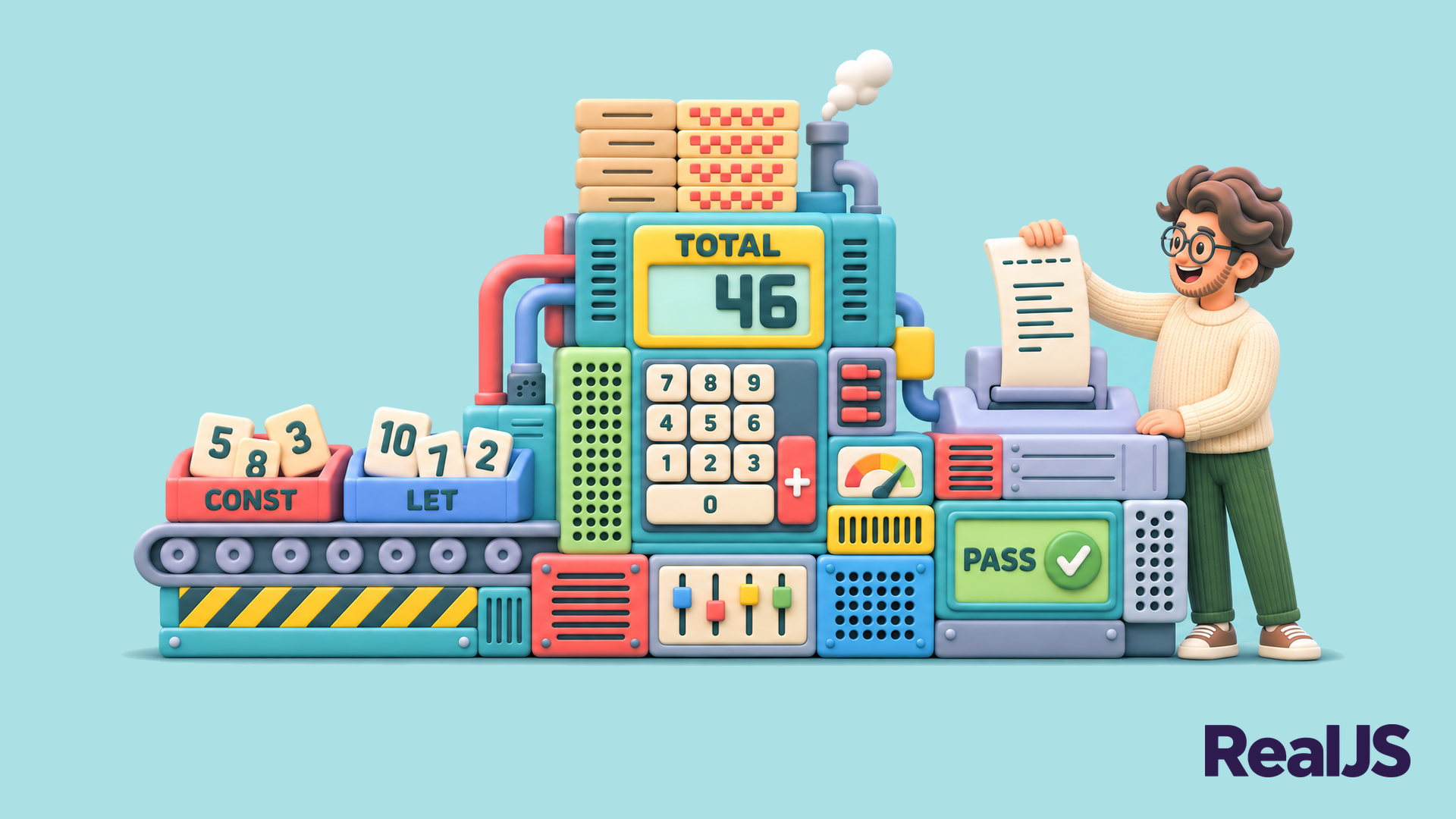
Give values names with let and const, calculate with numbers, and build readable messages from strings and template literals. Then check each result against what a brief asks for, and build a pizza-party bill.
Course
Compare and Convert
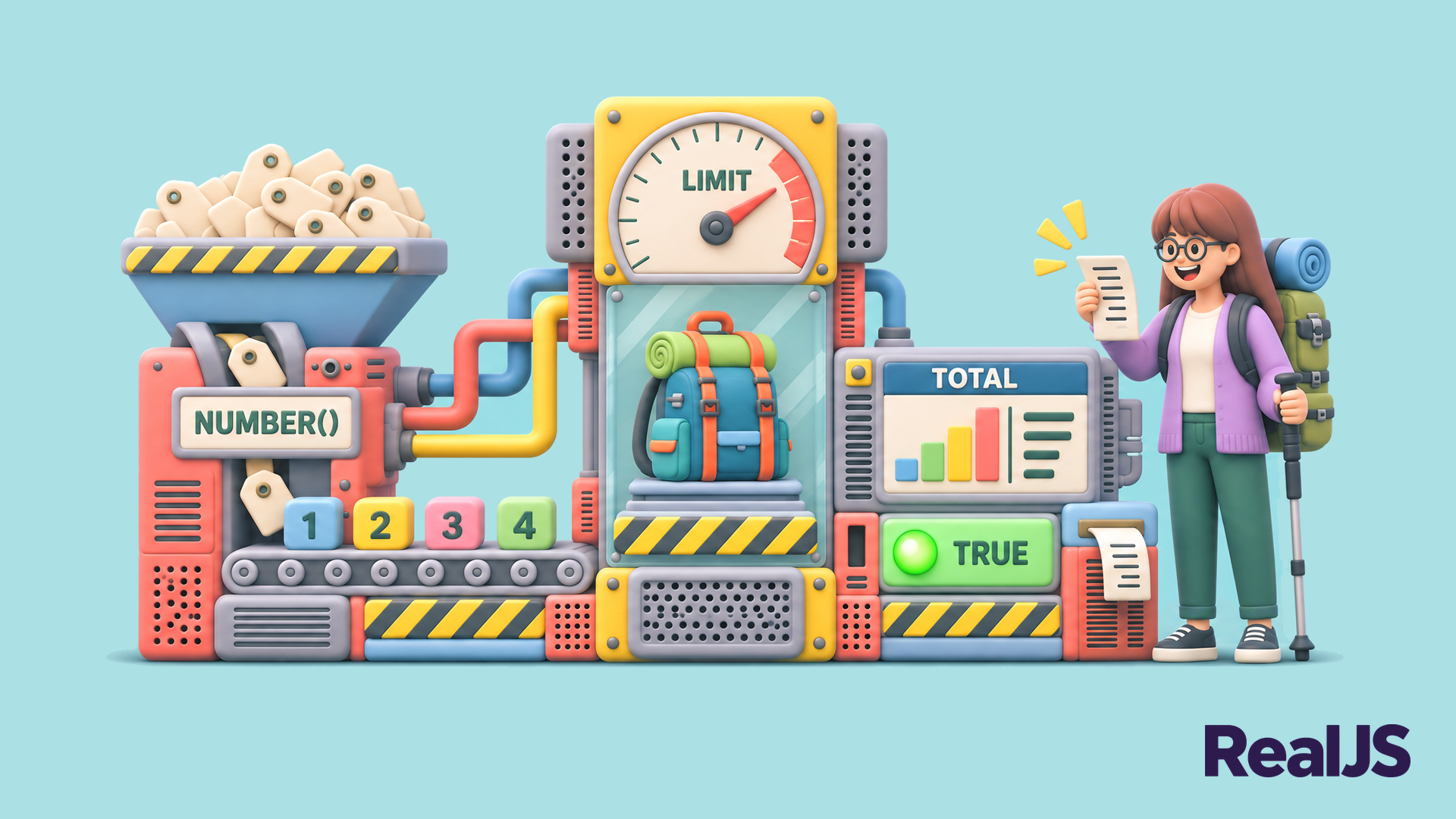
Write JavaScript that answers yes-or-no questions with comparisons, turns numeric text into numbers you can calculate with, and keeps those numbers apart from formatted output. Then you'll build the core of an adventure-pack checker.
Make Decisions in Your Programs
Teach your programs to choose. You’ll run code only when a condition holds, pick one path from several, combine conditions, clean up typed text, and check input before you trust it.
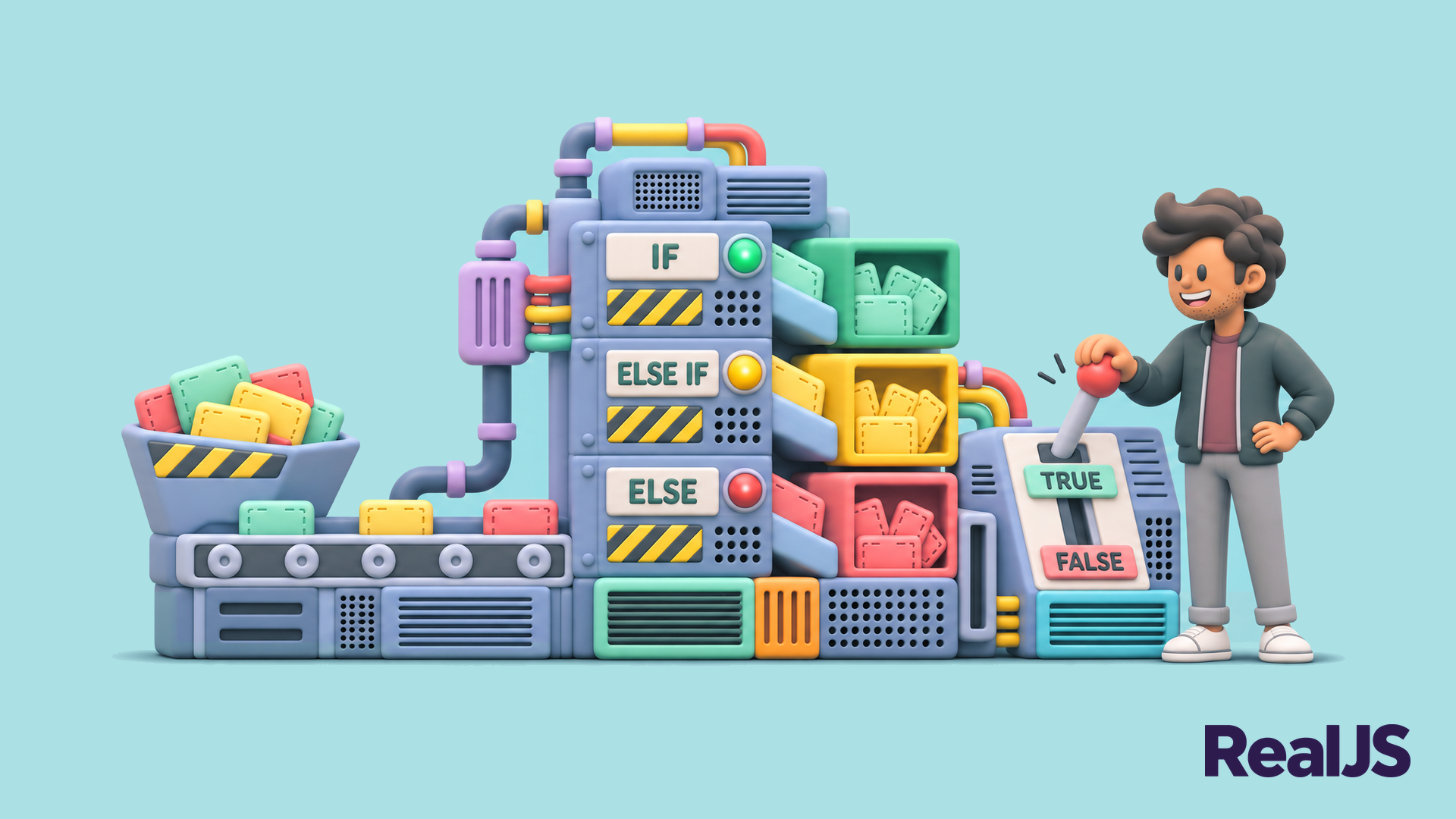
Course
Decisions in JavaScript
Teach your JavaScript programs to decide: run code only when a condition holds, choose one path with else if, combine conditions with &&, || and !, clean text with string methods, and check input safely before you use it.
Write Your Own Functions
Now that your programs can make decisions, you’ll stop repeating the same lines in several places. You’ll write small functions that take values in and hand an answer back, place each variable where the code that needs it can see it, and combine several functions into one small program.
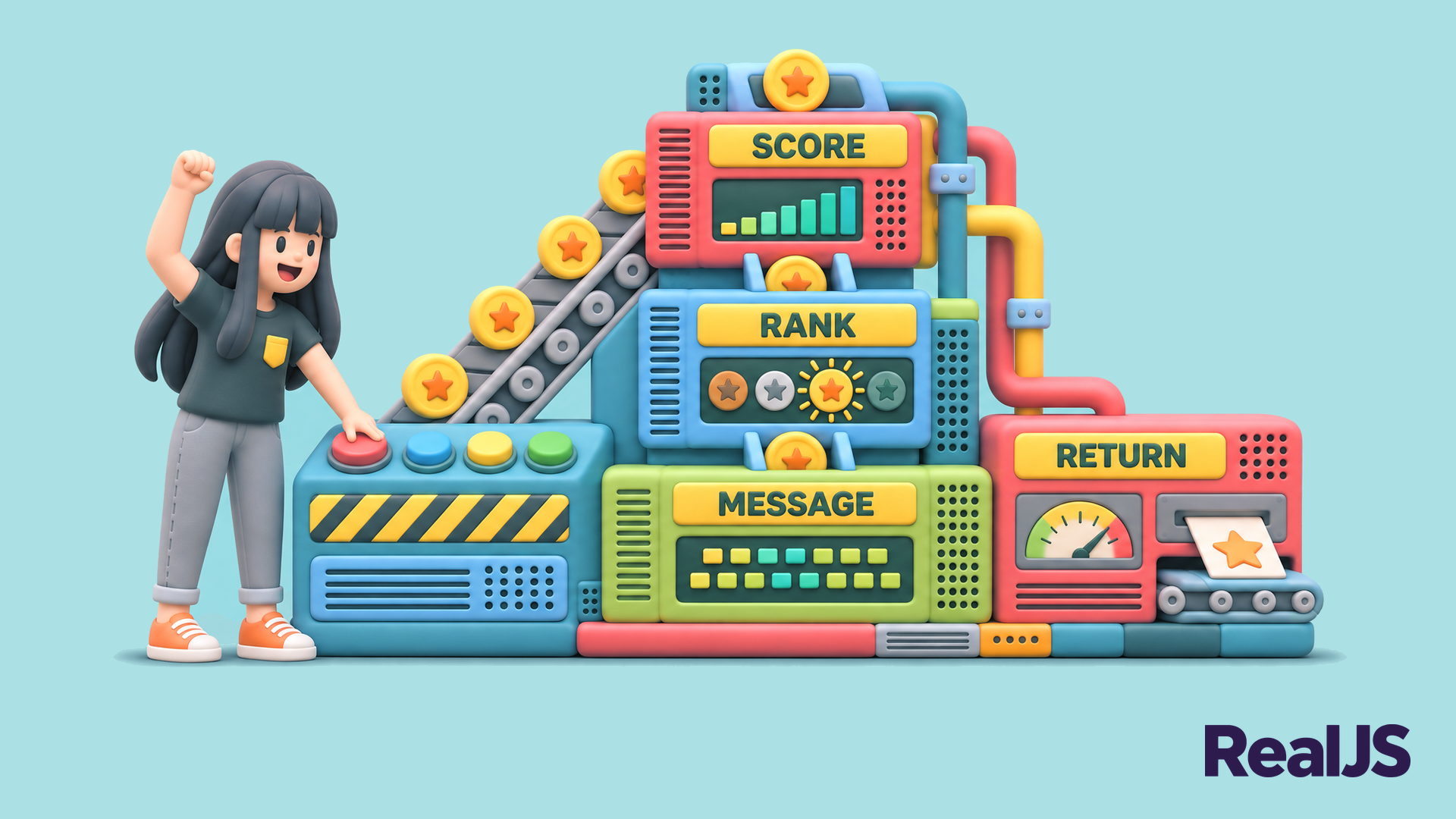
Course
Functions in JavaScript
Learn to write small JavaScript functions that take values and return answers, then combine them into an arcade score toolkit that works out each player's score, rank, and message.
Repeat Work and Ask Questions
With functions in hand, you’ll teach your programs to repeat. You’ll count, add up totals, and step through text with loops, then plan a program before you write it and ask the player questions in the terminal, checking each answer before you use it.
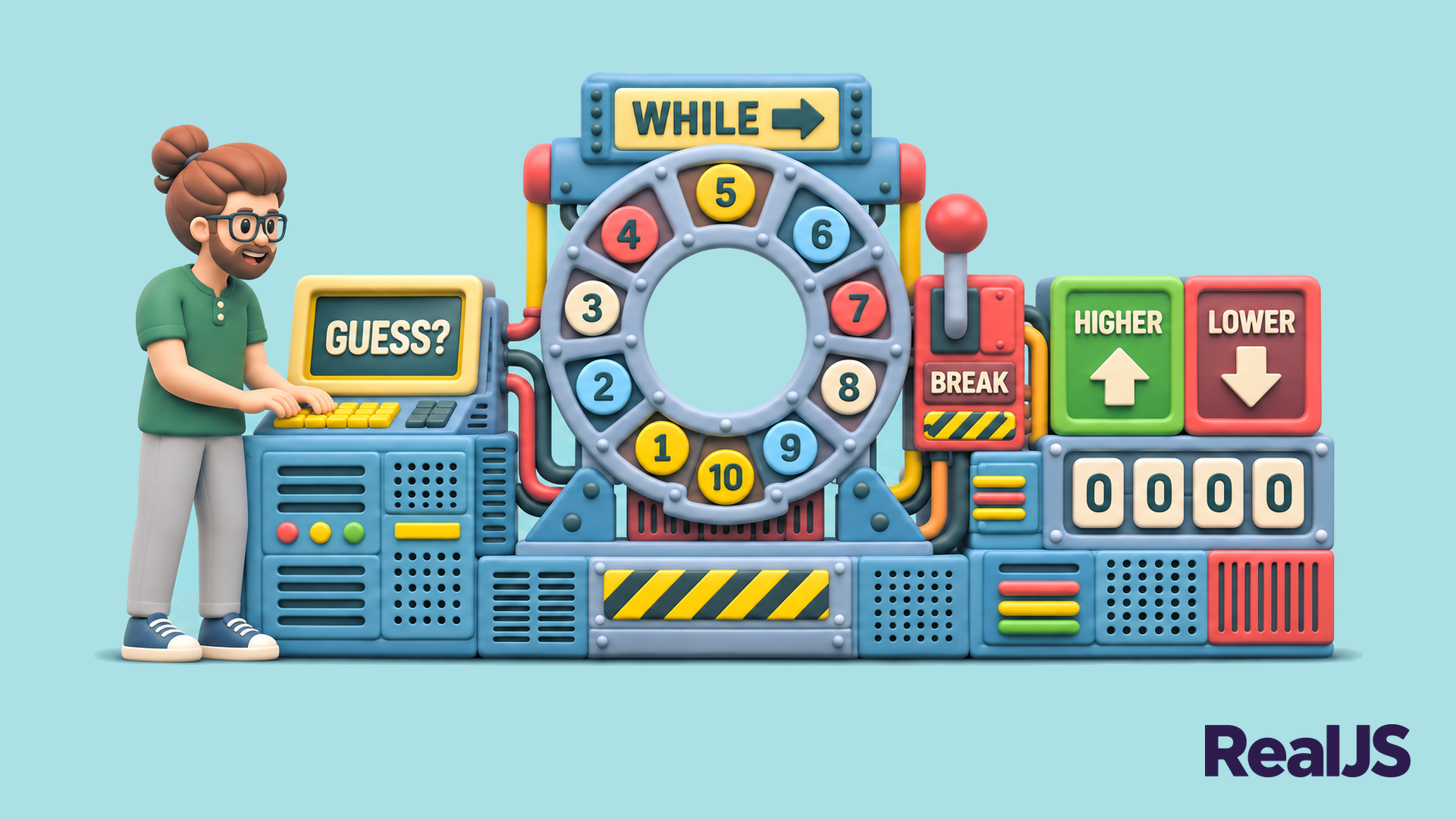
Course
Loops and Terminal Input
Make your programs repeat with while and for loops, leave a loop early with break and continue, plan before you code, and ask questions in the terminal as you build a secret-code guessing game in Node.
Organize Data in Lists and Records
With loops and functions in hand, you’ll keep many values together. You’ll store a list in an array and write functions that count, total, select, and find items, with a clear answer even when the list is empty. Then you’ll describe things with named fields in objects, work with lists of those records, and finish with a small program of your own that combines everything from this path.
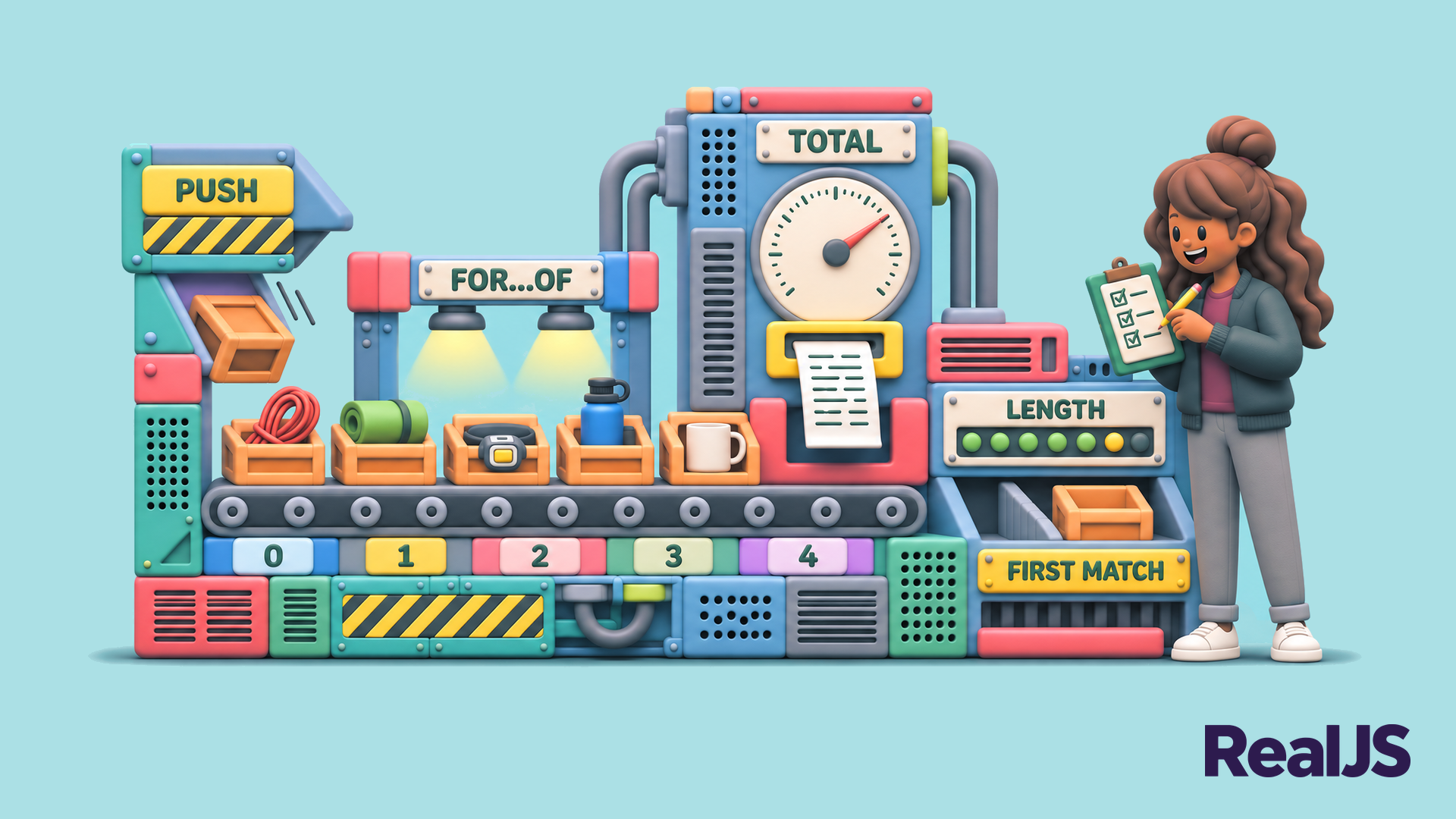
Course
Lists With Arrays
Write JavaScript functions that answer questions about a list: build an array, loop over its items, then count, total, select, and find what you need, with a clear answer even when the list is empty.
Course
Records With Objects
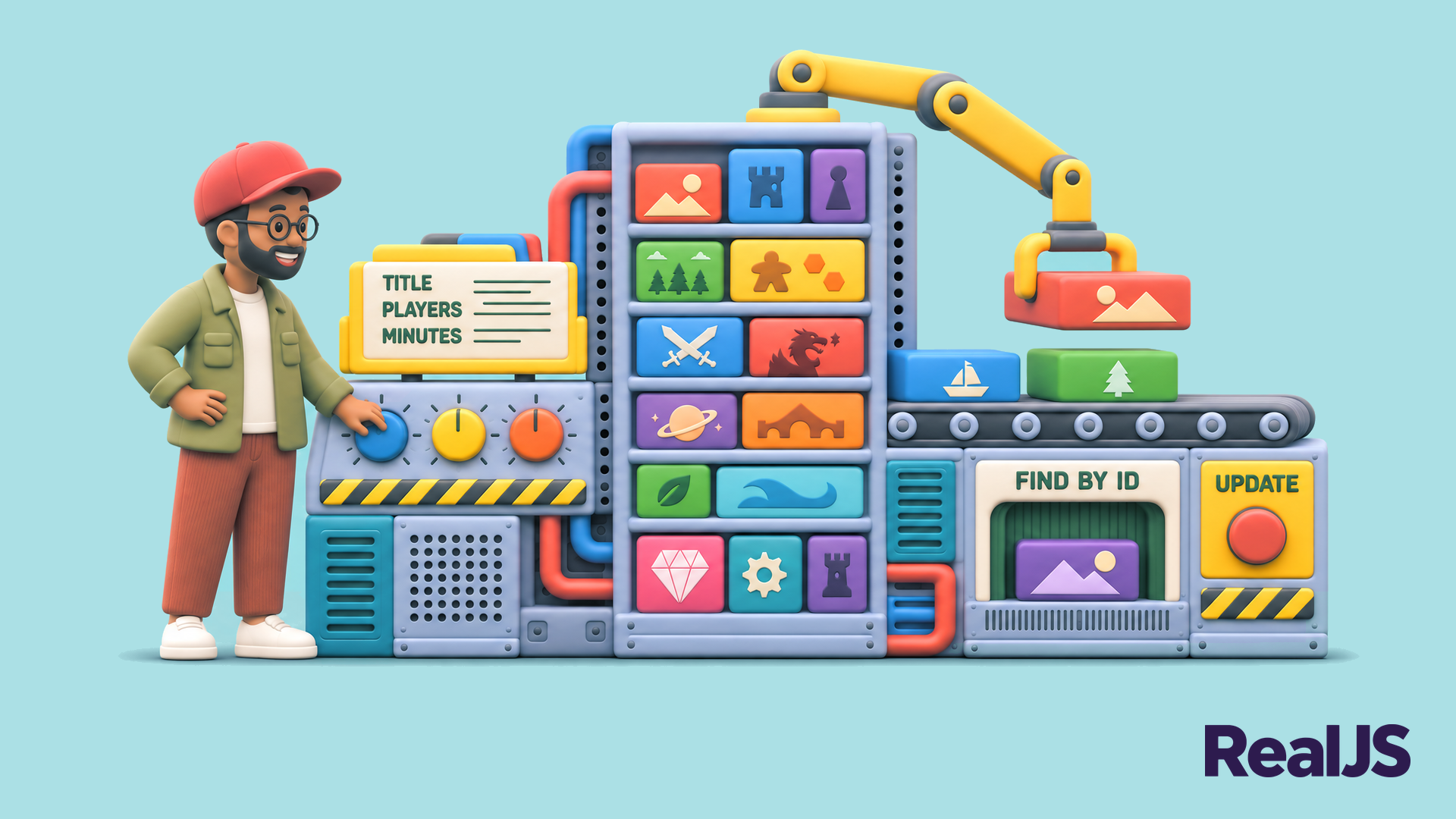
Describe one thing with named fields in a JavaScript object, keep a list of those records, and write functions that select, find by id and update them. Build a board-game shelf helper, then a small records program of your own.
Test Your Knowledge
You’ve made it through the whole path! In the wrap-up quiz below, you’ll revisit the most important ideas: reading errors, working with numbers and text, making decisions, writing functions and loops, and answering questions with arrays and objects. Use it to spot any topics that still feel shaky.
Interactive Quiz
JavaScript Basics
Check what you learned in the JavaScript Basics path: output, values, decisions, functions, loops, arrays, and objects.
Congratulations on completing this learning path! You can now write and run JavaScript programs on your own computer, work with numbers and text, make decisions, repeat work with loops, organize code into functions, and keep data in arrays and objects. You can also check your results and explain how your program reached them.
You might also be interested in this related learning path:
Got feedback on this learning path?
Looking for real-time conversation? Visit the RealJS Community Chat or join the next “Office Hours” Live Q&A Session. Happy coding!
