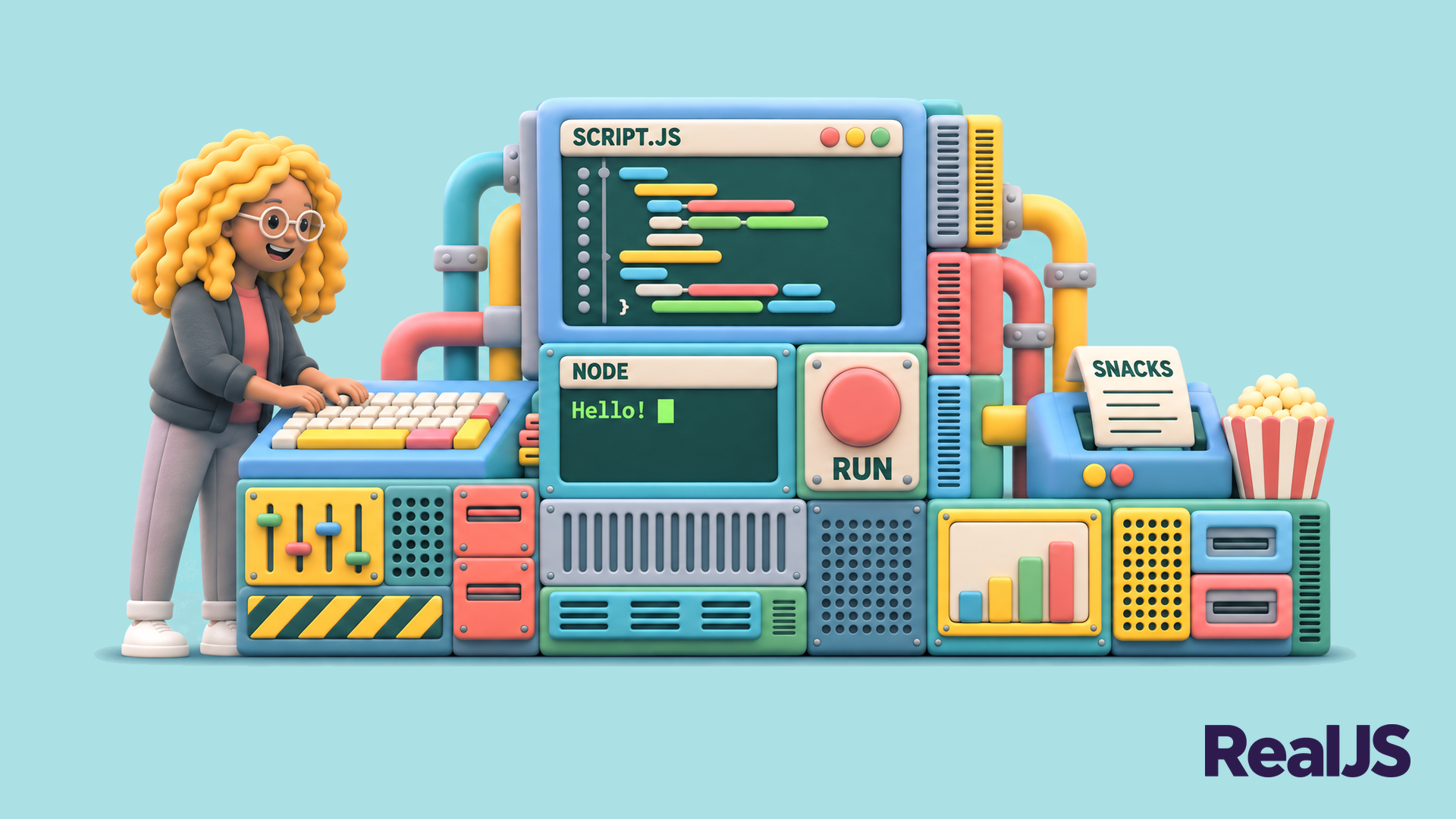

A program is a list of exact instructions that a computer follows step by step. In this course, you’ll write your first ones in JavaScript, on your own computer, starting from nothing. You’ll set up a code editor and a course folder, open a terminal, and use Node to run what you write. No earlier programming experience is needed.
You’ll try single lines of code in Node’s interactive prompt, save a script and run it, change it and run it again, and use console.log() to decide what your program shows. When something goes wrong, you’ll learn to read Node’s error report and fix the mistake one step at a time. Along the way, short exercises on this site give you instant feedback on your code.
By the end of this course, you’ll be able to:
- Explain what a program is and why the order of its instructions matters
- Set up VS Code and a course folder, and check that Node is installed
- Try out code in the Node REPL and read what it echoes back
- Create, save, run and change a short JavaScript program
- Show text and calculations in the terminal with
console.log()and comments - Read an error report and fix a simple syntax or spelling mistake
You’ll finish by building a tiny movie-night snack calculator that prints a message and works out what the snacks cost.
What’s Included:
- 16 Lessons
- Video Subtitles and Full Transcripts
- Translated Subtitles in 8 Languages
- 2 Downloadable Resources
- Interactive Quiz to Check Your Progress
- 2 Hands-On Coding Exercises
- Q&A With JavaScript Experts: Ask a Question
- Certificate of Completion

Downloadable Resources:
Related Learning Paths:
