Node.js
Node.js lets you run JavaScript outside the browser. These tutorials show you how to build command-line tools, web servers, and back-end services with the language you already know. You’ll read and write files with the fs module, work with paths and environment variables, handle streams, and install packages from npm to add functionality to your projects.
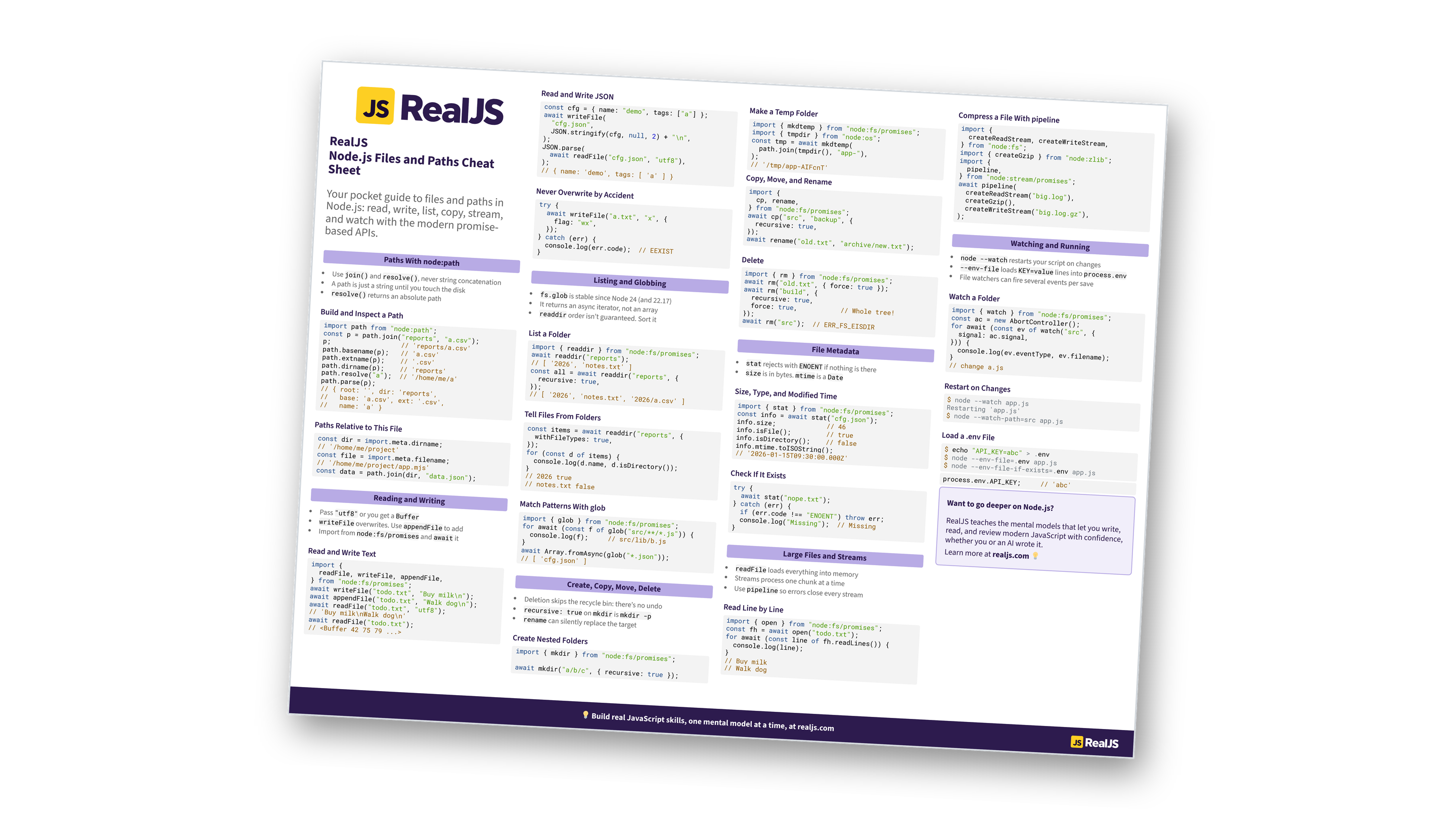
Free Bonus: Download the Node.js Files and Paths Cheat Sheet PDF and keep the essentials at hand.
On the server, Node.js shines at I/O-heavy work like APIs and real-time apps. Learn to create HTTP servers, structure an app with a framework like Express, connect to databases, and handle errors and logging the way production services do. You’ll also see how Node’s event loop handles many connections at once without threads.
Node.js runs JavaScript on servers and in the terminal. It’s used to build web servers and APIs, command-line tools, build tools, and real-time apps like chat services. It also powers most JavaScript tooling, such as bundlers and test runners.
Both run the same language, but they provide different APIs. The browser gives you the DOM and window, while Node.js gives you access to the file system, network sockets, and processes. Many modern APIs, like fetch(), now work in both.
Download the LTS (long-term support) release from the Node.js website, or use a version manager like nvm to install and switch between versions. Check that it works by running node --version in your terminal.
Import readFile from node:fs/promises and await it, for example const text = await readFile("notes.txt", "utf8"). For very large files, use a stream instead so you don’t load the whole file into memory at once.