Intermediate JavaScript
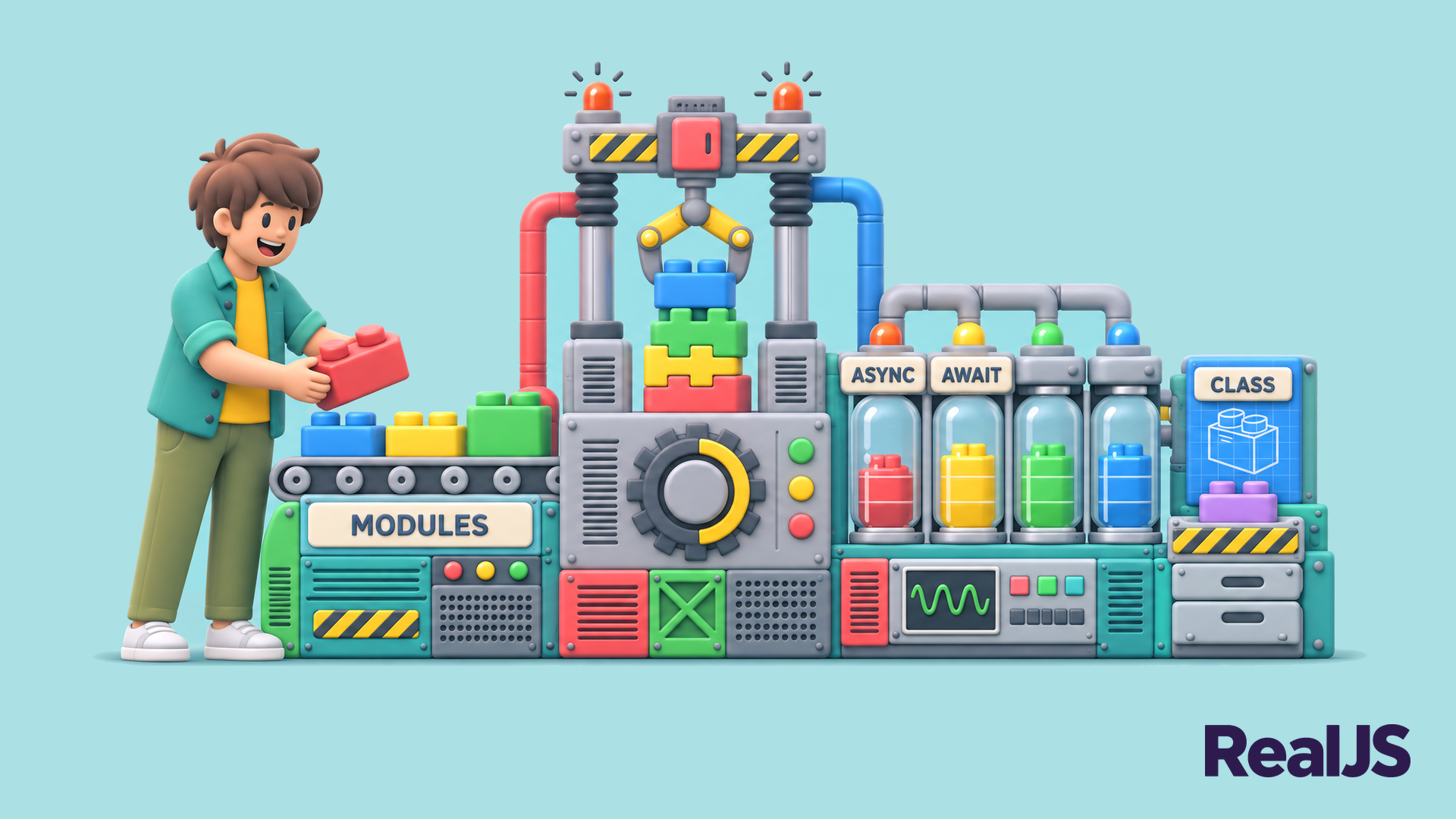
Once you’re comfortable with the basics, these tutorials help you write the kind of JavaScript you’ll find in real-world projects. You’ll work with asynchronous code using promises and async/await, organize programs into ES modules, model data with classes, and use closures, higher-order functions, and array methods like map(), filter(), and reduce() to write concise, expressive code.
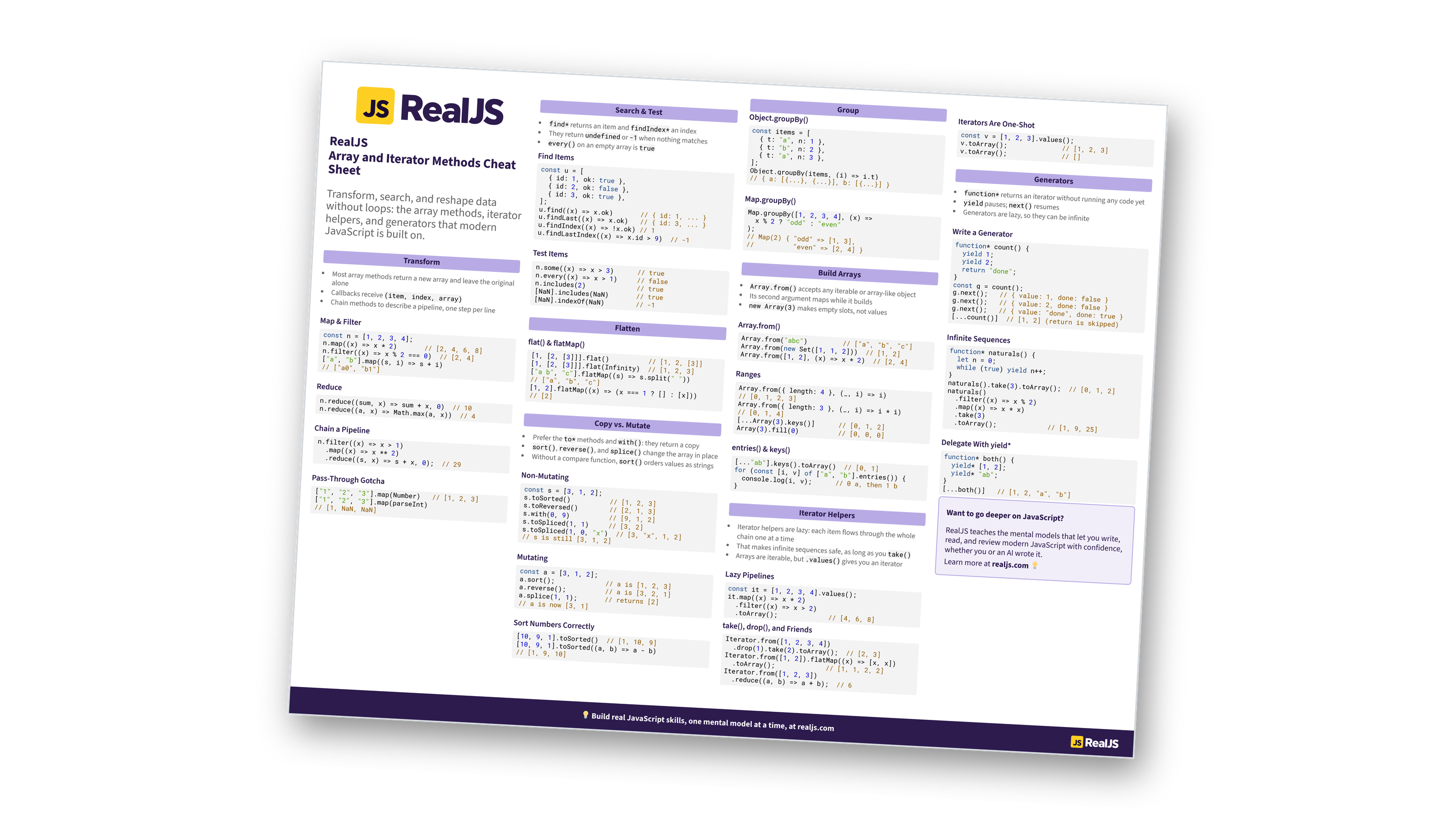
Free Bonus: Download the Array and Iterator Methods Cheat Sheet PDF and keep the essentials at hand.
These are the patterns that turn short scripts into maintainable programs. You’ll learn how to handle errors with try/catch, work with JSON and dates, destructure objects and arrays, and structure code so it stays readable as it grows. Each tutorial builds on what you already know and points out the pitfalls that trip up developers moving past beginner code.
Not Sure Where You Stand?
Take the JavaScript Skill Test to find out which level fits you best:
Take the Quiz: Test your knowledge with our interactive “JavaScript Skill Test” quiz. You’ll receive a score upon completion to help you track your learning progress:

Interactive Quiz
JavaScript Skill TestTake this JavaScript quiz to test your skills from basic to expert level. Are you at the Basics, Intermediate, Advanced, or Expert level?
You should be comfortable with variables, data types, conditionals, loops, functions, arrays, and objects. If you can write a small program without looking up basic syntax, you’re ready. If not, the JavaScript Skill Test can show you which topics to review first.
They’re two ways of writing the same thing. A promise represents a value that will be available later, and you handle it with .then() and .catch(). The async/await syntax is built on promises and lets you write asynchronous code that reads top to bottom, like synchronous code.
Both are valid. Classes work well when you create many objects that share behavior, such as UI components or data models. Plain objects and functions are often simpler for one-off data and utility code. Many modern codebases mix the two.