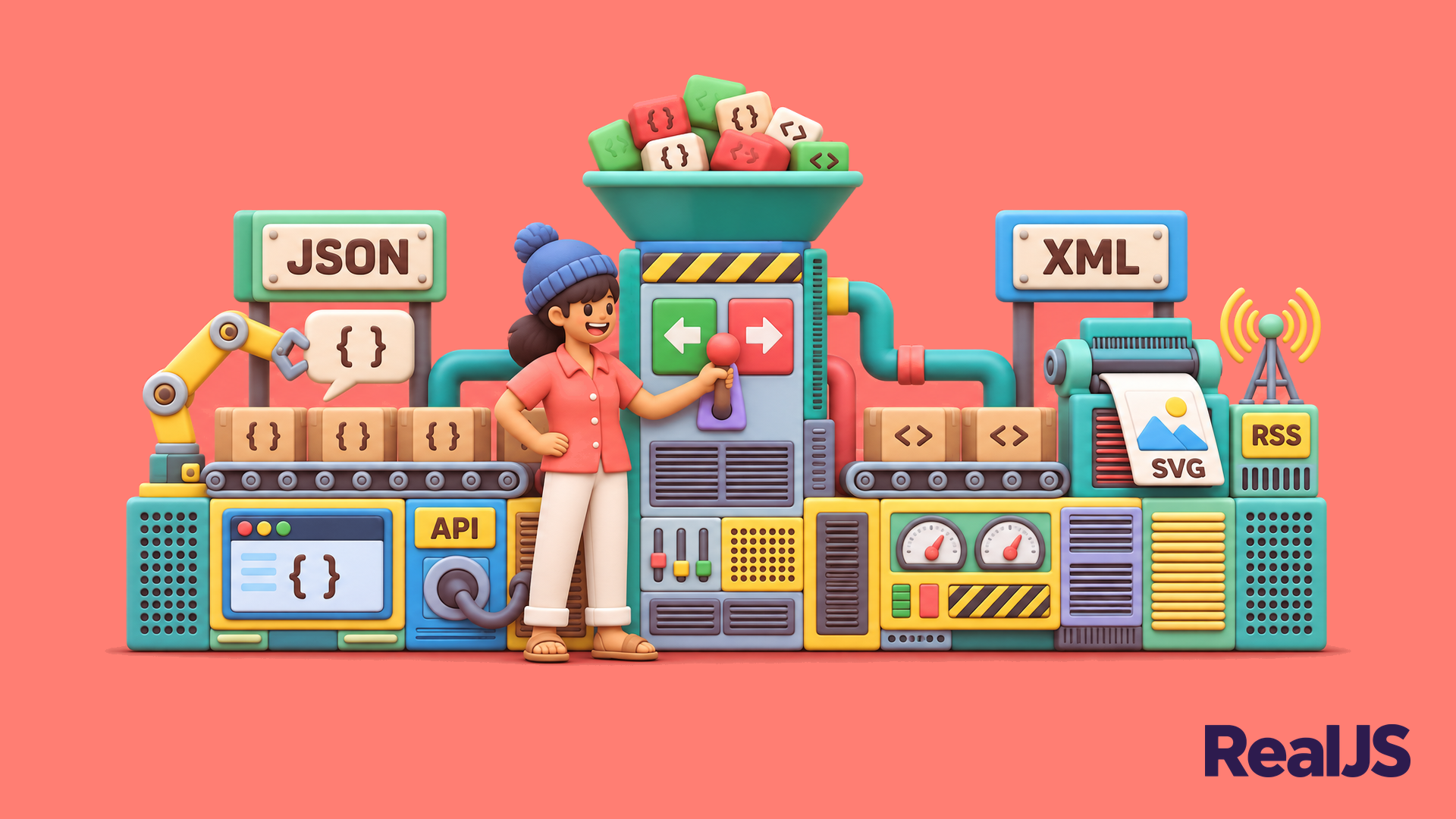
JSON is the format browsers, APIs, and large language model (LLM) tools use to exchange data. When you weigh JSON vs XML, XML still wins for two uses: documents that mix text with markup and files a standard already defines in XML.
Here’s a quick way to decide which one you need:
- JSON if you’re building an API that a browser or an app calls, or you want structured output from an LLM
- XML if you publish a blog or podcast feed, or you work with SVG, Office files, or SOAP, where a standard has already chosen for you
Free Bonus: JavaScript Cheat Sheet

Variables, arrays, objects, functions, and async basics in one printable reference.
Get the Free Cheat Sheet »How JSON Won the Web
XML started with every advantage a format could want, including the backing of the W3C, the web’s standards body. On his own site, Douglas Crockford wrote that XML’s status as a W3C standard “meant that there wasn’t much left to fight about (or so it seemed).” The format that beat it came out of JavaScript itself.
From Netscape Literals to Crockford’s Discovery
Crockford traces the first use of JavaScript literals to carry data to Slava Galperin, then at Netscape, in June 1996. That’s earlier than XML itself, which became a W3C Recommendation on February 10, 1998. By Crockford’s count, other developers were doing it by 2000.
Crockford made his own discovery in the spring of 2001. He gave it a name and showed what it was good for. He’s careful about what he claims:
I do not claim to have invented JSON. I claim only that I discovered it.
— Douglas Crockford
He wrote that in January 2008, in a post called The Discovery of JSON. In his telling, the format “existed in nature” long before anyone called it JSON.
Ajax’s XML Origins and Shift to JSON
On February 18, 2005, Jesse James Garrett of Adaptive Path published an essay that gave a name to a new way of building web apps. “The name is shorthand for Asynchronous JavaScript + XML,” he wrote. In his list of parts, XMLHttpRequest fetched the data, and XML with XSLT, a language for converting XML into other forms, carried and transformed it. His examples were Google Suggest and Google Maps.
JSON took over the data part of that job anyway, for three reasons:
- It fit data: JSON’s objects, arrays, strings, numbers, Booleans, and null map straight onto the values a program already uses. Crockford’s page says XML “is not well suited to data-interchange, much as a wrench is not well-suited to driving nails.” It “doesn’t match the data model of most programming languages.”
- It came from JavaScript: The same page says “the JSON notation is built into the programming language; no additional software is needed at all.” Today that built-in support shows up as numbers and arrays coming out of
JSON.parse(), with no extra library. - Ajax’s own namer said XML was optional: In a Q&A added to the essay on March 13, 2005, a reader asked, “Do I have to use XML and/or XSLT in an Ajax application?” Garrett said neither was required. He called XML the most developed option, and he named JavaScript Object Notation as one way to do the same job.
The json.org page puts the division of labor in two sentences:
JSON is a better data exchange format. XML is a better document exchange format.
— Douglas Crockford, json.org
The standards followed. Ecma International published the first edition of ECMA-404 in October 2013. Its second edition and the IETF’s RFC 8259 both arrived in December 2017, written so that the two define the same JSON.
Where XML Still Runs
XML remains part of many formats whose standards adopted it years ago. You’ll meet them without ever choosing XML:
- In graphics: SVG, the vector format browsers use for icons and charts, describes itself as “a language based on XML.” Its current version, SVG 2, is a W3C Candidate Recommendation that’s still being updated.
- In feeds: RSS and Atom, the formats most blogs and podcasts publish their feeds in, are both XML. The RSS 2.0.11 specification calls RSS “a dialect of XML.” Its rival, Atom, was published as RFC 4287 in December 2005. A JSON alternative, JSON Feed 1.1, exists, but its own spec tells publishers who can offer only one format to pick RSS.
- In Office files: A
.docx,.xlsx, or.pptxfile uses Office Open XML, standardized as ECMA-376. Rename one to.zip, and you’ll find its XML parts and images inside. Code reads such a file by unzipping it first or using an Office-aware library. - In Android apps: Android’s guide to View-based layouts still opens with “Declare UI elements in XML.” The same guide recommends Jetpack Compose for new apps, and Compose builds the screen in code.
- In enterprise services: A SOAP 1.2 message is an XML envelope with an optional header and a required body. The W3C’s current edition of that standard dates from 2007, and a service built on it expects that envelope from every client.
Data or Documents: What Decides Most Cases
A user, an order, or a weather reading is a record: named fields with values. JSON maps a record straight onto an object, and a list of records onto an array.
A sentence with a function name and an italic word in it is a different shape. The text runs in order, and the markup sits inside it. The XML specification calls this mixed content. Records fit JSON. Text with markup woven through it fits XML.
Here’s a one-line paragraph, parsed with the browser’s built-in XML parser. Paste it into the console of any browser on a blank tab:
const para = new DOMParser().parseFromString(
  "<p>Use <code>JSON.parse()</code> for <em>data</em>.</p>",
  "application/xml",
);
const nodes = [...para.documentElement.childNodes];
console.log(nodes.map((node) => node.nodeName).join(" "));
Chromium 158 prints the names of the paragraph’s five child nodes:
#text code #text em #text
JSON has no built-in way to represent that mix of text and markup. To store the same paragraph, you’d invent a structure, such as an array of strings and tagged objects, and every program that reads it would have to learn your invention.
JSON also has no comments and no attributes. XML has both, plus namespaces that let one file mix vocabularies. Missing comments matter most in config files, which is why some JavaScript tools accept a .js config instead.
JSON or XML for an API: What Each Parser Gives You Back
An API client spends most of its time turning a reply into values it can use. Here’s the same book record in both formats, parsed in the browser:
const json = `{"title":"Build Notes","year":2026,"tags":["js","data"]}`;
const xml = `<book year="2026"><title>Build Notes</title>` +
  `<tags><tag>js</tag><tag>data</tag></tags></book>`;

const data = JSON.parse(json);
console.log(typeof data.year, data.year + 1);

const doc = new DOMParser().parseFromString(xml, "application/xml");
const year = doc.documentElement.getAttribute("year");
console.log(typeof year, year + 1);
Watch what happens to year when the code adds 1 to it. Chromium 158 prints:
number 2027
string 20261
DOMParser hands back attributes and text as strings, so an XML client converts each number and Boolean itself or leaves that to a mapping library.
JSON numbers have a limit of their own: JSON.parse() reads 9007199254740993 as 9007199254740992 because it’s past the largest integer a JavaScript number holds exactly. It’s safer to send an ID that big as a string.
On a server, the same code stops at DOMParser. Node.js 26.13.1 has JSON built in, but typeof DOMParser there is "undefined". Parsing XML in Node.js requires a library, such as jsdom, linkedom, or fast-xml-parser.
The two parsers also fail in different ways. JSON.parse() is strict, and it throws a SyntaxError on a trailing comma or a comment:
for (const text of ['{"a":1,}', '{"a":1 /* note */}']) {
  try {
    JSON.parse(text);
  } catch (error) {
    console.log(error.message);
  }
}
Run it, and neither string gets through:
Expected double-quoted property name in JSON at position 7 (line 1 column 8)
Expected ',' or '}' after property value in JSON at position 7 (line 1 column 8)
DOMParser doesn’t throw on broken XML. It returns a document with a <parsererror> element inside, so your code has to check querySelector("parsererror"). Chromium 158 returns one for "<a><b></a>".
Skip that check, and a broken reply flows on through your code as a document. With JSON, a broken reply ends up in catch, where your code decides what happens next. Neither parser checks the fields, though, and JSON.parse("{}") succeeds with no year at all. Check that the fields you need are there before you use them.
XML and JSON in Your Tools: What’s Built In
To work with JSON, you don’t need to install anything, because JSON is a global object defined by the language itself. JSON.parse() and JSON.stringify() are there in Node.js 26 and in Chromium 158 without an import. A fetch() response even has a json() method that parses the reply in one call. It has no xml() method, so for XML, you call response.text() and then use a parser.
LLM tools went the same way. OpenAI’s Structured Outputs guide asks for a JSON Schema describing the expected fields and value types. In the Responses API, you set text.format to an object with type: "json_schema", a name, your schema, and strict: true.
What comes back is JSON text that JSON.parse() reads like any other API reply, so a model call behaves like the rest of your API code. The guide still tells you to handle refusals and incomplete responses yourself, so check for those before you parse the reply.
JSON vs XML: Which Should You Use?
Find the line that sounds like your project. The format next to it is the one to reach for:
You're...                                 Pick
building an API a browser or app calls    JSON
asking an LLM for structured output       JSON (JSON Schema)
writing a config file for a JS tool       JSON, or .js (if allowed) for comments
publishing a blog or podcast feed         XML (RSS 2.0 or Atom)
working with Office files, SOAP, or SVG   XML (a standard decides)
When a standard names XML, the choice was made before your project started. A feed reader, Word, or a SOAP service expects that XML. Convert the file to your own JSON, and none of them can open it.
The Bottom Line
If you can’t name a marked-up document or a standard that needs XML, use JSON and spend your time elsewhere.
The JavaScript Basics learning path on RealJS ends with records: named fields in objects and lists of those objects. The JavaScript cheat sheet keeps the syntax for both close by.
Frequently Asked Questions
Here are short answers to common questions about JSON and XML:
For most web work, yes. JSON suits records, like a user or an order that a service returns. XML suits documents with markup woven through the text, and files where a standard already picked it.
JSON’s values match what a program already holds, and it comes from JavaScript, so JSON.parse() needs no extra library. Even the essay that named Ajax after XML later said XML was optional.
Yes. SVG, RSS and Atom feeds, Office files like .docx, Android layouts, and SOAP services all use XML. You often meet them without choosing XML yourself.
XML attributes and text arrive as strings from DOMParser, so adding 1 to the year string "2026" gives "20261". JSON.parse() gives you the year as a number. An XML client has to convert values itself or lean on a mapping library.
JSON.parse() throws a SyntaxError, so a catch can handle it. DOMParser doesn’t throw. It returns a document holding a <parsererror> element, so your code must look for it.