Frontend Web Development
Build interactive web pages with JavaScript. These tutorials show you how to select and change elements with the DOM, respond to clicks, key presses, and form input with event listeners, and fetch data to update a page without reloading it. You’ll see how JavaScript works together with HTML and CSS, and how the browser loads and runs your code.
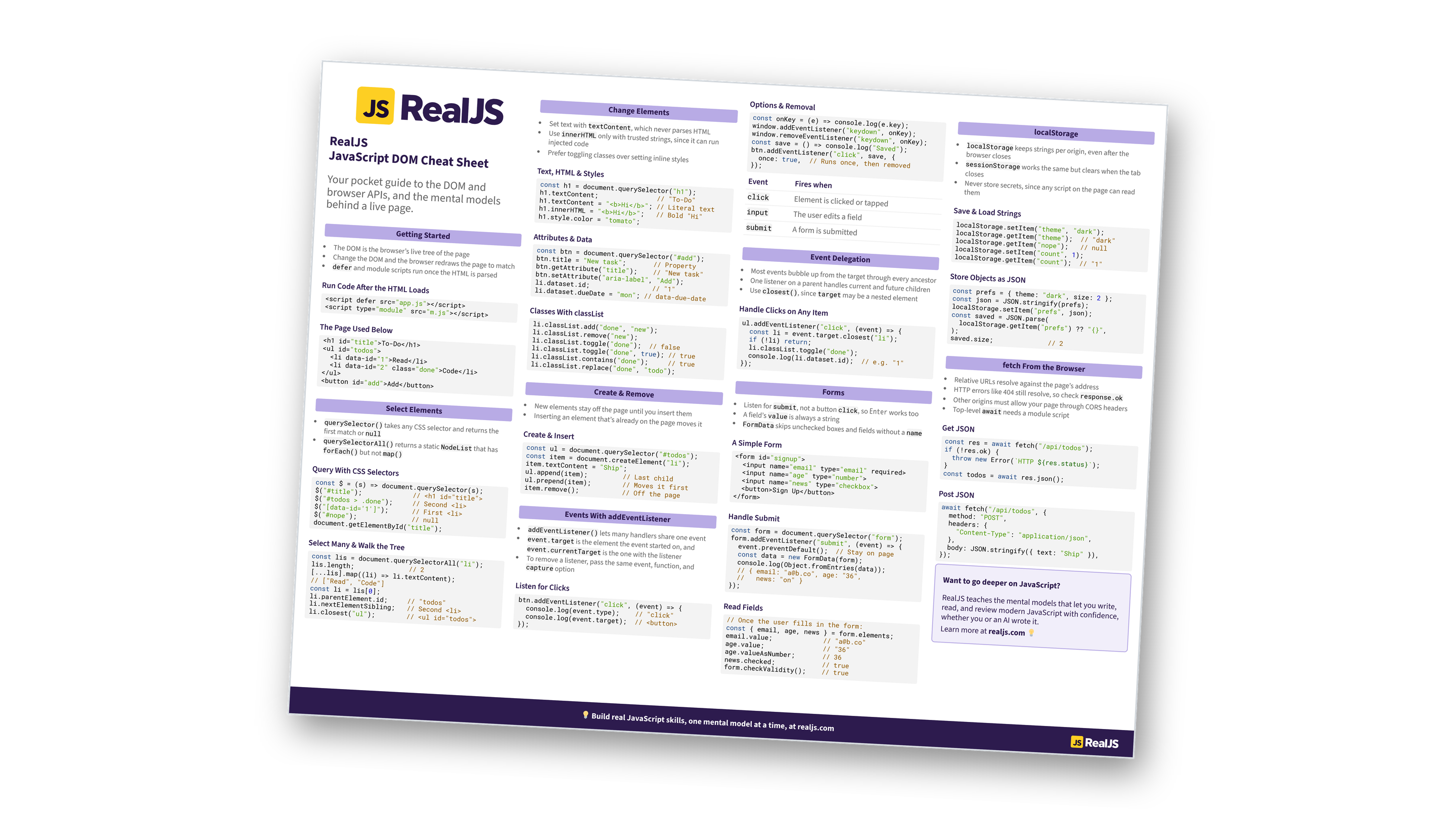
Free Bonus: Download the JavaScript DOM Cheat Sheet PDF and keep the essentials at hand.
As your front-end projects grow, you’ll use browser APIs like localStorage, the Fetch API, and the History API, and learn to keep pages fast and accessible. These skills form the foundation for frameworks like React, so you’ll understand what those tools do for you behind the scenes.
The Document Object Model (DOM) is the browser’s in-memory representation of a web page as a tree of elements. JavaScript uses the DOM to read and change a page: you can find elements with document.querySelector(), change their text or styles, and add or remove elements.
Add a <script> element that points to your JavaScript file, such as <script src="app.js" defer></script>. The defer attribute tells the browser to run the script after it has parsed the HTML, so your code can safely access the page’s elements.
Select an element and call addEventListener() with the event name and a function to run, for example button.addEventListener("click", handleClick). The function receives an event object with details such as which element was clicked or which key was pressed.
No. Plain JavaScript, HTML, and CSS can build complete, interactive sites. Frameworks like React help when an app has a lot of changing state and many components. Learning the DOM first makes any framework easier to pick up later.