JavaScript Projects
The best way to learn JavaScript is to build something. These step-by-step project tutorials help you practice your skills by making real, working apps. You’ll start with small browser projects like a to-do list, a quiz game, or a weather app that fetches live data, and you’ll write the HTML, CSS, and JavaScript yourself instead of copying finished code.
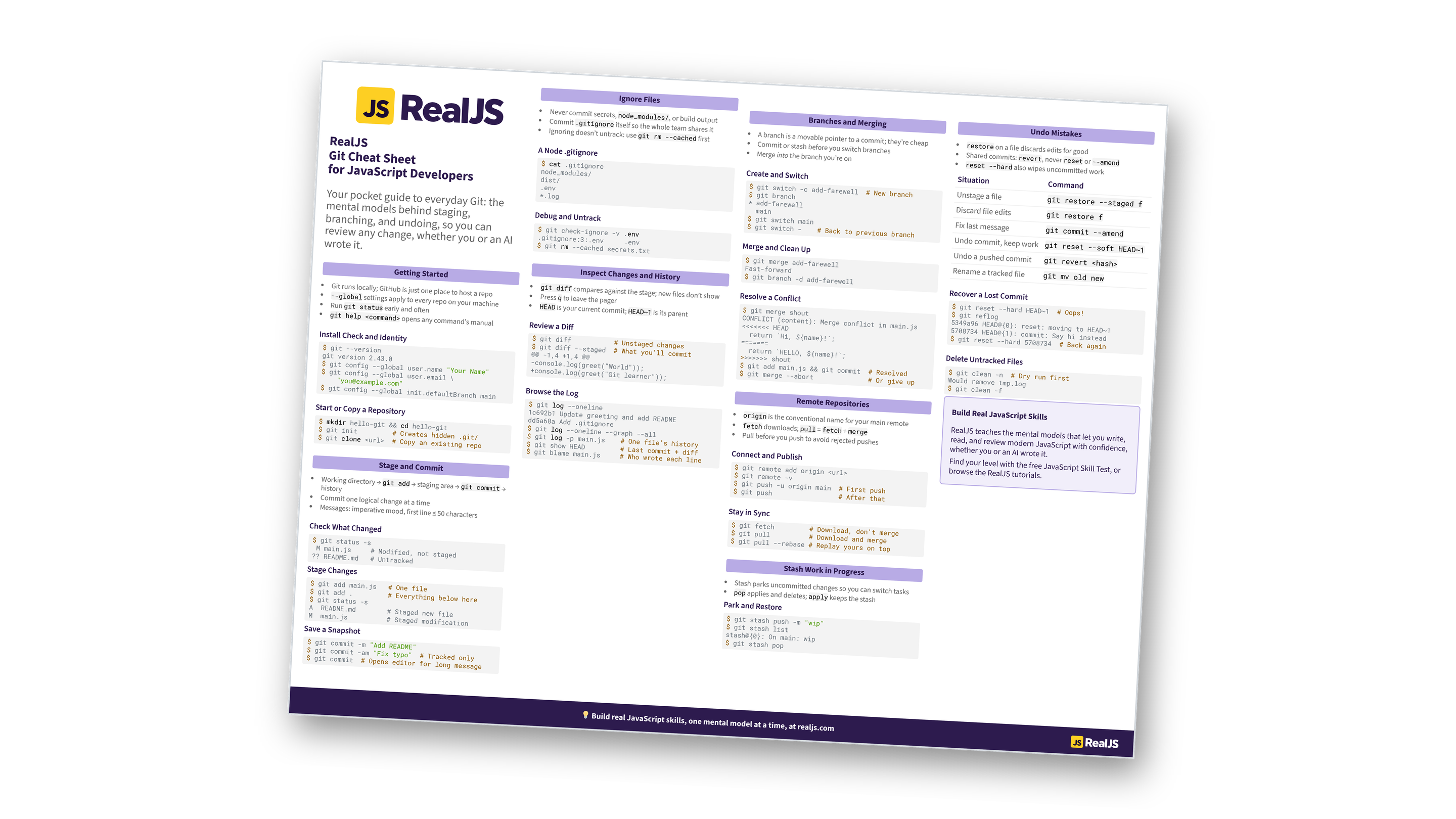
Free Bonus: Download the Git Cheat Sheet for JavaScript Developers (PDF) and keep the essentials at hand.
Bigger projects teach you what single tutorials can’t: how to plan features, structure files, debug problems you didn’t expect, and ship something other people can use. As your skills grow, move on to full-stack projects with a Node.js back end, a database, and a deployed front end that you can show in your portfolio.
Start small: a to-do list, a calculator, a number-guessing game, or a page that shows data from a public API. Each one practices core skills like DOM manipulation, events, and functions. Pick projects you’d actually use, which keeps you motivated to finish them.
Look for small, annoying tasks in your own life that a script or web page could solve, or rebuild a simple version of an app you use every day. Then add one new feature at a time, such as saving data with localStorage or fetching from an API.
Put your code on GitHub so others can read it, and deploy the front end to a free static host such as GitHub Pages, Netlify, or Vercel. Add a short README that explains what the project does and how to run it.
Break the problem into smaller steps, and check your browser’s console for error messages. Add console.log() calls or use the debugger to see what your code is actually doing. Getting stuck and working through it is where most of the learning happens.
For your first projects, use plain JavaScript so you learn how the browser works. Once you’re comfortable, try a framework like React on a larger project to see how it helps manage state and components.