JavaScript Coding With AI
AI is changing how developers write code. These tutorials show you how to use AI coding assistants effectively in your JavaScript work: writing clear prompts, reviewing and testing generated code, and using AI to explain unfamiliar code, write tests, and track down bugs. You’ll learn where these tools save time and where you still need to check their work.
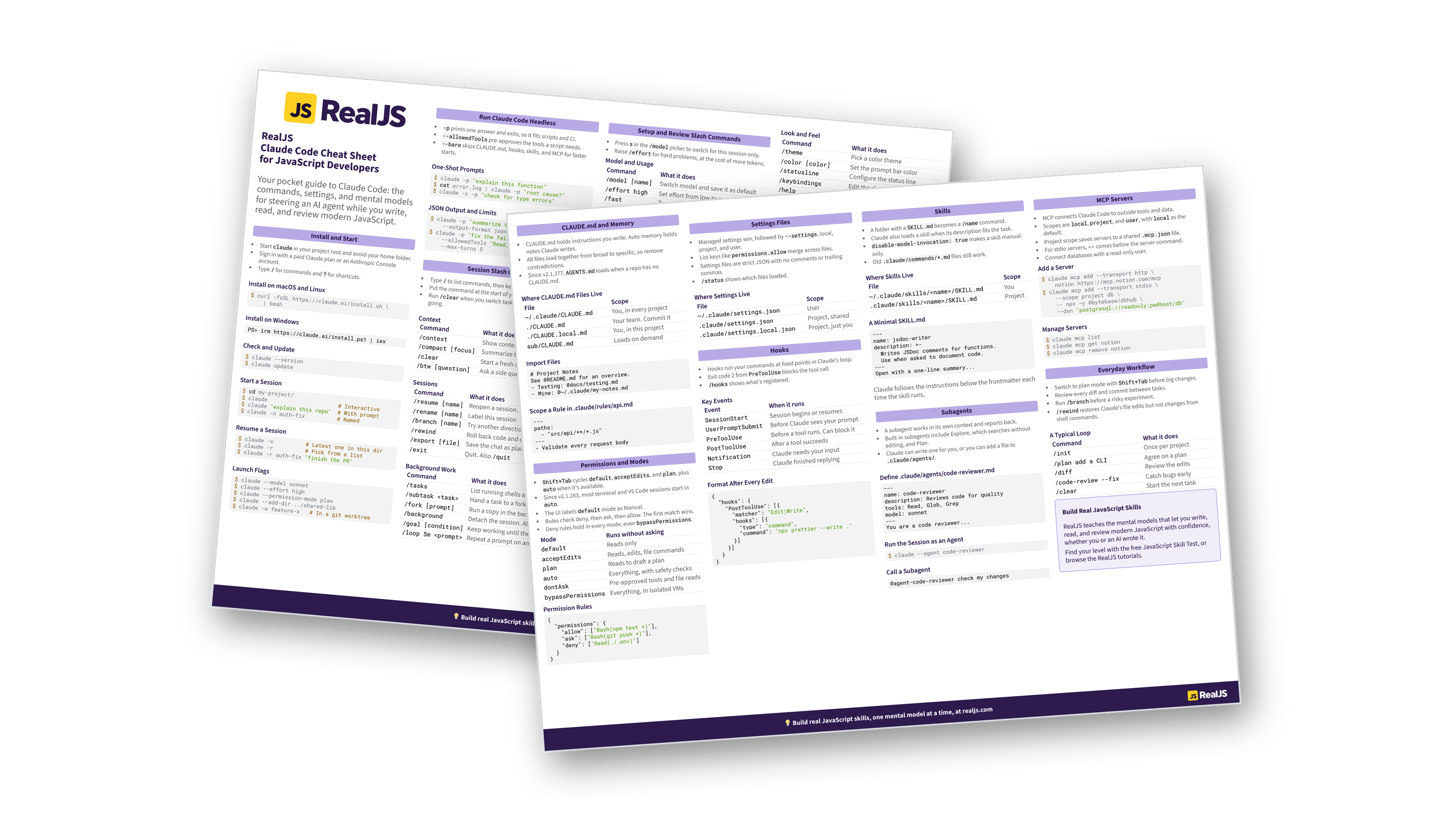
Free Bonus: Download the Claude Code Cheat Sheet for JavaScript Developers (PDF) and keep the essentials at hand.
You’ll also learn to build your own AI-powered features. Call large language model APIs from JavaScript, stream responses into a web page, give models tools to call, and handle structured output. Along the way, you’ll see how to manage costs, protect API keys, and keep your app reliable when the model’s answer isn’t what you expected.
Yes. AI tools can write JavaScript quickly, but you need to understand the code to review it, test it, and fix it when it’s wrong. Knowing the language is what makes AI a productivity boost instead of a source of hidden bugs. Read Welcome to RealJS for more.
Give the tool clear context: what you’re building, the relevant code, and the constraints. Ask for small, focused changes, then read and run the result. Use AI to explain code and write tests too, not only to generate new features.
Install the provider’s official SDK from npm, or call its HTTP API with fetch(). Send your prompt as a list of messages and read the model’s reply from the response. Make these calls from your server, not the browser, so your API key stays secret.
Never put API keys in front-end code, since anyone can read it in the browser. Store keys in environment variables on your server, and have your front end call your own back end, which then calls the AI provider.
Treat it like code from a new teammate: often useful, sometimes wrong. Read it, run it, and test it before you rely on it. Watch for outdated APIs, missing error handling, and security problems such as unchecked user input.