
Rosa’s garden website has its pages, but every one of them still wears the browser’s default styles. In this course, you give the Elm Street Community Garden’s site its first stylesheet: one style.css linked from all three pages, with the garden’s colors and fonts stored once as custom properties.
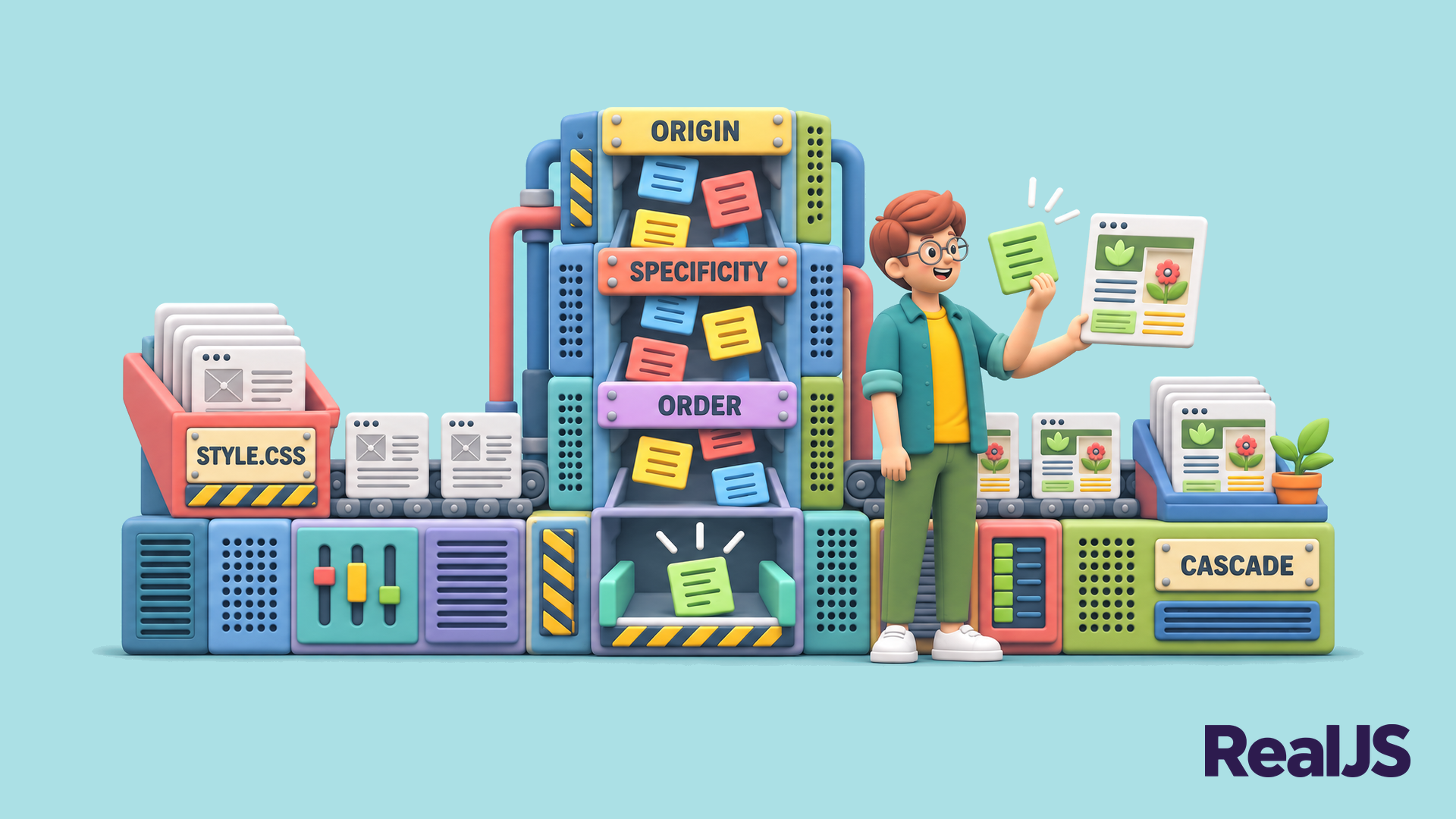
CSS doesn’t run like the programs you know. It fails silently, and when two rules disagree, the browser settles the conflict by origin, specificity and order, not by which rule you wrote last. You’ll learn how to:
- Link a stylesheet, write rules, and catch the declarations the browser drops without a word.
- Choose colors in modern formats, check text contrast, and size text with rem and em.
- Target elements with selectors, combinators, pseudo-classes and pseudo-elements.
- Predict which rule wins in the cascade, and why inline styles and
!importantonly escalate a conflict. - Use inheritance and custom properties, and ask DevTools why a rule doesn’t apply.
Each section mixes text lessons and short videos with exercises you write in the browser, where automated tests check your CSS. In the project, you style Rosa’s site step by step, fix a volunteer’s three broken rules in DevTools, and then explain your stylesheet to the AI mentor. A quiz wraps up the course.
This course is for programmers who know the JavaScript basics, or the equivalent in another language, and have copied CSS without ever learning why it works. You’ll need a current Chrome or Edge and a code editor with a live preview. It’s the second of seven courses on the HTML and CSS Foundations path, after Structuring Web Pages With HTML. If you’re starting here, the first lesson gives you the garden’s finished HTML.
What’s Included:
- 27 Lessons
- Video Subtitles and Full Transcripts
- Translated Subtitles in 8 Languages
- 2 Downloadable Resources
- Interactive Quiz to Check Your Progress
- 8 Hands-On Coding Exercises
- Q&A With JavaScript Experts: Ask a Question
- Certificate of Completion

Downloadable Resources:
Related Learning Paths:
