
In the work day exercise, every rule you wrote started with an element’s name: h1, h2, p, and li. That’s enough for the notice, where every paragraph can look like every other paragraph. The events page is busier. It has the site’s name and menu at the top, two events, a photo, and Rosa’s email address at the bottom. A rule for “every link” can’t tell the menu’s links from the rest.
In this lesson, you’ll write selectors that pick out exactly the elements you mean: by class, by ID, by attribute, and in combinations and groups. You’ll also test selectors in the Elements panel, so you know what they match before you rely on them. Start by giving the events page the practice stylesheet and seeing where element names fall short.
Link the Events Page
The events page, events/upcoming.html, doesn’t load events.css yet. First, check what events/events.css holds after the earlier lessons. It has the body rule with the honeydew background and the darkest of the garden’s greens. It also has the h1, h2, and a rules in the other two greens, the p rule with the gray you darkened until it passed AA, and the li rule from Size Text With rem and em.
Then open events/upcoming.html and add the same <link> you gave the notice to its <head>, right after the <title>:
<title>
  Upcoming Events | Elm Street Community Garden
</title>
<link rel="stylesheet" href="events.css">
The page and the stylesheet sit in the same folder, so the filename alone is the path. Save, and open the page at /events/upcoming.html instead of /events/work-day.html:
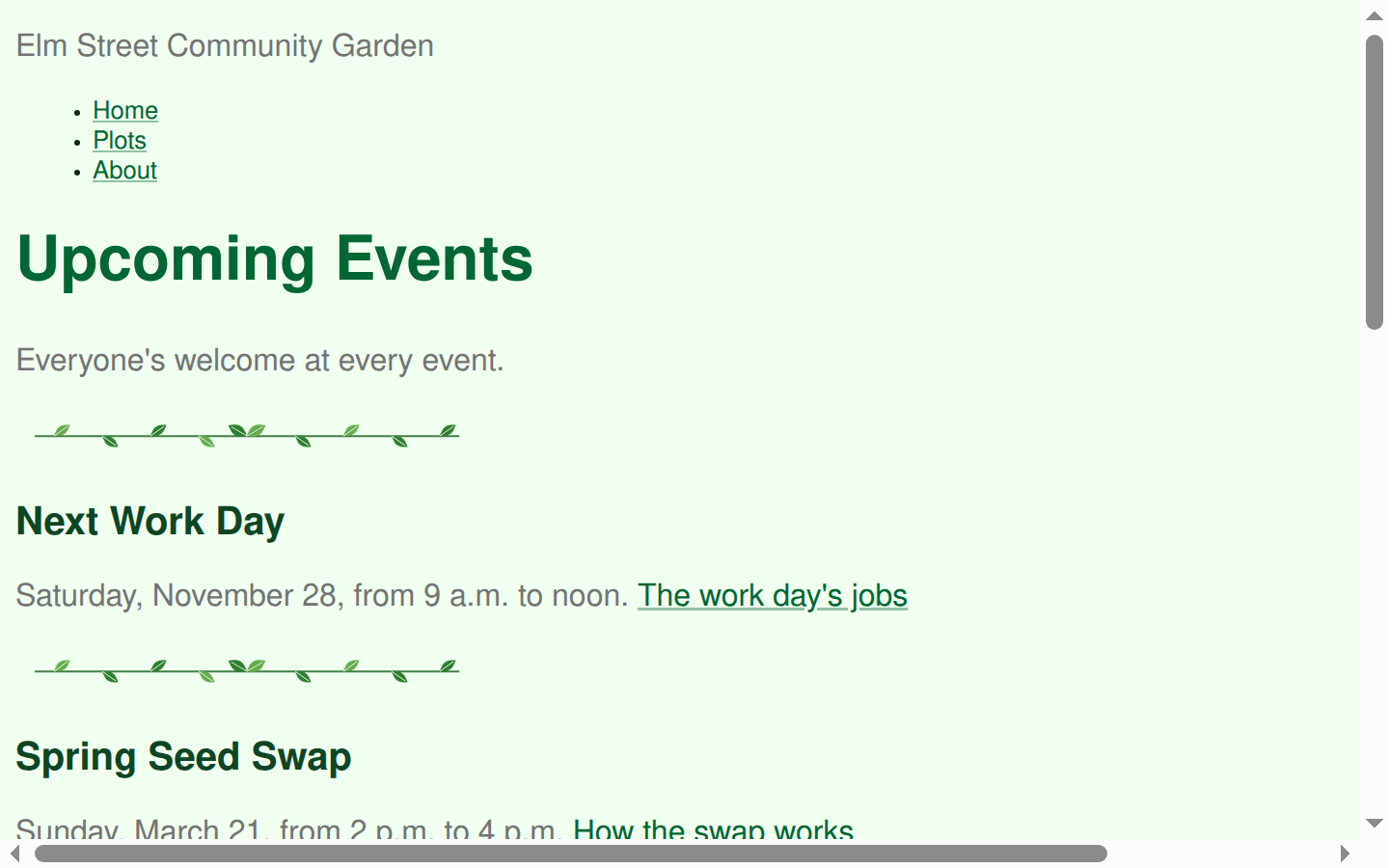
The page picks up the garden’s colors at once. But the three menu items, Home, Plots, and About, are a little smaller than everything around them. That’s the li rule:
events/events.css
li {
  font-size: 0.8rem;
}
The selector li is a type selector: it matches every element of that type. You wrote this rule for the seed swap’s nested list, but the menu is a list too.
Unlike a function, which runs only where you call it, a rule applies to every element it matches on every page that links the file. The li rule has done its job, so delete it from events.css and save. The menu returns to the normal size.
The other rules have the same reach. The a rule colors the menu’s links, the links to each event, and Rosa’s address alike, because they’re all <a> elements. To style one part of the page, you need a selector that names that part.

