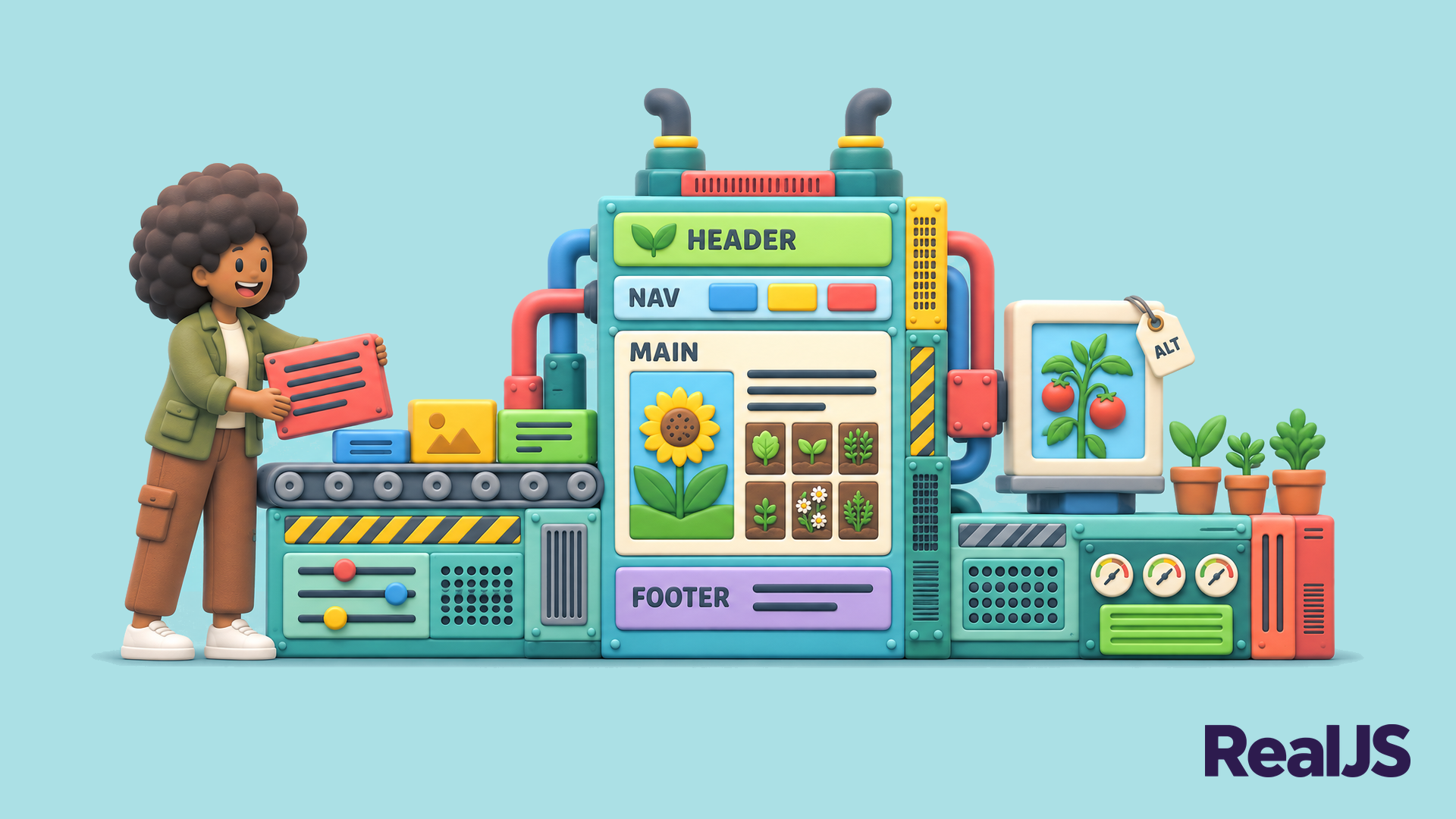

Rosa coordinates the volunteers of the Elm Street Community Garden and wants a website instead of the paper notices on the noticeboard. In this course, you’ll build her three linked pages: a home page with the next work day and a photo of a plot, a plots page with a table of who tends each of the 24 plots, and an about page with the garden’s rules.
There’s no CSS yet, so the browser’s default styles show you what your structure alone does. Along the way, you’ll find the mistakes HTML never reports, because the browser quietly repairs them. You’ll learn how to:
- Explain how the browser turns your HTML file into a tree, and check that tree in the Elements panel.
- Link pages across folders with relative paths, and mark up text by what it means.
- Add images with alt text, and divide a page into landmarks.
- Mark up a data table, and find the mistakes HTML never reports.
- Build a small multi-page site in valid, semantic HTML.
Each section mixes text lessons and short videos with exercises you write in the browser, where automated tests check your HTML. In the project, you build Rosa’s site page by page until all three pages pass the validator, and then you explain it to the AI mentor. A quiz wraps up the course.
This course is for programmers who know the JavaScript basics, or the equivalent in another language, and have copied HTML without ever learning it properly. You’ll need a current Chrome or Edge and a code editor with a live preview. There’s no CSS or JavaScript in this course: it’s the first of seven on the HTML and CSS Foundations path, the first stage of the front-end developer roadmap.
What’s Included:
- 25 Lessons
- Video Subtitles and Full Transcripts
- Translated Subtitles in 8 Languages
- 3 Downloadable Resources
- Interactive Quiz to Check Your Progress
- 7 Hands-On Coding Exercises
- Q&A With JavaScript Experts: Ask a Question
- Certificate of Completion

Downloadable Resources:
Related Learning Paths:
