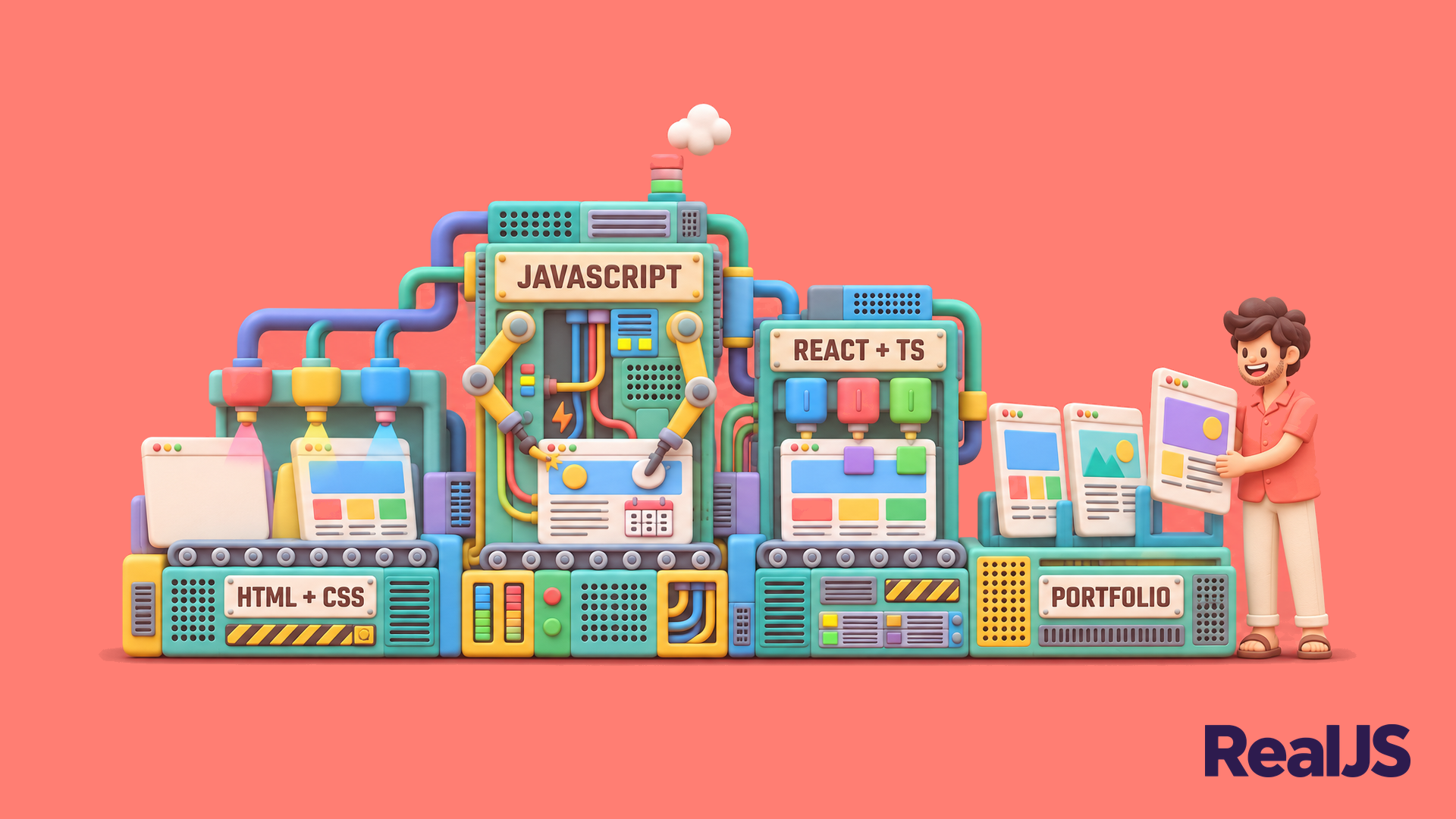
To become a front-end developer, work through four stages: HTML and CSS, JavaScript in the browser, React with TypeScript, and three portfolio projects. At 10 hours a week, the path takes about 10–15 months.
React and TypeScript come late in the path because both are built on JavaScript, and they’re the two names you’ll see most often next to it. In Stack Overflow’s 2026 Developer Survey, 42 percent of respondents used React, and 44 percent used TypeScript.
After the four stages comes the job search, which is slower today than it was a few years ago.
Free Bonus: JavaScript DOM Cheat Sheet
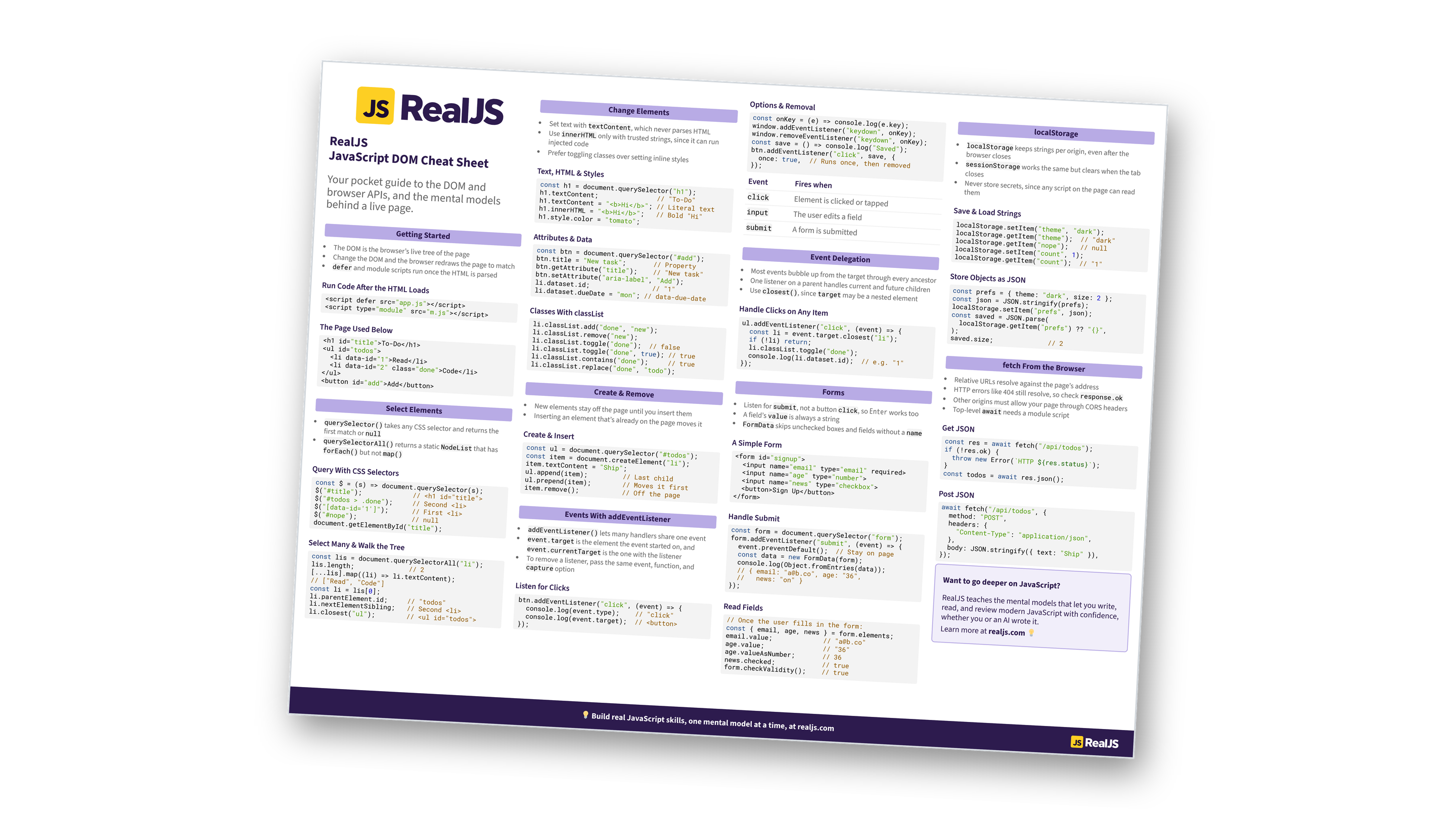
Selecting elements, handling events, and updating the page, in one printable reference.
Get the Free Cheat Sheet »What Does a Front-End Developer Do?
Front-end development is the half of web development that people see and use. Think of booking a train ticket online. The calendar you tap to choose a travel date, the list of trains, the seat map, and the red message that appears when you forget to enter your email address are all front-end work.
Each of those screens has to work for everyone who opens it. It has to fit a phone as well as a wide monitor. It also needs to work for someone who moves through the page with only a keyboard or who uses a screen reader, a program that reads the page aloud.
The list of trains comes from a server, a computer elsewhere that stores the timetable and takes the payment. The code that runs there is the backend, the other half of web development. The front-end developer turns a designer’s screens into working pages that ask the server for the latest trains. If the page’s request to the server fails, the page has to say what went wrong. Full-stack developers do both halves.
How Much Does a Front-End Developer Earn?
Pay is worth checking before you commit a year to learning a new skill. The US Bureau of Labor Statistics (BLS) has no job category for front-end work, so the pay below comes from the two closest ones.
In May 2025, the US median pay was $92,650 a year for web developers and $104,000 for web and digital interface designers, according to the BLS profile of the two jobs, updated August 27, 2026. Half the people in each job earned more than its median, and half earned less.
Both medians cover everyone in those jobs, from beginners to people with decades of experience, so neither one is a starting salary.
The Roadmap at a Glance
Drag the slider to see how long each stage takes at your own weekly hours:
The total hours stay the same, so doubling your weekly time halves each stage’s duration.
The time for each stage is an editorial estimate based on full-time coding bootcamps. Course Report puts the average bootcamp at about 14 weeks, and full-time online bootcamps at 40–60 hours a week, as of December 2025. That workload comes to 560–840 hours. The first three stages share those hours, minus the time a bootcamp spends on servers and databases, which this path leaves out.
Stage 1: HTML and CSS
HTML and CSS come first because everything in the later stages sits on top of them. This stage takes about 1.5–2 months. HTML marks the parts of a page, such as the train times and the booking form, so a screen reader can tell a heading from a button. CSS lays them out and styles them. Two CSS tools, Flexbox and Grid, arrange parts of a page in rows and columns, and they’re how one page fits both a phone and a monitor.
You’re ready to move on when you can rebuild a small page from a screenshot and your copy works on a phone. Keep that page, since it’s the first of your three portfolio projects.
Test it on a real phone as well as a narrow browser window, because text that fits a laptop screen can still spill off the side of a phone.
It’s tempting to reach for a CSS framework such as Bootstrap or Tailwind, but hold off until Flexbox and Grid make sense. A framework writes CSS for you, and you can’t fix what it writes without knowing CSS yourself. Once you know CSS, Tailwind is a good one to pick up next.
Sass, an add-on language that turns into CSS, can wait too. Don’t memorize HTML tags either, since looking one up takes seconds.
Stage 2: JavaScript in the Browser
This is the longest stage, at about 5–6.5 months, because it’s where you learn to program. JavaScript is what makes the train site respond. It opens the calendar when you tap the date, and it updates the seat map when you pick a seat.
The language comes first: values, decisions, loops, and functions. RealJS teaches that part from zero in its Practical Programming With JavaScript and AI learning path. Its first course has you write small programs right in the browser, and it teaches you to check and explain code, even the lines an AI assistant suggests.
Then you point the language at the page. The browser keeps a model of the page, called the DOM, and your code changes what’s on the screen by changing the DOM. Events are what your code reacts to, such as a click or a keypress. With fetch(), your code asks a server for data, such as the latest train times.
The server’s answer takes time to arrive, so fetch() hands you a promise right away. A promise is a value that stands for a result that will arrive later, or for an error if something goes wrong. Your code waits for the server’s answer, then reads the data out of it.
Start using Git in this stage. It saves a snapshot of your code each time you ask it to, so you can go back when a change breaks something. From now on, put each new project on GitHub, a website that stores Git repositories where others can see them. Employers will look there in Stage 4.
You’re ready for Stage 3 when your small app loads data from a server and shows a clear message when the request fails. That second half takes code of its own, because a missing page isn’t an error to fetch(). In Node.js 26.13.0, which runs JavaScript outside the browser, a request for a page that doesn’t exist still gets a response:
const response = await fetch("https://realjs.com/no-such-page/");
console.log(response.ok, response.status);
It prints two values:
false 404
No error appears. The false is the response’s ok value, and 404 is the server’s code for “not found.” A fetch() call fails with an error only when the request itself goes wrong, such as when you’re offline or the web address is mistyped. Your app has to catch that error and check ok too. Once your app handles both, keep it: it’s your second portfolio project.
You can leave jQuery, an older library for changing pages, off your list, since today’s JavaScript can handle those tasks on its own. Algorithm puzzles of the kind some job interviews use can wait too, because they train a different skill from building pages. Servers belong to the full-stack path, and a second programming language can wait until a job asks for one.
Stage 3: React With TypeScript
Plan on about 3–5.5 months for this stage. React and TypeScript are both built on JavaScript, so you’ll use everything from Stage 2 here.
React lets you build a page from components, reusable pieces that you write once. On the train site, one component could show a single train, and the page could use it for every train in the list. React also tracks state, the things that change while someone uses the page, such as the seat they picked. When the state changes, React updates the screen.
TypeScript adds labels for the kind of data each value holds. A component can say that it expects a train’s departure time as text and its price as a number. TypeScript’s checker reads those labels before the code runs, and it flags a component that gets the wrong kind of data. The browser never sees those labels, so TypeScript can’t check what a server actually sends while the app runs.
This stage is also where you meet npm and Vite. npm downloads packages, which are bundles of code that other people wrote and shared. Vite creates a new project and shows your changes in the browser each time you save.
A React and TypeScript starter made with Vite 8.3.8 builds, or turns into files a browser can load, without errors on the Node.js version that ran the fetch() example. It uses React 19.3.1 and TypeScript 7.0.2, the latest versions on November 11, 2026.
You’re ready to move on when you’ve built a small app from your own components, with state, and with TypeScript labels for the data each component expects. Keep that app too. It becomes your third project.
You might wonder whether to learn a second framework too, such as Angular, Svelte, or Vue, which do React’s job in their own ways. Only 16 percent of Stack Overflow respondents used Angular, far fewer than used React, so one framework is enough for now.
Next.js adds features on top of React, such as moving between a site’s pages and running code on a server. Its server features are full-stack work. The rest is easier once React makes sense, so learn Next.js when a job asks.
State libraries, add-ons that share data across a large app, can wait as well. React’s own state covers apps the size of your projects.
Stage 4: Three Projects That Prove You’re Ready
You started each project in an earlier stage, and this stage is about finishing all three. Plan on about 2–4 weeks.
Each project needs a README, a short file that says what the project does and how to run it. You’re ready to apply when all three projects are online with READMEs and you can explain each choice you made. Each one also has to work on a phone, with a keyboard, and with a screen reader.
Skip a fourth project, and skip copies of course projects. A copy shows that you followed the steps, and an employer can’t tell which choices were yours. Stop polishing once each project works and its README reads well.
The three projects line up with the stages:
- A landing page in HTML and CSS. It shows that you can build a layout that fits a phone and works with a keyboard.
- A JavaScript app that fetches data from a public API, a service at a web address that answers with data. Pick an API that says it works from the browser, because the browser won’t let your page read the others. The app tells the user when a request fails.
- A React and TypeScript app that works with real data.
Put that app first on your portfolio page and in your applications, since it’s the one most likely to match an employer’s posting. Each project needs a live link that anyone can open and a GitHub repository with its README. A plain HTML page that links to all three is enough for a portfolio.
List your tools in each README with the names job postings use, such as React and TypeScript, so someone checking your work against a posting can find them.
Finally, be ready to walk through every part of each project, including code an AI tool wrote for you.
Every “ready when” line in the four stages is a box on the printable roadmap checklist for this path. Tick a box only when you can do the thing without looking it up.
The Front-End Job Market in 2026
By the time your three projects are done, you’ll be job hunting, so it helps to know what the market looks like. BLS projects that US jobs for web developers will grow 3.8 percent from 2025 to 2035 in its Employment Projections. The BLS profile of the job adds a warning.
BLS notes that “improving web development tools and increasing use of artificial intelligence (AI) for web development may soften the employment growth of these workers.” (Source)
Software job postings in the US are about 18 percent below their level of early 2020. Indeed Hiring Lab tracks them as an index that sets February 1, 2020, to 100. On October 30, 2026, the index for software development stood at about 81.6, according to Indeed Hiring Lab’s posting data.
That’s still up about 24 percent from 65.9 a year earlier. The index covers all software development jobs, and front-end roles are only one part of it.
AI is also changing how the work gets done. Stack Overflow’s survey also found that about two-thirds of the developers it asked use AI coding assistants or coding agents at work. That’s why Stage 4 asks you to be ready to explain the AI-written parts of your projects.
The roadmap’s estimate ends when your three projects are done, so the job search comes on top of it. Many postings will ask for more experience than you have. Apply when you can do most of what a posting lists, and point to your projects for the rest.
Your First Step This Week
You can start this week with nothing more than a text editor and a browser. Pick a small page you use, such as a train timetable or a recipe, and take a screenshot of it. Then rebuild it in HTML and CSS. Your copy needs to look like the screenshot and fit your phone, but don’t worry about making the buttons work yet, since that comes in Stage 2.
Once your copy fits your phone, you’re ready for JavaScript. A good place to start is this RealJS learning path, which needs no programming experience:
Learning Path
Practical Programming With JavaScript and AI
6 Resources ⋅ Skills: Reading Code, Conditionals, Loops, Functions, Debugging, Checking AI-Written Code
Its courses build up to a small JavaScript report that you can explain line by line.
Frequently Asked Questions
Here are short answers to questions a beginner may have about becoming a front-end developer:
A little under a year to about a year and a quarter if you study part time, plus time for the job search. The estimate ends at your third finished project. JavaScript in the browser is the longest stage, and more hours a week shorten every stage in proportion.
Yes. They’re the most common pair in front-end work today, each used by about four in ten developers in Stack Overflow’s 2026 survey. Both build on JavaScript, so learn JavaScript first, and leave Angular, Svelte, Vue, and Next.js for later.
Web developers in the US earned a median of about $93,000 a year in May 2025, and the interface designers BLS groups with them earned about $104,000. BLS doesn’t track front-end development on its own, so those two related categories stand in for it. Both figures cover everyone from beginners to veterans, so neither is a starting salary.
Frameworks like Bootstrap and Tailwind can wait until you understand Flexbox and Grid. Also skip jQuery, algorithm puzzles, and a fourth project. Leave a second programming language for when a job needs it.
Apply once all three projects are public, each with a README, and you can talk through your choices. They should also work on a phone, with a keyboard, and with a screen reader. Postings often want more experience than a newcomer has, so let the projects cover the gaps.