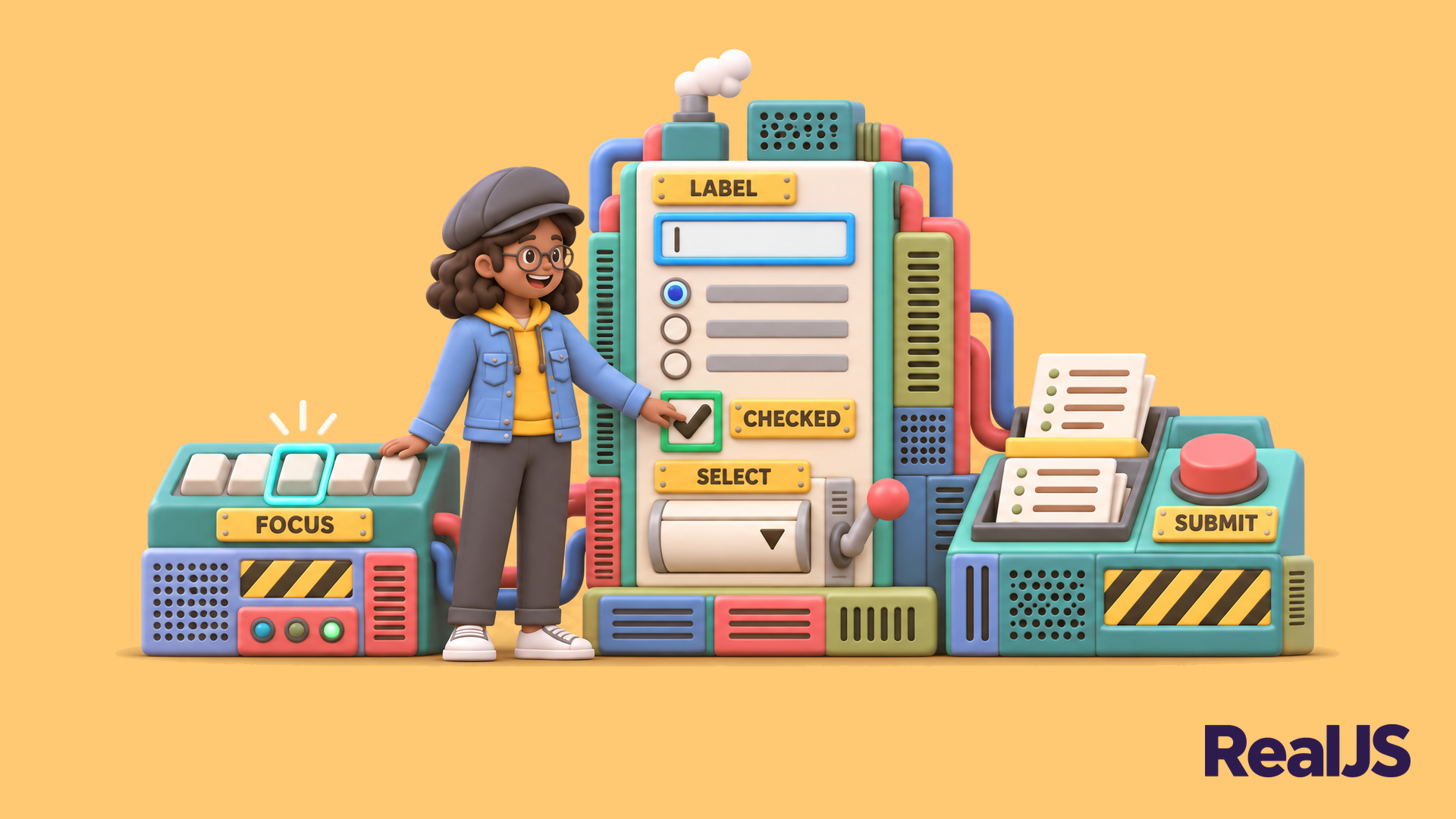

Sam keeps the family recipes on paper and wants them on a page. A list that only shows recipes isn’t enough. Someone has to type a recipe in, the page has to refuse a bad one, and everything should work for people who never touch a mouse. In this course, you’ll read what people type into forms, check it before it reaches your data, and build controls that anyone can use with a keyboard or a screen reader.
You’ll type along in your own editor and browser, check each step on the page and in the browser’s developer tools, and practice in RealJS exercises with automated tests that check your code. You’ll learn how to:
- Read a text box, a whole form with
FormData, radio buttons, and checkbox groups, and turn what you read into a record - Handle a form’s
submitevent so the page doesn’t reload - Let the browser check required fields and number ranges, and add a rule of your own with
setCustomValidity() - Add a keyboard shortcut, and build buttons and toggles that work with the keyboard alone
- Move focus to a sensible place and announce each change in a status region for screen-reader users
- Ask before deleting with a
<dialog>, and open panels with popovers and<details>
In the project, you’ll build Sam’s recipe box. An Add a recipe form takes a name, servings, minutes, a category, and a vegetarian checkbox, and it refuses a name that’s already in the box. The / key jumps to a filter field that narrows the list as you type. Delete asks first in a dialog, and a status region announces every add and delete. Then you’ll explain your recipe box to the mentor.
You need JavaScript basics, including functions and arrays of objects. You should also be able to keep a page’s data in an array, redraw the page from it with a render() function, and handle a whole list with one listener. You’ll need a current version of Chrome or Edge, an editor, and a local server.
What’s Included:
- 23 Lessons
- Video Subtitles and Full Transcripts
- Translated Subtitles in 8 Languages
- 2 Downloadable Resources
- Interactive Quiz to Check Your Progress
- 7 Hands-On Coding Exercises
- Q&A With JavaScript Experts: Ask a Question
- Certificate of Completion

Downloadable Resources:
Related Learning Paths:
