Frontend JavaScript Without a Framework
Learning Path ⋅ Skills: Changing the Page, Click Events, Drawing the Page From Data, Modules, Forms and Validation, Keyboard Accessibility, Saving in the Browser, Timers, Files, Debugging
This learning path is for programmers who know JavaScript basics, such as functions, loops, arrays, and objects, but have never written the JavaScript side of a website. You’ll work in plain JavaScript in Chrome or Edge, with your own editor and a local server, and no framework. You only need enough HTML and CSS to give your scripts something to work with, and the courses teach that as you go.
You’ll start by giving a page its own script and making it respond to clicks. Then you’ll redraw the page from your app’s data, split your code into modules, read and check forms, and build controls that work with a keyboard and a screen reader. Next, you’ll save data in the browser, work with files, and add timers. Each course has exercises with automated tests and ends with a project, from a game night RSVP board to a kitchen-ready recipe box.
In the final course, you’ll plan and build a complete packing list tool from an empty folder, hunt silent bugs with the browser’s debugger, and, if you choose, put it online with GitHub Pages. By the end, you’ll be able to build a self-contained interactive tool of your own that keeps its state in the browser, with no backend and no external services.
Frontend JavaScript Without a Framework
Learning Path ⋅ 8 Resources
Is this path right for you? Mentor AI knows what’s in it and can help you decide where to begin.
Ask Mentor AI

Script a Page and Make It Respond
Give a web page its own script, then make it change while people use it. You’ll build parts of a page from data, switch classes and attributes, and respond to clicks as you turn a game night page into an RSVP board.
Course
Putting JavaScript on the Web Page
Build a page for Priya's monthly board game night with HTML, CSS and a JavaScript module script that turns this month's games into list items, marks the long ones and fills a summary line.
Course
Making the Page Respond
Make a page respond to clicks with JavaScript: you'll hand functions to the browser, change elements, and build an RSVP board for game night.
Draw the Page From Your Data
Now that your page responds to clicks, you’ll keep its data in one place and redraw the page from it after every change. You’ll handle a whole list with one listener and split your app into modules as you build a scorekeeper for game night.
Course
Data Drives the Page
Keep a page's data in one place and redraw the page from it: you'll handle a whole list with one listener, split your code into modules, and build a scorekeeper for game night.
Read Forms and Build Accessible Controls
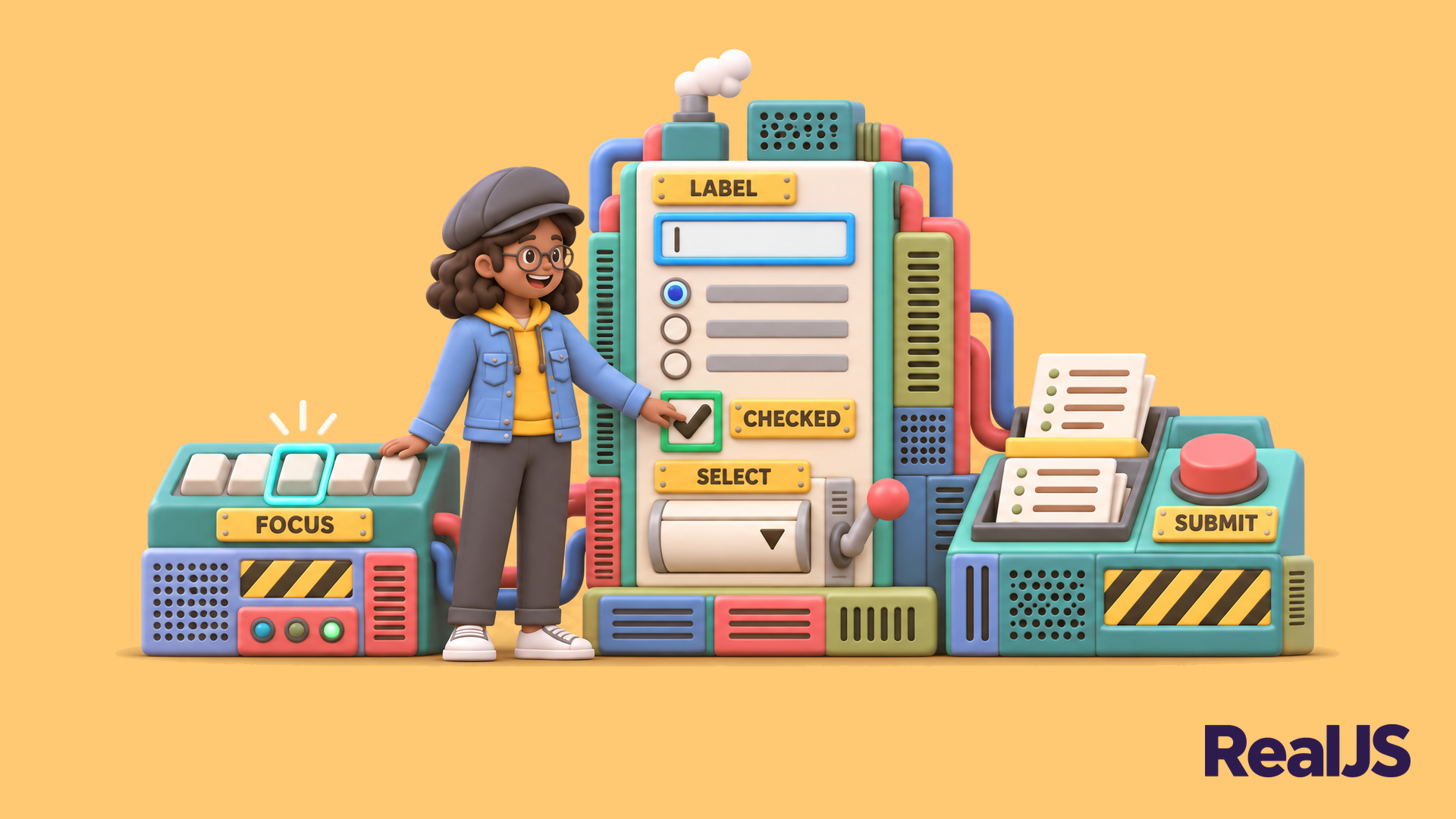
With your page drawn from data, you’ll let people add to that data through forms and check what they type before your app accepts it. You’ll also build controls that work with a keyboard alone and tell screen-reader users what changed, all in a recipe box app.
Course
Forms and Controls for Everyone
Read and check forms with JavaScript, then build controls that work with a keyboard alone and tell screen-reader users what changed, as you make a recipe box.
Save Data, Share Files, and Keep Time
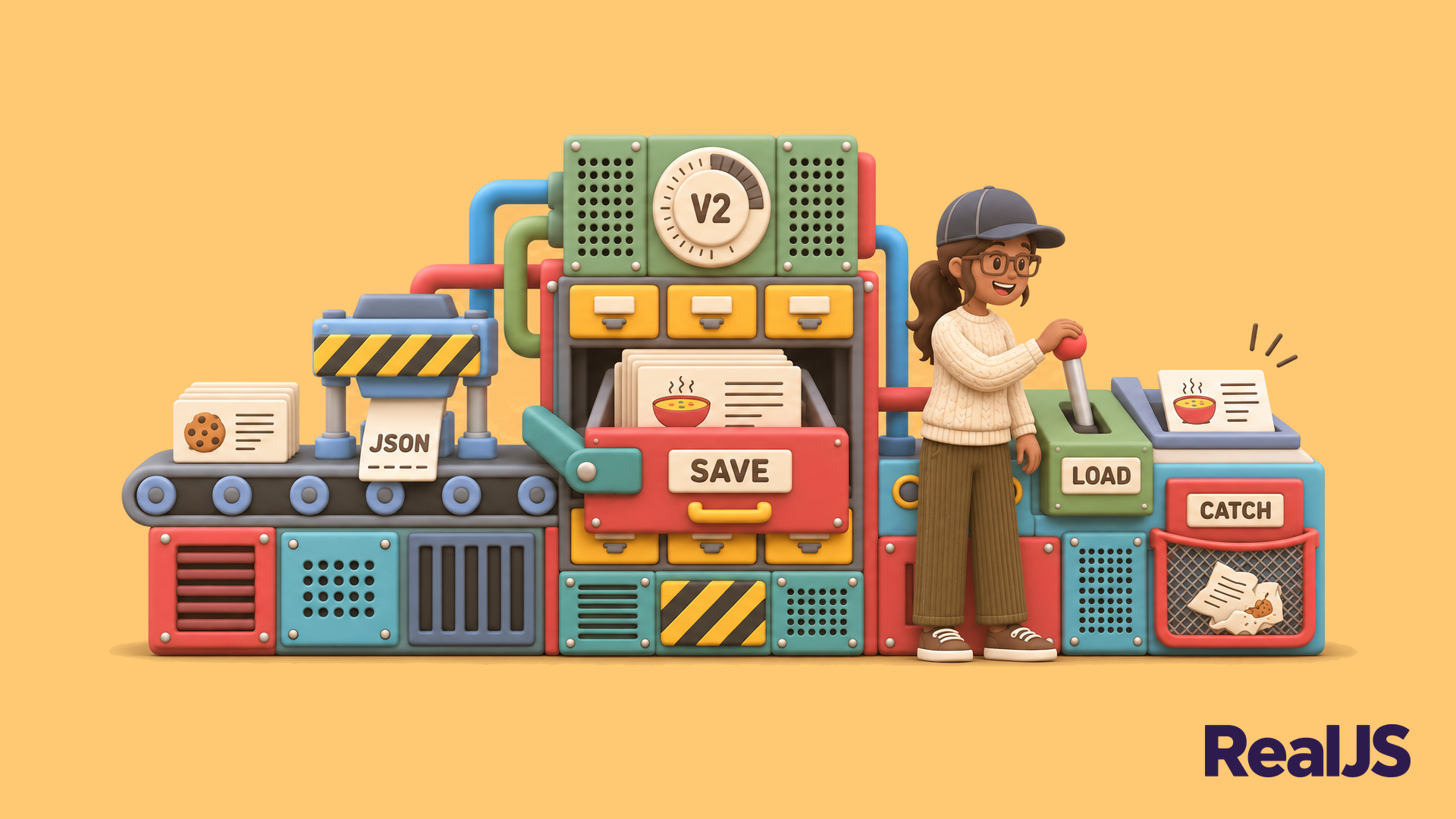
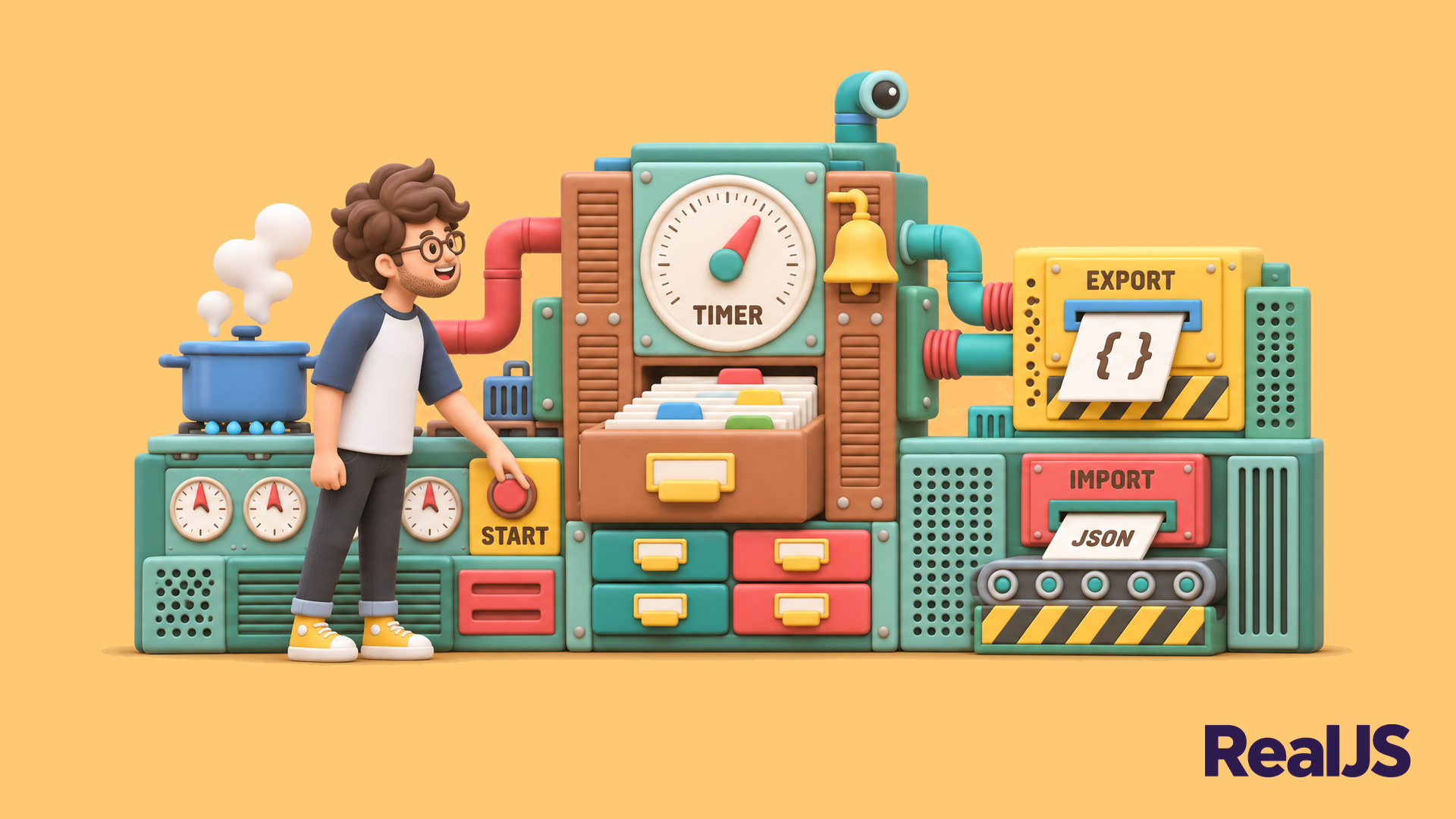
Your recipe box takes input, but it forgets everything on a reload. Next, you’ll save its data in the browser and load it safely even when a save is damaged or out of date. Then you’ll load data files, let users export and import their recipes, and add cooking timers to the page.
Course
Saving State in the Browser
Make a browser app remember its data across reloads. Save nested objects as JSON in localStorage, load them on every visit, and keep the app working when a save is missing, damaged, or in an older shape.
Course
Timers and Files
Make a browser app keep time and share its data as files. You'll write functions that remember their variables, run timers that count down from a deadline, load JSON and CSV files, and let users export and import their recipes.
Build, Debug, and Ship a Complete Tool
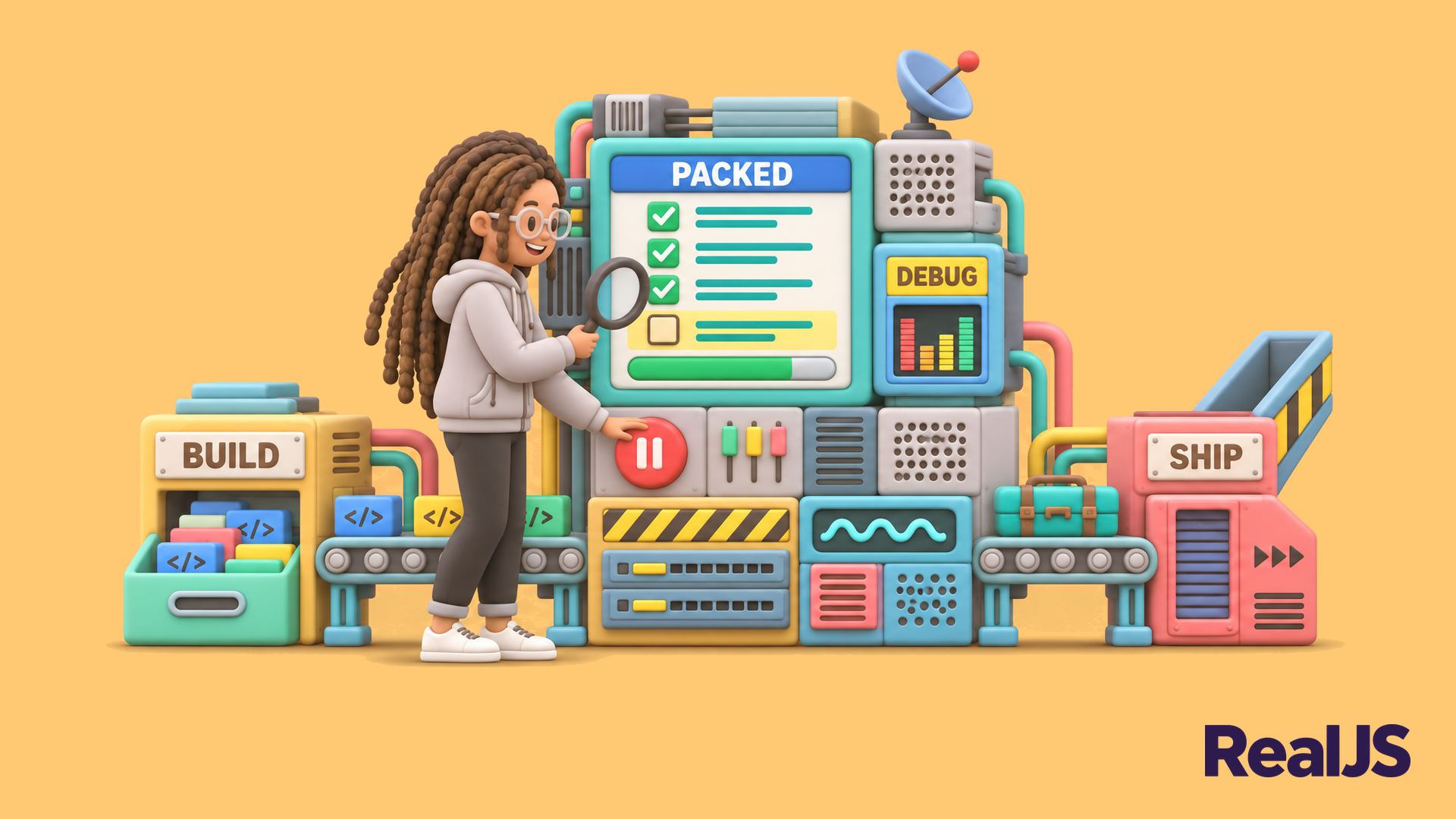
Now you’ll bring it all together and build a packing list from an empty folder, one planned feature at a time. You’ll find silent bugs with the browser’s debugger and can choose to put your tool online with GitHub Pages or plan a tool of your own with the same method.
Course
Build, Debug and Ship Your Tool
Build a packing list in JavaScript from an empty folder, find its silent bugs with the debugger, and, if you choose, put it online with GitHub Pages.
Test Your Knowledge
You’ve made it through the path! In the wrap-up quiz below, you’ll revisit the most important ideas, from building and changing elements, handling clicks, and redrawing a page from its data to reading forms, saving data in the browser, working with timers and files, and finding silent bugs. Use it to spot any topics that still feel rusty before you build your next tool.
Interactive Quiz
Frontend JavaScript Without a Framework
Check what you learned in the Frontend JavaScript path: changing pages, clicks, rendering from data, forms, saving, timers, files, and debugging.
Congratulations on completing this learning path! You can now build interactive browser tools in plain JavaScript: change a page from your script, respond to clicks and keystrokes, draw the page from your data, check forms, build keyboard-friendly controls, save data in the browser, and work with timers and files. You’ve also built a complete tool from an empty folder and found its silent bugs with the debugger.
You might also be interested in these related learning paths:
Got feedback on this learning path?
Looking for real-time conversation? Visit the RealJS Community Chat or join the next “Office Hours” Live Q&A Session. Happy coding!
