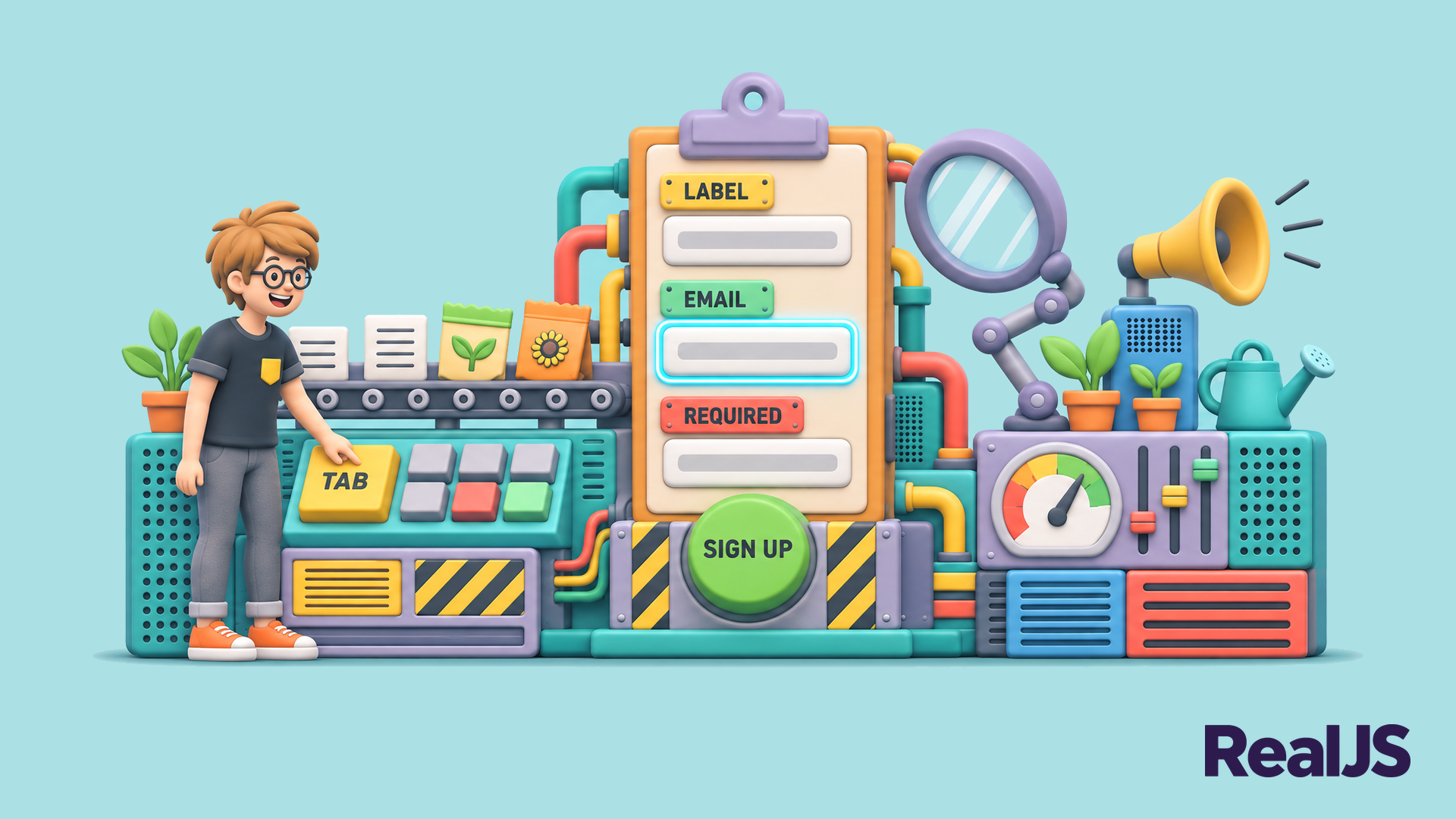

The Elm Street Community Garden’s website can’t ask its visitors anything yet. Rosa coordinates the garden’s volunteers, and she wants work day sign-ups and plot applications on the site, in forms that everyone can fill in, with a mouse, a keyboard, or a screen reader. In this course, you’ll build them.
If you’ve ever used a placeholder where a label should go, or watched a field turn red before anyone typed a thing, this course shows you how HTML forms are meant to work. You’ll check each page four ways: with the keyboard alone, in DevTools’ Accessibility pane, with Lighthouse, and with a screen reader. You’ll learn how to:
- Build a form with a label for every field and input types that fit the data.
- Let the browser check what visitors type, and style the form and its errors to match the site.
- Check a page with the keyboard, the Accessibility pane, Lighthouse, and a screen reader.
- Build and audit Rosa’s plot application form.
Each section mixes text lessons and short videos with exercises you write in the browser, where automated tests check your code.
In the lessons, you build the work day sign-up form, then repair a seed swap form that a keyboard and a screen reader can’t use. In the project, you build the plot application form yourself: a visible label on every field, errors that show only once a visitor has moved on, styles that match the site, and a Lighthouse accessibility score of 100. Then you explain your form to the AI mentor and take a quiz.
This course is for programmers who know JavaScript basics, or the equivalent in another language, but it has no JavaScript of its own.
You should know landmarks, custom properties, cascade layers, Flexbox, and media queries. You’ll need a current Chrome or Edge, an editor with a live preview, and the screen reader built into your operating system. It’s the sixth of seven courses on the HTML and CSS Foundations path. Starting here? The first lesson gives you the garden’s files.
What’s Included:
- 22 Lessons
- Video Subtitles and Full Transcripts
- Translated Subtitles in 8 Languages
- 2 Downloadable Resources
- Interactive Quiz to Check Your Progress
- 5 Hands-On Coding Exercises
- Q&A With JavaScript Experts: Ask a Question
- Certificate of Completion

Downloadable Resources:
Related Learning Paths:
