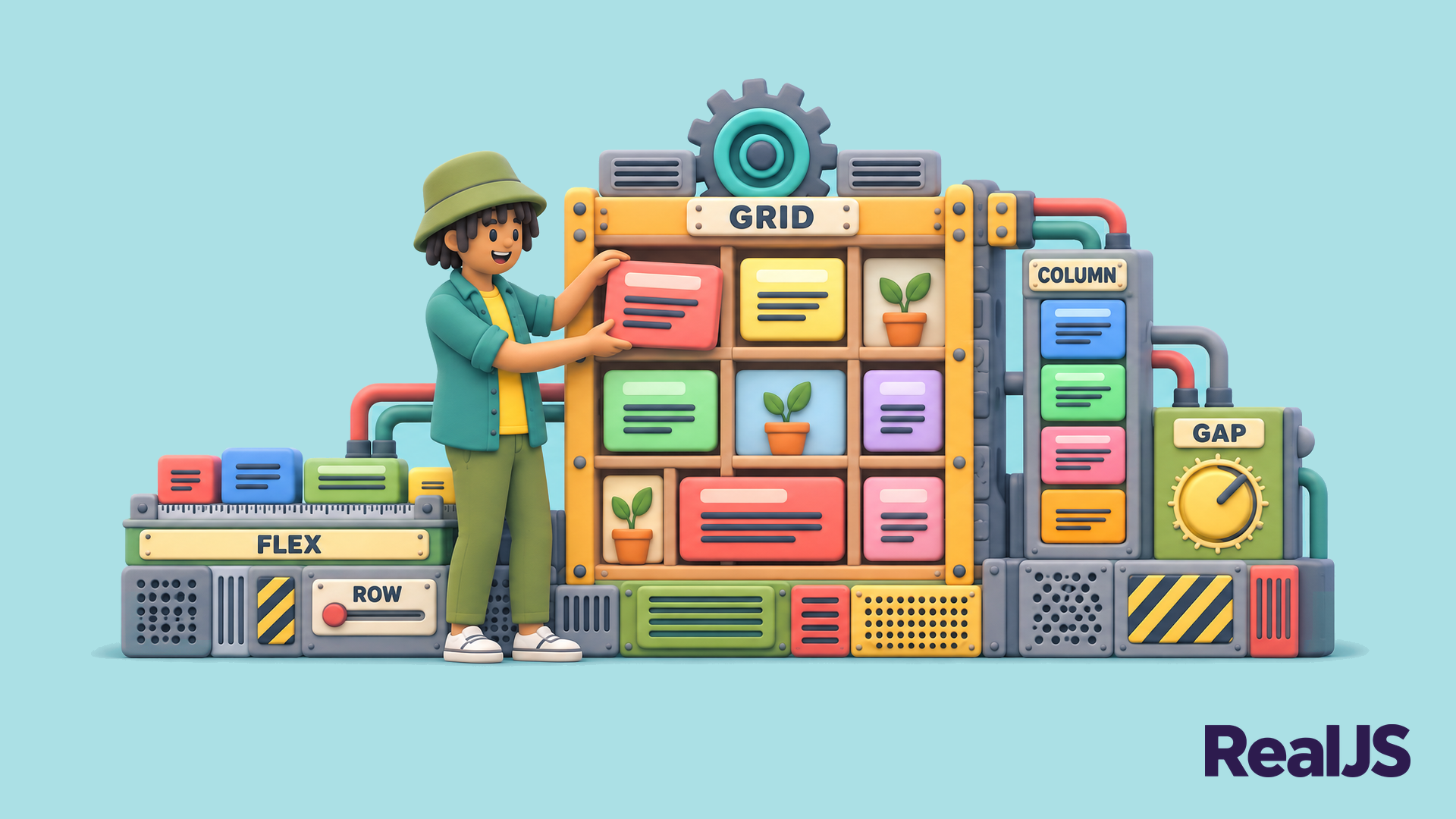

Rosa’s garden website has its pages, its colors, and a consistent design, but every box on every page still stacks in one centered column. Rosa coordinates the volunteers of the Elm Street Community Garden, and she wants the whole site laid out. In this course, you’ll lay it out.
If you’ve ever fought a layout until it looked right, this course gives you the model behind it: the parent arranges its children. You’ll turn on DevTools’ flex and grid overlays to see the layout before you change a value. You’ll learn how to:
- Line up a header and its nav in a row with flexbox, and let items grow, shrink, and wrap.
- Build card grids with grid tracks, line numbers, named areas, and automatic columns.
- Frame every page in a shell that keeps the footer at the bottom, and add a sidebar and a sticky header.
- Pin badges with positioning, stack layers with
z-index, and center anything in both directions. - Choose flow, flexbox, or grid for each part of a page.
Each section mixes text lessons and short videos with exercises you write in the browser, where automated tests check your CSS. In the project, you lay out every page of the garden’s site at desktop width, draw a map of its plots, and set a photo beside each volunteer’s text. Then you explain your layout to the AI mentor and take a quiz.
This course is for programmers who know JavaScript basics, or the equivalent in another language. You should know the box model, block and inline boxes, how the cascade decides which declaration wins, and DevTools’ Styles and Computed panes. You’ll need a current Chrome or Edge and an editor with a live preview. It’s the fourth of seven courses on the HTML and CSS Foundations path. Starting here? The first lesson gives you the garden’s files.
What’s Included:
- 31 Lessons
- Video Subtitles and Full Transcripts
- Translated Subtitles in 8 Languages
- 2 Downloadable Resources
- Interactive Quiz to Check Your Progress
- 8 Hands-On Coding Exercises
- Q&A With JavaScript Experts: Ask a Question
- Certificate of Completion

Downloadable Resources:
Related Learning Paths:
