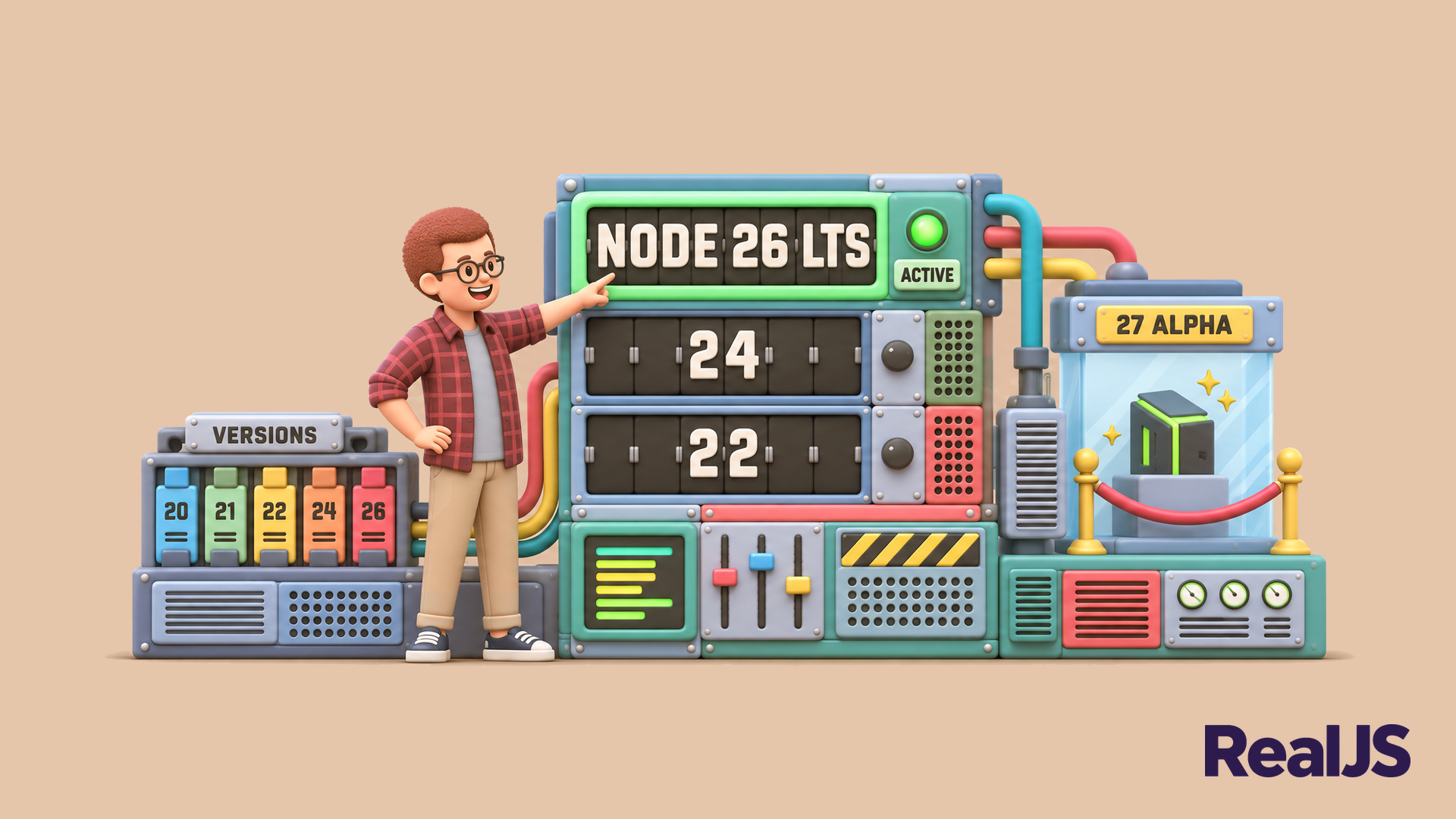
The latest Node version for production is Node.js 26.13.1, which nodejs.org lists as released on November 10, 2026. Its release line, Node 26, entered long-term support, or LTS, on October 28, 2026. Node 27 exists only as an Alpha build, which isn’t meant for production.
Node 26, code-named “Lithium” and released May 5, 2026, is also the last line on the old twice-a-year schedule. From Node 27 on, Node.js ships one major version a year, a change the project laid out in Evolving the Node.js Release Schedule.
If you’re on Node 22, the move to 26 is the one to plan, because 22 runs out of support first. Node 24 is supported a year longer, so you can wait to upgrade it. Node.js 26.0.0 also removed legacy features that older code may still call, and the new calendar changes when the next upgrade comes due.
Free Bonus: Node.js Files and Paths Cheat Sheet
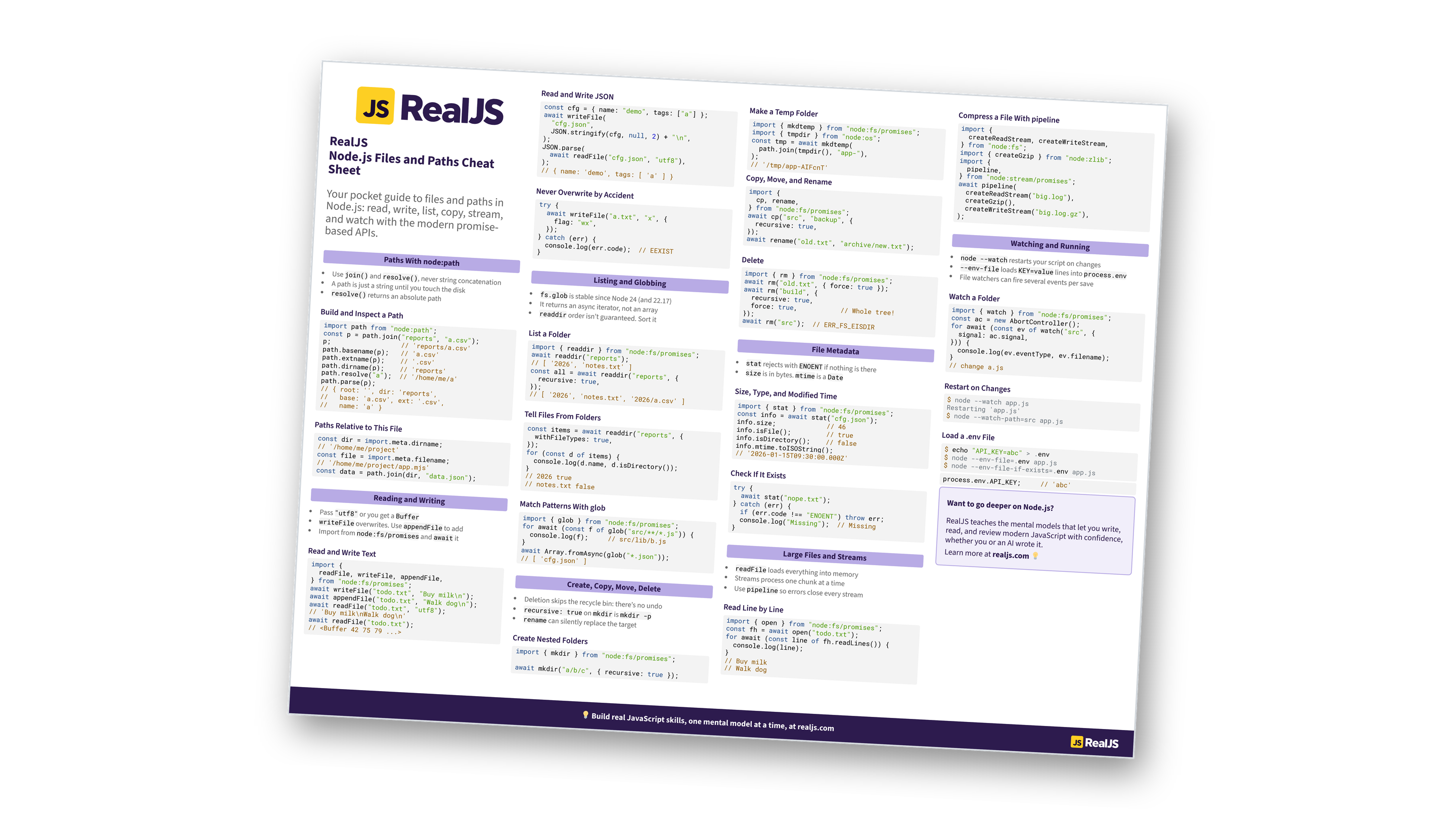
Read, write, list, copy, stream, and watch files with the modern promise-based APIs, in one printable reference.
Get the Free Cheat Sheet »What Is the Latest Node Version Right Now?
The line you run decides how long you have before you need to upgrade. The Node.js Release working group tracks a status and an end-of-life date for each supported line in its nodejs/Release repository. Active LTS gets new fixes, while Maintenance LTS gets only critical ones. As of November 14, 2026, the lines stand like this:
| Line | Status | End of life |
|---|---|---|
| 22 | Maintenance LTS | Apr 30, 2027 |
| 24 | Maintenance LTS | Apr 30, 2028 |
| 26 | Active LTS | Apr 30, 2029 |
| 27 | Alpha | Apr 30, 2030 |
Node 24 moved to Maintenance on October 20, 2026, so it now gets only critical fixes and security updates. Node 25 is absent because, under the old schedule, odd-numbered lines never became LTS. It reached end of life on June 1, 2026, according to the schedule.
Until now, Node.js shipped two major versions a year, one even-numbered line that became LTS and one odd-numbered line that didn’t. Node 27 runs on a new calendar. Its Alpha phase began on October 28, 2026, and 27.0.0 is scheduled to ship on April 22, 2027. Starting with Node 27, each line spends six months as an Alpha from October, six months as Current from April, and then thirty months as LTS, with no separate Maintenance phase.
What Changed in Node 26?
The 26.0.0 release brought a new V8 engine, a new major version of the HTTP client under fetch(), and a built-in successor to Date. It also took a few old features away. The three removals are the changes most likely to break existing code.
Each script in this section ran on November 14, 2026, under Node 26.13.1 and Node 24.22.3. The outputs come from Node 26, and the text says where Node 24 behaves differently.
Temporal Is On by Default
Temporal, the date and time API built to replace Date, is now a global you can use without a flag. A short script shows it:
temporal.mjs
console.log(typeof Temporal);

const launch = Temporal.PlainDate.from('2026-05-05');
console.log(launch.add({ months: 6 }).toString());
console.log(Temporal.Instant.from('2026-05-05T00:00:00Z').toString());
Run the script to see the output:
$ node temporal.mjs
object
2026-11-05
2026-05-05T00:00:00Z
Check the first line: typeof Temporal prints object. On Node 24, it prints undefined, and the script stops with ReferenceError: Temporal is not defined.
If your app loads a Temporal polyfill, replace its imports with the global Temporal and drop the package once every server you deploy to runs 26. The Temporal reference covers the API itself.
V8 14.6 Brings Map.getOrInsert() and Iterator.concat()
Node 26 moves to V8 14.6, which adds two Map methods for the “set it if it’s missing” pattern and a way to chain iterators:
v8-14-6.mjs
const m = new Map();
console.log(typeof m.getOrInsert, typeof m.getOrInsertComputed);
m.getOrInsert('a', 1);
console.log(m.getOrInsertComputed('b', (k) => k + '!'), [...m]);
console.log(typeof Iterator.concat);
console.log([...Iterator.concat([1, 2], new Set([3]))]);
On Node 26, the script prints:
$ node v8-14-6.mjs
function function
b! [ [ 'a', 1 ], [ 'b', 'b!' ] ]
function
[ 1, 2, 3 ]
The second line shows getOrInsertComputed() running its callback because the key 'b' was missing, so an expensive default gets built only when it’s needed.
Node 24 stops at m.getOrInsert('a', 1) with TypeError: m.getOrInsert is not a function. Code that uses these methods needs Node 26 everywhere it runs, so declare that requirement in the engines field of your package.json.
fetch() Now Runs on Undici 8
The global fetch() function in Node.js is built on Undici, and Node 26 moves it to a new major release. This script starts a local server, fetches from it, and prints the Undici release in use:
fetch-undici.mjs
import http from 'node:http';
import { once } from 'node:events';

const server = http.createServer((req, res) => {
  res.writeHead(200, { 'content-type': 'application/json' });
  res.end(JSON.stringify({ ok: true }));
}).listen(0);
await once(server, 'listening');

try {
  const r = await fetch(`http://127.0.0.1:${server.address().port}/`);
  console.log(r.status, await r.json(), process.versions.undici);
} finally {
  server.close();
}
Run the script to see the output:
$ node fetch-undici.mjs
200 { ok: true } 8.12.4
The last value, 8.12.4, is the Undici version. Node 24 prints 200 { ok: true } 7.30.2, so a plain request behaves the same on both lines.
A plain fetch() call like this one needs no change. If you also install the undici package and import from it directly, read the Undici release notes for 8.0 before you upgrade.
Three Legacy Features Are Gone
response.writeHeader() was an old alias for response.writeHead(), and Node 26 removed it. On 26, http.ServerResponse.prototype.writeHeader is undefined, whereas on Node 24 it’s a function.
The alias’s deprecation, DEP0063, stayed documentation-only through Node 24, so no warning ever appeared in your logs. A server that still calls writeHeader() breaks on Node 26 the first time it answers a request. Rename each call to writeHead(), which takes the same arguments. The changelog lists the removal as http.Server.prototype.writeHeader(), but that method was already undefined on Node 24. The one that went away is on ServerResponse.
The six _stream_* modules are gone too. These were internal paths such as _stream_readable that old code loaded with require(). This loop tries each one:
legacy-streams.mjs
import { createRequire } from 'node:module';

const require = createRequire(import.meta.url);
const names = [
  'readable', 'writable', 'duplex', 'transform', 'passthrough', 'wrap',
];

for (const name of names) {
  const id = `_stream_${name}`;
  try {
    require(id);
    console.log(id, 'loads');
  } catch (error) {
    console.log(id, error.code);
  }
}
Run the loop to check each module:
$ node legacy-streams.mjs
_stream_readable MODULE_NOT_FOUND
_stream_writable MODULE_NOT_FOUND
_stream_duplex MODULE_NOT_FOUND
_stream_transform MODULE_NOT_FOUND
_stream_passthrough MODULE_NOT_FOUND
_stream_wrap MODULE_NOT_FOUND
Every line ends in MODULE_NOT_FOUND, while Node 24 prints loads for all six. For the first five modules, import the same classes from node:stream instead, as in import { Readable } from 'node:stream'. The sixth, _stream_wrap, has no public replacement, so code that loads it has to drop it. When the error comes from a dependency, updating that package is the usual fix.
The --experimental-transform-types flag is the third removal. On Node 26, any command that passes it stops with node: bad option: --experimental-transform-types before your code runs. Without the flag, Node.js only strips type annotations, so a .ts file with an enum fails with SyntaxError [ERR_UNSUPPORTED_TYPESCRIPT_SYNTAX]: TypeScript enum is not supported in strip-only mode.
That file now needs one of three fixes: a build step like tsc, a loader like tsx, or a rewrite to syntax Node can erase, such as a plain object in place of the enum. For tsx, use node --import=tsx, as the Node.js TypeScript docs show. For what the type annotations buy you in the first place, see JavaScript vs TypeScript.
When to Upgrade From Node 22 or 24
The right move depends on the line you run today:
- On Node 22, skip 24 and go straight to 26, which is supported until April 2029. Read the Node.js 24.0.0 notes as well, because you’ll pick up that release’s changes on the way. The upgrade also updates npm: Node 26.13.1 bundles npm 11.20.0.
- On Node 24, stay put if nothing pushes you, but start new projects on 26, which gets a year more support.
- On Node 26, update to 26.13.1, the newest patch. It fixes security flaws in the
tlsandhttp2modules. - If you maintain a library, add the Node 27 Alpha to your CI so breakage shows up early, and keep it out of production.
A version manager lets you install 26 next to the line you run now and switch per project. The nvm reference has the commands.
The Bottom Line
Node 26 closes out the era of two releases a year. From Node 27 on, a new major lands once a year, on a date you can put on the roadmap.
If you’re weighing another runtime, Bun JS vs Node vs Deno compares the three.