npm is the right default for most projects in the Yarn vs npm vs pnpm choice. Most comparison pages still rank the three on install speed. Between 2025 and 2026, the managers changed something else: what a package you add gets to run on your machine.
pnpm, modern Yarn (4.14 and later), and npm 12 now stop a package you add from running its own install scripts. Yarn Classic 1.x, the yarn package on the registry, doesn’t.
Once you’re on a current version, each one has its place:
- npm 12 for most projects
- pnpm for monorepos or many projects on one laptop
- Modern Yarn if your team already uses Yarn
Free Bonus: npm and package.json Cheat Sheet
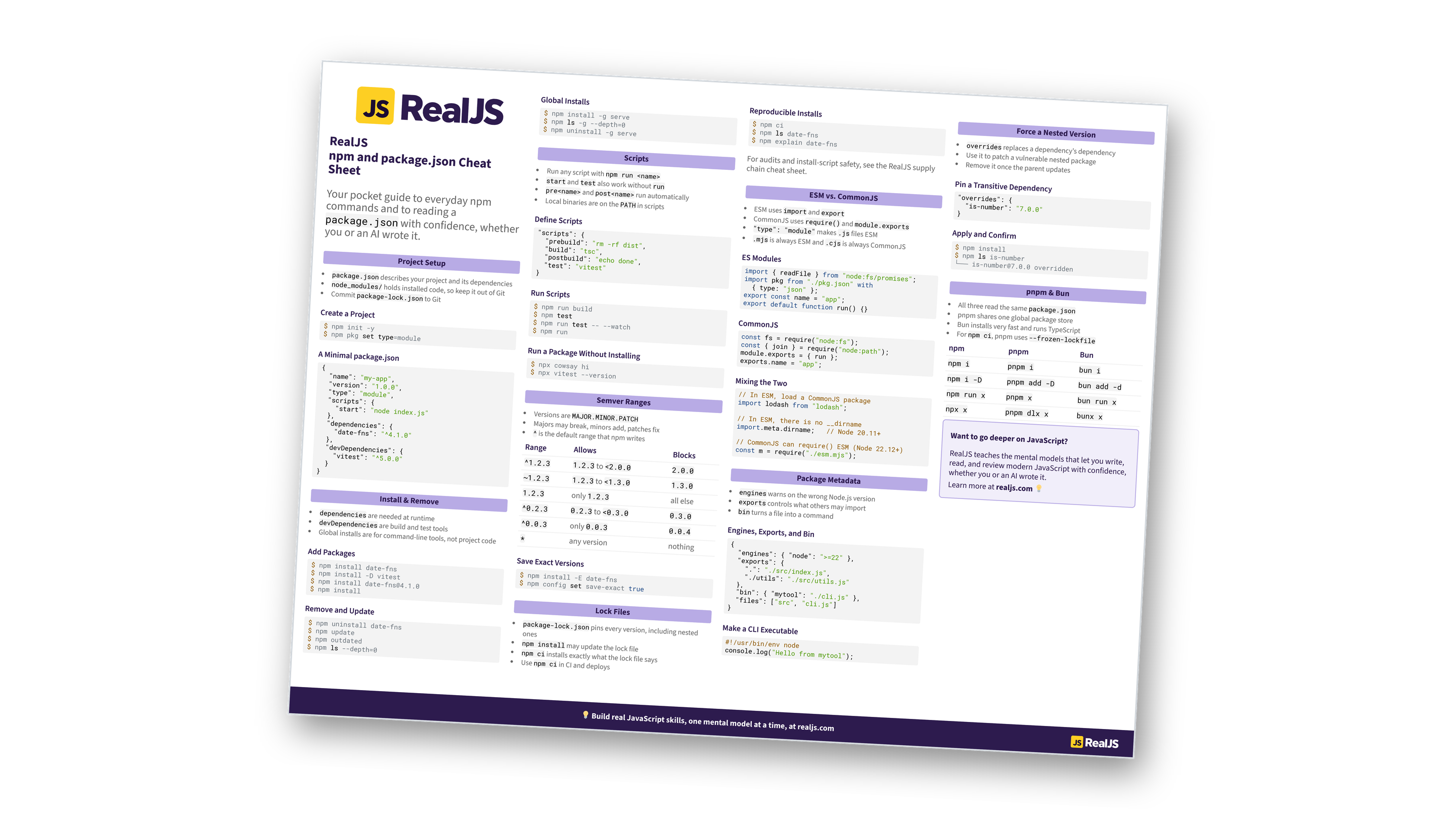
npm commands, package.json fields, and install-script settings in one printable reference.
Get the Free Cheat Sheet »Yarn vs npm vs pnpm: Which Ones Block Install Scripts?
An install script is a preinstall, install, or postinstall command in a package’s package.json, or the native build npm runs by itself for a package with a binding.gyp file. The package manager runs it during the install, with your user account’s permissions. That’s how native modules get compiled. It’s also how a hijacked package can run whatever it likes the moment you add it.
For more than a year, pnpm was the only one of the three that blocked these scripts. Mend’s February 2026 guide still called pnpm’s block “a notable security posture.” Then, in April, Yarn joined it. Its security page now says:
“Yarn doesn’t run postinstalls by default ever since 4.14.”
npm followed in July. Its changelog for npm 12 says dependency lifecycle scripts “no longer run unless explicitly allowed.” The defaults changed in this order:
| Date | Release | Change |
|---|---|---|
| Jan 7, 2025 | pnpm 10.0.0 | Stops running dependency scripts |
| Apr 16, 2026 | Yarn 4.14.0 | Makes enableScripts: false the default |
| Apr 28, 2026 | pnpm 11.0.0 | Fails the install for unlisted scripts and renames its allowlist setting to allowBuilds |
| Jul 8, 2026 | npm 12.0.0 | Blocks dependency scripts unless listed in allowScripts |
| Aug 26, 2026 | pnpm 12.0.0 | Keeps the default and allowBuilds |
Since July 2026, the current release of every manager except Yarn Classic refuses to run a dependency’s install scripts until you allow the package.
Yarn Classic’s last release, 1.22.22, came out on March 9, 2024, and it’s still what a global install of the yarn package gives you.
npm users have one step to take. The npm 11.20.0 that comes with Node.js 26 still runs install scripts, so run npm install --global npm@12 to get the new default.
The new default protects you during the install, but not afterward. A hijacked package still runs its code when your app or your tests import it, and a package you’ve approved runs its script again in every new version, a hijacked one included. So approve as few packages as you can, and review changes to the allowlist like any other code. In CI, install from the committed lockfile, so a new version can’t slip in unreviewed.
What Happens When a Dependency Has an Install Script
Each manager installed hello-post, a small package packed as a local tarball, hp.tgz, into a fresh project on Node.js 26.13.1. Its postinstall runs node post.js, which writes a file named POSTINSTALL_RAN into the package’s folder. If the file shows up, the script ran.
Each of the four versions below was the latest release in early November 2026.