
A client-rendered React app is fine for SEO on Google because Googlebot runs your JavaScript before it indexes the page. The AI crawlers behind ChatGPT, Claude, and Perplexity don’t run it, according to Vercel’s December 2024 analysis of their traffic. To them, the same app is an empty page, with nothing on it to quote in an answer.
Google’s half of that verdict dates from May 7, 2019, when Googlebot moved to the latest version of Chromium, and it still holds. Yet freeCodeCamp’s guide, Google’s top result for “React SEO” in September 2026, never mentions AI crawlers. The new part is a second audience: AI search tools send crawlers of their own.
Split a React project by who needs to read it:
- Pages you want found, such as the landing page, the docs, the blog, and product pages, should arrive as finished HTML, rendered on the server or at build time.
- The logged-in app behind them can stay client-rendered, since no crawler gets past the login anyway.
You can check which side a page is on with one curl command. curl doesn’t run JavaScript either, so what it prints is close to what those crawlers get.
Free Bonus: JavaScript DOM Cheat Sheet
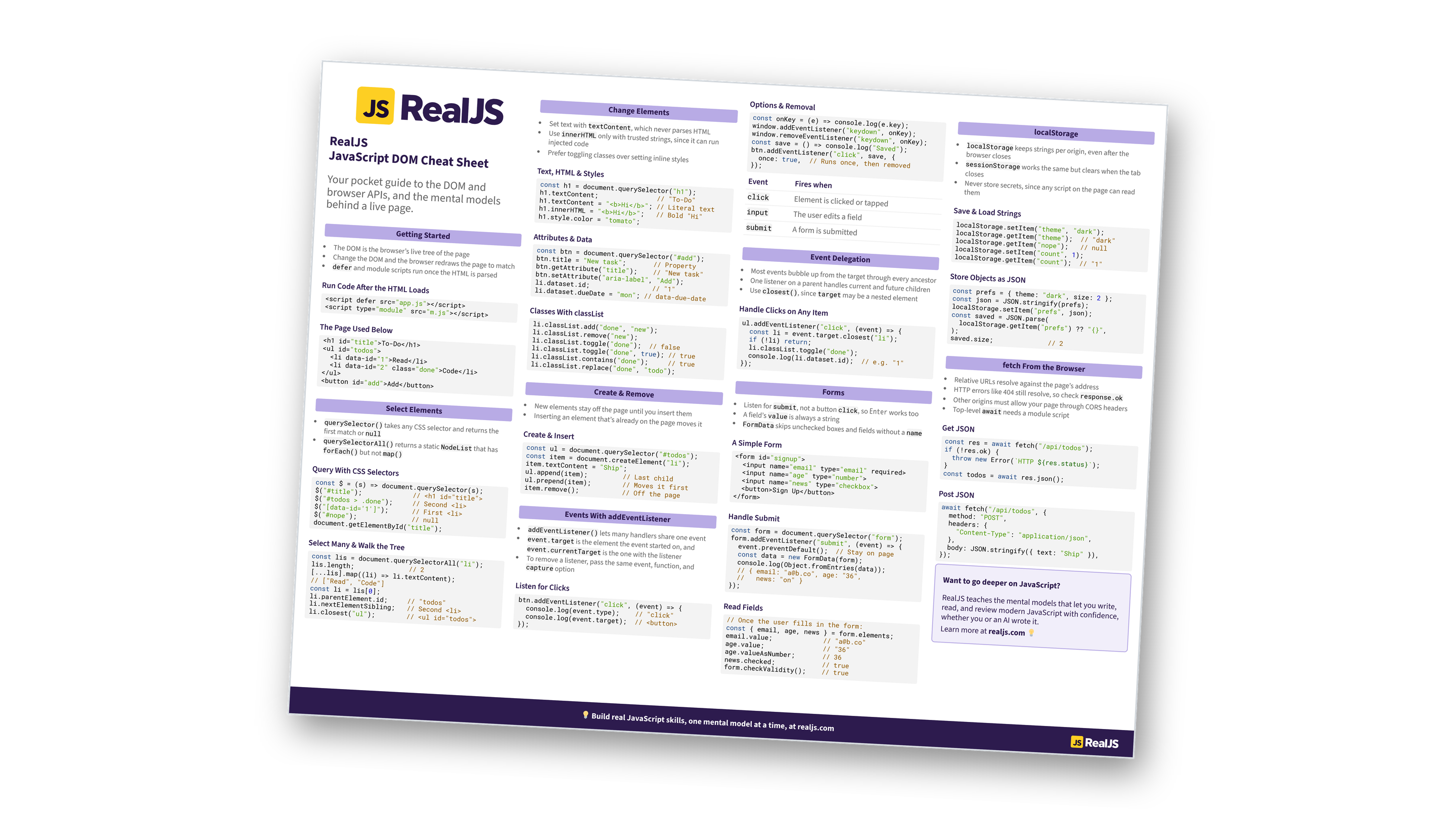
Selecting elements, handling events, and updating the page, in one printable reference.
Get the Free Cheat Sheet »Is React Bad for SEO? Not on Google
Googlebot renders pages in a headless Chromium browser that Google keeps up to date with Chrome. Google’s JavaScript SEO basics page, in its March 4, 2026, revision, says that every page that returns a 200 status goes into a rendering queue, with or without JavaScript, unless a noindex rule tells Google not to index it. When Google’s resources allow, Chromium runs the page’s scripts, and Google indexes the HTML that comes out.
That pipeline covers React’s classic setup. A single-page application (SPA) loads one HTML page and rewrites its DOM as you navigate.
Rendering has limits, though. Googlebot doesn’t click or type, so text that appears only after a click isn’t indexed. It follows only real <a href> links to URLs that load their own page, not # fragments. Search Console’s URL Inspection tool shows the HTML Google rendered.
The rendering queue is shorter than its reputation suggests. In July 2024, Vercel and the SEO consultancy MERJ analyzed over 100,000 Googlebot fetches on nextjs.org. Googlebot fully rendered every indexable HTML page, including ones with complex JavaScript interactions.
Half were rendered within 10 seconds of the crawl, and nine in ten within about three hours.
One persistent rumor says Googlebot stops rendering after five seconds. Googlebot waited out 6-to-12-second API calls, Dave Smart of Tame the Bots found when he tested it, as Search Engine Journal reported on July 28, 2026. It waited because its renderer controls its own clock, so a five-second timer in your code isn’t five seconds to it.
Right after explaining its renderer, Google’s page adds a note for everyone else’s crawlers:
“Keep in mind that server-side or pre-rendering is still a great idea because it makes your website faster for users and crawlers, and not all bots can run JavaScript.”
What a Crawler Sees When It Skips JavaScript
A small shop page built two ways shows the gap. The build.js script in the downloadable materials renders one React component containing a headline and the sentence “Hand-made widgets, shipped worldwide.”
The first build leaves the page’s content out of the HTML and lets the browser fill it in. The second pre-renders the component at build time with React’s renderToString. Both builds use React 19.3.1 on Node.js 26.13.1, and serve.js serves them on ports 4101 and 4102.
Here’s the client-rendered page, as curl receives it:
$ curl -s localhost:4101/
<!doctype html>
<html lang="en">
  <head>
    <meta charset="utf-8" />
    <title>Acme Widgets</title>
    <meta name="description" content="Hand-made widgets." />
  </head>
  <body>
    <div id="root"></div>
    <script src="/app.js"></script>
  </body>
</html>
Look at <div id="root"></div>. A crawler that skips JavaScript finds no text in the page body, only an empty #root. The headline and the sentence about widgets live inside app.js. They appear only after a browser runs the script.
The pre-rendered page sends the same HTML head, so its output below starts at the body, with the long line wrapped to fit:
$ curl -s localhost:4102/
...
  <body>
    <div id="root"><main><h1>Acme Widgets</h1><p>Hand-made widgets,
    shipped worldwide.</p></main></div>
    <script src="/app.js"></script>
  </body>
</html>
This time, #root already holds the headline and the sentence. The app.js script still loads and calls React’s hydrateRoot to attach interactive behavior to the existing HTML, so a visitor gets the same working page.
The title is the other thing a crawler can miss. This demo hard-codes <title> in the HTML template, so both builds have it. In a real SPA, a router usually sets each route’s title and meta description from JavaScript. A crawler that skips the script then sees the shell’s title on every URL, whether it’s the pricing page or a blog post.
Which AI Crawlers Run JavaScript
Apart from Google’s and Apple’s, most AI crawlers read only your first HTML. For a client-rendered app, that’s the empty shell from the first curl run. Vercel reached that conclusion after analyzing the crawler traffic on its own network:
“The results consistently show that none of the major AI crawlers currently render JavaScript.”
The evidence splits by what the bot is doing. Some crawl the web on their own schedule to build an index or a training set. Others fetch one page because a user asked about it.
Crawlers That Build the Index
Vercel’s study, published on December 17, 2024, sorted the crawlers on its network by whether they execute JavaScript:
Crawler (Vercel, Dec 2024)   Runs JS?
Googlebot                    Yes
Applebot                     Yes
GPTBot, OAI-SearchBot        No
ClaudeBot                    No
PerplexityBot                No
Meta, Bytespider             No
CCBot                        No
These aren’t small bots. In the month before the study, GPTBot made 569 million fetches on Vercel’s network, and Claude’s crawler made 370 million. Together, that was about 20 percent of Googlebot’s 4.5 billion.
The crawlers that don’t render still download your scripts. JavaScript files were 11.50 percent of ChatGPT’s crawler requests and 23.84 percent of Claude’s, according to Vercel. Neither crawler ran them.
CCBot, Common Crawl’s crawler, doesn’t render pages at all, and its archive is a common training dataset for large language models. A client-rendered page can reach those models as the empty shell from the first curl run.
Fetchers That Answer a User
When you paste a link into ChatGPT and ask about it, the visitor is ChatGPT-User, not GPTBot. The SEO agency Resoneo tested these fetchers in January 2026. Its test page placed content in fifteen different ways, from plain HTML to Shadow DOM, and Resoneo asked each assistant to read it.
ChatGPT-User, Claude-User, and Gemini read the static HTML and ran no JavaScript. Perplexity-User came back empty because it failed to decode the compressed response.
Three assistants did run JavaScript: Bing Copilot, Grok, and DeepSeek, though Copilot gave the page only about 53 milliseconds.
Gemini is where the two studies part ways. Vercel says Gemini “leverages Googlebot’s infrastructure, enabling full JavaScript rendering,” but Resoneo’s live fetch saw no script run. The studies measured different things, an index crawl and a fetch for one user, so both results may hold at once.
The vendors don’t settle it. OpenAI’s page about its bots and Anthropic’s, as read on November 14, 2026, name each crawler and its job but say nothing about JavaScript.
The Case for Leaving Your SPA Alone
The strongest case for doing nothing starts with Google: it renders your app, and Google Search supplies the traffic most SEO plans are built around. Gemini shares Googlebot’s infrastructure. The fetchers behind Copilot, Grok, and DeepSeek run JavaScript too. Some Claude products, such as Claude Duet, can also drive a real browser that identifies itself as Claude-Agent, separate from the Claude-User fetcher.
There’s also a sign that crawlers are learning. In an August 2025 Hacker News thread (item 44914773), site owners reported AI crawlers getting past Anubis. That tool makes each visitor’s browser solve a JavaScript puzzle before Anubis serves the page.
The evidence on the other side is thin, too. It’s one log study from 2024 and one test from 2026. They disagree on Gemini, and no vendor documents what its crawlers do with scripts. Bots change faster than studies get published.
Much of that holds. A logged-in dashboard has nothing for a crawler to index, so rendering it on the server buys no visibility. Small dynamic extras are safe in the browser too, as Vercel’s own advice puts it:
“Client-side rendering still works for enhancement features.”
The case breaks down on public pages you want quoted in an answer. Solving a puzzle shows a crawler can run a script, but running a script doesn’t mean a crawler waits for your React app to render and reads what comes out.
OAI-SearchBot, ChatGPT-User, and Claude-User read raw HTML. No source covers Claude-SearchBot yet. That makes pre-rendering the safer bet. It costs a build step, and skipping it can cost you every citation the page might have earned in ChatGPT and Claude answers.
How to Make Your React App Visible
The fix depends on the page, and most React projects have more than one kind.
Public pages. Landing pages, docs, blog posts, and product pages should reach the crawler as finished HTML. React’s own docs point there: “If you want to build a new app or website with React, we recommend starting with a framework,” says react.dev. Those frameworks can still build a plain SPA or static files when you need them.
In Next.js 16.4.6, a component marked 'use client' still shows up in the first response and then hydrates in the browser, as the Next.js docs on Server and Client Components explain. Data it fetches in an Effect doesn’t, because Effects only run on the client, so the content you want found has to be ready when the server renders.
An existing SPA. Check before you rebuild, so you pre-render only the pages that need it. Pick a short phrase from the page’s text, one with no links or bold formatting inside it, and count the lines containing it in the raw HTML:
$ curl -s localhost:4101/ | grep -c "Hand-made widgets, shipped"
0
$ curl -s localhost:4102/ | grep -c "Hand-made widgets, shipped"
1
Swap in your own URL and phrase, and add -L if the URL redirects. A 0 means crawlers that skip JavaScript can’t see that phrase, as long as curl got the page, so run it once without grep to make sure. If the check fails, move what Vercel calls critical content into the first HTML: the main content, the title and meta description, and the navigation links.
Google once offered a shortcut for this: dynamic rendering, which serves bots a pre-rendered copy and serves people the SPA. Its documentation now calls dynamic rendering “a workaround and not a recommended solution, because it creates additional complexities.” Google recommends server-side rendering, static rendering, or hydration instead.
The Bottom Line
Give every page you want found its finished HTML before any script runs, and let the app behind the login render in the browser. Google will wait for your scripts. In the studies so far, the crawlers behind ChatGPT and Claude read the HTML without running JavaScript.
If server-side rendering pulls you toward the backend, RealJS’s guide on how to become a full-stack developer covers both sides.
Frequently Asked Questions
These are the questions people ask most often about search visibility for React apps, with short answers:
Yes. Googlebot runs a page’s scripts in an up-to-date Chromium browser and indexes the resulting HTML. It never clicks or types, so text revealed by an interaction goes unindexed, and links must use real <a href> elements.
Mostly not. In Vercel’s 2024 traffic study, GPTBot and ClaudeBot didn’t execute JavaScript, so a client-rendered page looked like an empty shell to them. Resoneo’s 2026 test found the same for the fetchers that answer a user’s question.
Request the page with curl and look for a distinctive phrase from your visible text. If grep -c prints 0, crawlers that skip scripts can’t see it. Run curl alone first to be sure it fetched the page.
No. Pages meant to be found need complete HTML in the first response, built on the server or ahead of time. A logged-in area can stay in the browser, since crawlers can’t get past the login anyway.
Not anymore. Google’s documentation calls it a workaround and adds that it brings extra complexity. Google now points to rendering on the server, rendering statically, or hydration.