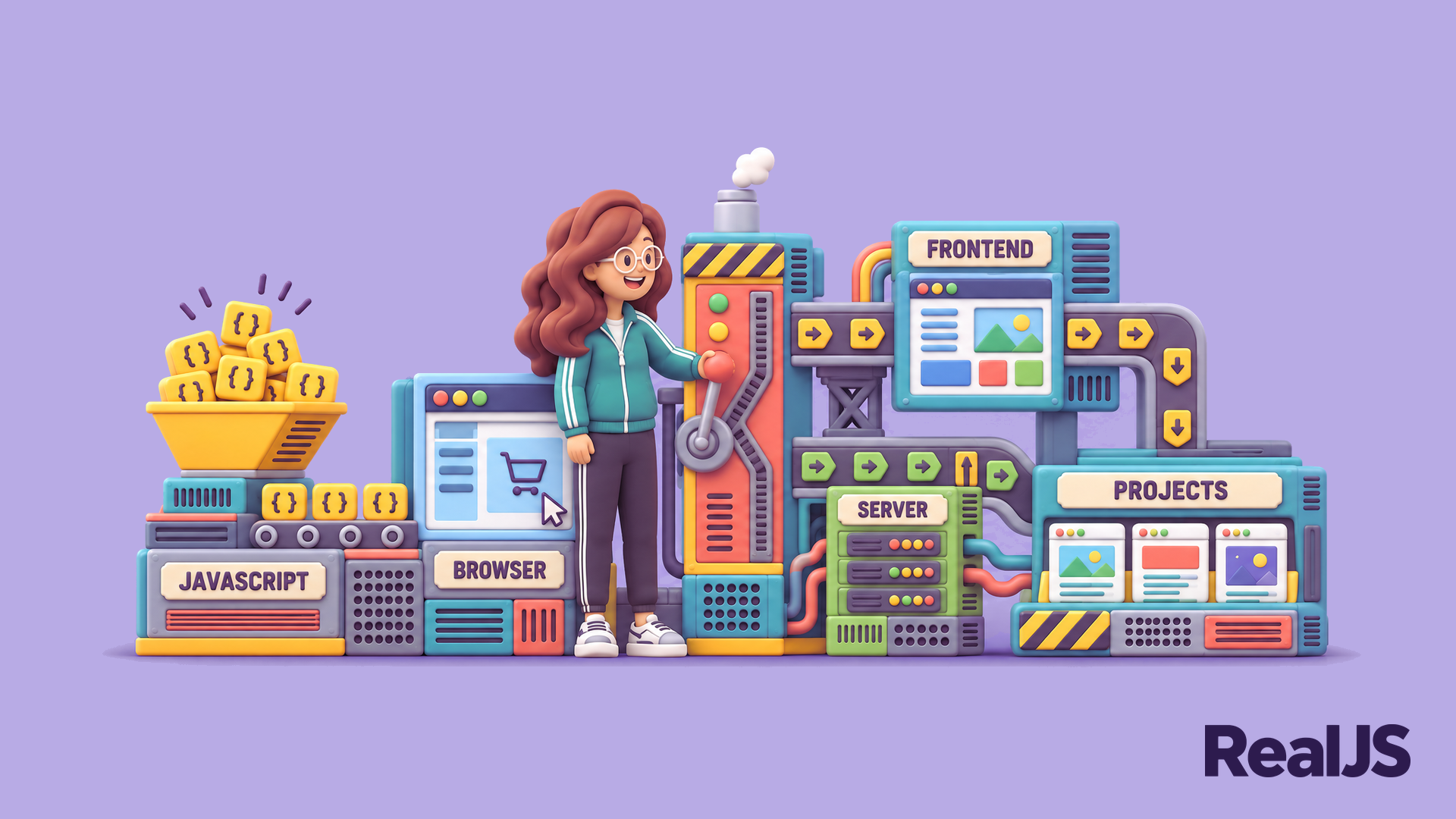
To become a JavaScript developer, learn JavaScript and the browser, pick the frontend or the server side, and then build projects you can show. You can build the parts of websites and apps people click, called the frontend, or the servers behind them, called the server side.
US web developers earned a median of $92,650 a year in May 2025, says the Bureau of Labor Statistics. That’s the middle figure, so half earned more and half earned less.
Course sites estimate the learning timeline at 8 to 18 months, but only Scrimba states its pace: 8 to 12 months at 8 to 10 hours a week.
The timing is better than a year ago. US software job postings are up 23.8 percent in the past year, yet still 19.2 percent below February 2020, according to Indeed Hiring Lab on November 12, 2026. Landing the first job is still the hard part.
Free Bonus: JavaScript Cheat Sheet

Variables, arrays, objects, functions, and async basics in one printable reference.
Get the Free Cheat Sheet »What Does a JavaScript Developer Do?
A JavaScript developer writes the code that makes a website respond to you. JavaScript often powers the menu that opens when you click and the cart that updates its total when you add a pair of shoes. Despite the name, JavaScript is unrelated to Java.
That code runs in your browser, on your own phone or laptop. Some JavaScript developers work on the other end instead. They write the server code that sends the page its data, such as your past orders or today’s weather. JavaScript runs there through Node.js, a program that lets it work outside the browser.
Writing new features is only part of the day. Much of your time goes to fixing bugs, the mistakes that make a program do the wrong thing. You also spend time reading code that teammates wrote, sometimes years earlier, because you have to understand code before you can safely change it.
The government’s duty list for web developers adds meeting with clients and keeping an eye on a site’s traffic.
AI coding assistants now write some first drafts, too. You still have to check AI-written code and be able to explain it. An assistant can be confidently wrong, and the person who sends the code out is the one who answers for it.
Job postings rarely use the title “JavaScript developer.” When you search for openings, try these titles as well:
- Frontend developer, for the side of a site you see and click
- Full-stack developer, for both the browser and the server
- Web developer, for either side
If you want to work on both sides, the Full-Stack Developer roadmap maps that path in detail.
How Much Does a JavaScript Developer Make?
US web developers earned a median of $92,650 a year in May 2025. The Bureau of Labor Statistics doesn’t track jobs by programming language, so web developers are the closest group it counts: the people who build and maintain websites in whatever language the job calls for.
That median includes everyone in the group, even people with twenty years on the job. The spread around it is wide. In May 2025, the lowest-paid tenth of US web developers earned under $48,100 a year, and the top tenth earned over $162,290.
On paper, the typical way in is a bachelor’s degree. The bureau’s own advice on getting the job is looser than that:
“Educational requirements for web developers and digital designers range from a high school diploma to a bachelor’s degree.” (Bureau of Labor Statistics)
It also says you don’t need work experience in a related job. A degree helps, but you can get in without one, as long as you have something else to show you can do the work.
JavaScript Jobs in 2026: Where the Market Stands
No one counts JavaScript jobs on their own. The closest numbers cover three related areas: software development job postings, the web developer jobs in government data, and the tools programmers say they use. The first two cover the US, and the survey asks programmers around the world.
Software Job Postings Are Rising Again
US software job postings were up 23.8 percent from a year earlier, far faster than the job market as a whole, where postings rose 3.1 percent. Those figures come from Indeed Hiring Lab, which tracks the job postings on Indeed. Its November 2026 update runs through October 23.
Pay is moving more slowly than postings. By Indeed’s measure, the pay offered in software postings was 2.9 percent higher than a year earlier, averaged over the three months through September.
Growth and Openings Through 2035
From 2025 to 2035, the bureau expects web developers and digital designers, which it forecasts as one group, to grow 5 percent. It calls that “faster than average” for all jobs, and it works out to about 11,300 new jobs over the decade.
Openings are the bigger number, at about 13,600 a year on average. Many of them come from replacing people who move to another kind of work or retire.
What You Need on Top of JavaScript
On top of JavaScript, the roadmap’s Stage 3 names TypeScript, Node.js, and React, and survey numbers show why. Job postings don’t break out languages, so the closest guide is what programmers say they use. Stack Overflow’s yearly survey opens its 2026 languages chart this way:
“For the most used programming languages, JavaScript is at the top of the list for the 12th year in a row.”
In 2026, 62.0 percent of the survey’s respondents used JavaScript, and 43.8 percent used TypeScript. TypeScript is JavaScript with labels that mark what kind of value goes where, so you aren’t starting over when you add it. JavaScript vs TypeScript explains the difference in plain words.
The 2026 results don’t list tools built on the language, so for those, the latest numbers come from the 2025 survey. About half of its respondents used Node.js, and almost as many used React, a toolkit for building the parts of a page you click.
Those figures describe what respondents built with in the past year, not what employers requested in job postings.
The Hard Part for Beginners
Getting the first job is harder than the posting numbers suggest. Researchers at Stanford’s Digital Economy Lab study jobs where AI tools can do much of the work, software development among them. Their paper, revised in August 2026, found that workers aged 22 to 25 in those jobs had employment levels 19 percent below the trend for peers in less-exposed jobs.
That gap is measured against a trend, so it doesn’t count lost jobs. Experienced workers in the same jobs show no comparable gap.
Still, it points one way: plan for a job search on top of the course sites’ timelines, and keep building projects while you apply.
The Roadmap: Four Stages to Your First Job
The four stages below add up to 8 to 18 months, the same range the course sites give. That’s shorter than the full-stack guide’s 13 to 20 months at 10 hours a week, because this path stops sooner, at the skills for a first job on one side of the web: the browser or the server. Full stack covers both.
The stage times are RealJS’s planning estimates, with no study behind them. At Scrimba’s pace of 8 to 10 hours a week, plan on the short end, and expect slower weeks to push you toward the long end.
Stage 1: JavaScript Itself
Give the language on its own 2 to 4 months. Start with variables, which hold values, and functions, which package steps you can reuse. Then learn objects, which group related values, like a user’s name and email address.
Your browser already has a place to try them. Open its console from the developer tools and type a line. The answer appears right away.
You’re ready to move on when you can solve small problems in the console without copying an answer. Skip memorizing all the array methods, the built-in tools for working with lists. Looking them up is normal at every level. RealJS’s JavaScript Basics path teaches this stage from zero, in a free code editor called VS Code.
Stage 2: The Browser
Plan another 2 to 4 months for the page itself. HTML holds a page’s content, and CSS sets how it looks. The DOM is the browser’s live copy of the page, which your JavaScript reads and changes. When JavaScript opens a menu after a click, it’s changing the DOM.
Then learn fetch, the built-in way to ask a server for data, along with how to wait for its answer and what to do when the request fails.
You’re ready when you can build a small interactive page that fetches data from the internet, such as a weather forecast, and shows it. CSS frameworks, the ready-made style kits, can wait. They hide the CSS you’re trying to learn, and they’re quick to pick up once you know what they do for you.
Stage 3: Frontend or Server
This stage takes the longest, 3 to 7 months, because you pick a track and go deep. For the frontend, that usually means React with TypeScript. For the server side, it means Node.js, which runs the code that answers the browser’s requests, plus a database that keeps the data.
You’re ready when one small app works from the page to the server and back. Think of a to-do list that saves to a server and is still there after a refresh. You can leave a second framework, another toolkit like React, for later, and spend that time making your first app solid.
Stage 4: Working Like a Team
The last stage is the shortest, 1 to 3 months. It covers the tools a team shares. Git keeps a history of each version you save, called a commit, so you can undo a mistake and work alongside other people. npm installs code that others have published, so you don’t write everything yourself. Tests are small programs that check your program still works after a change.
AI assistants belong here too, and the Practical Programming With JavaScript and AI path is built around checking their code.
You’re ready when a stranger can copy your project and run it from your instructions alone. There’s no need to chase every new tool that trends online. The basics in this stage change slowly, and they’re what teams expect on day one.
What Gets You Hired
Two or three projects that are live on the web, each with a README you wrote, are the proof a hiring manager can check. Live means anyone with the link can use your project. A README is a short file that says what the project does and how to run it. For project ideas, that full-stack guide suggests several, starting with an order-ahead site for a café.
Interviewers often ask you to walk through your own code, and “the assistant wrote that part” ends the conversation fast.
Many interviews add a coding problem, too, and the JavaScript Coding Interview Practice path gives you problems to solve, with an interviewer’s follow-up questions.
Your First Step This Week
You can start today, with one lesson. Choosing a track can wait, and so can the job search. Open the JavaScript Basics path and finish the first lesson of its first course, Your First Programs. You’ll write and run a program of your own that day.
Frequently Asked Questions
Here are short answers to questions you may have about this career path:
Plan on roughly 8 to 18 months. That comes from four stages: the language, the browser, a frontend or server track, and team tools. Fewer weekly hours push you toward the longer end of that range.
US web developers earned a median of $92,650 a year in May 2025, with a wide spread from under $48,100 at the low end to above $162,290 at the top. The US government doesn’t count jobs by language, so web developers are the closest group.
No, though it helps. The government says schooling can stop at a high school diploma or go up to a four-year degree, and that you don’t need to have done similar work before. Without a degree, you need other proof of skill, such as live projects.
Search for frontend, full-stack, and plain web developer roles, not just “JavaScript developer.” Postings rarely name the role after the language, and each of those titles can cover this kind of work.
Yes. A Stanford study of AI-exposed jobs, software development among them, found young workers’ employment well below trend, so expect the job search to add time to course sites’ timelines.