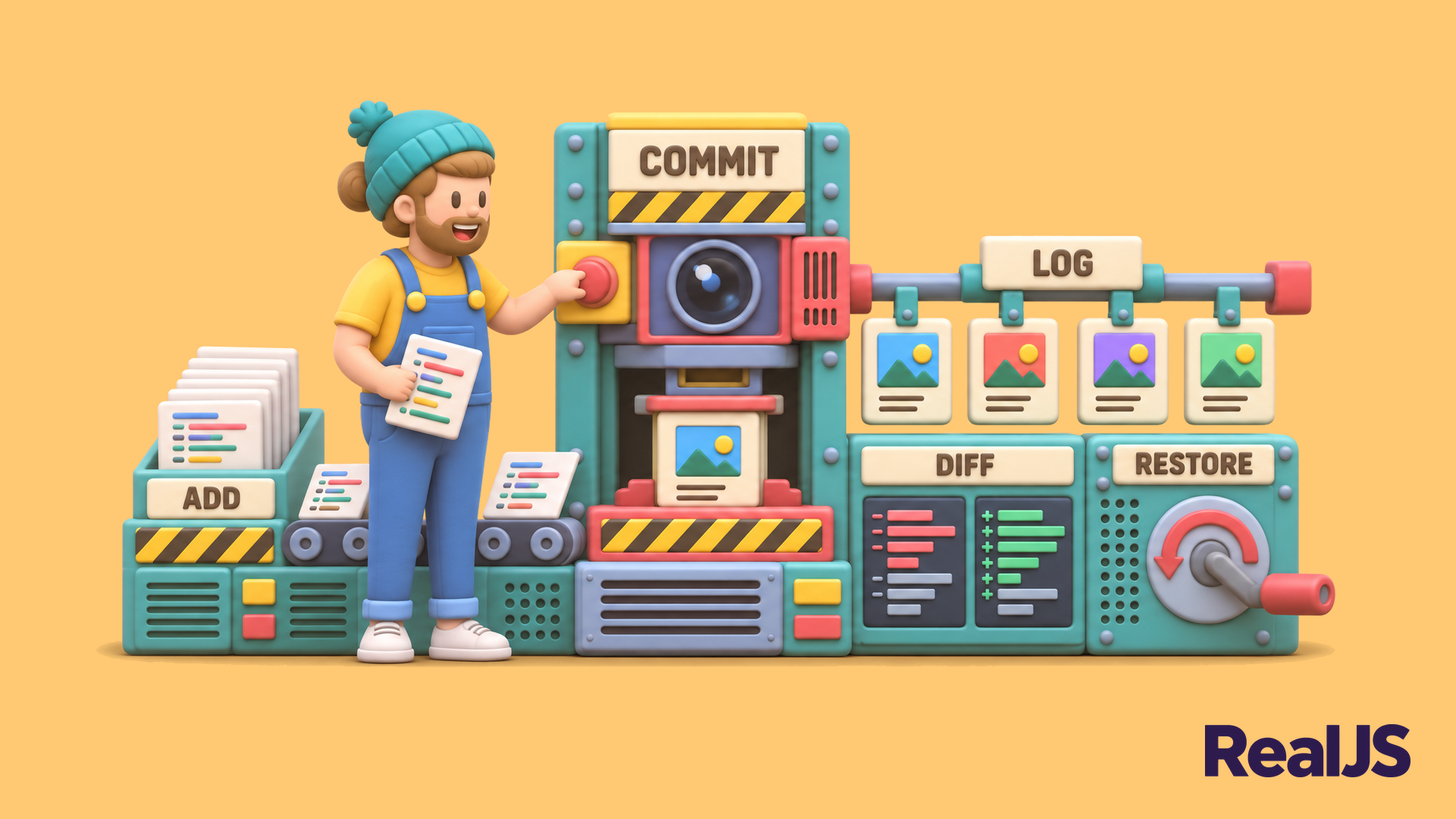

In this course, you’ll put a small grocery store’s website under Git and work through a week of real changes the way professional teams do: one focused commit at a time.
You’ll learn how to:
- Set up Git and turn a project folder into a repository
- Stage changes with
git addand record them as commits - Keep secrets and clutter out of history with
.gitignore - Write focused commits with clear messages
- Check your changes with
git diffand read history withgit log - Throw away an edit that went wrong and fix the last commit
You’ll finish with a project: a week of to-dos for the store, each one a focused commit.
What’s Included:
- 20 Lessons
- Video Subtitles and Full Transcripts
- Translated Subtitles in 8 Languages
- 3 Downloadable Resources
- Interactive Quiz to Check Your Progress
- Hands-On Coding Exercise
- Q&A With JavaScript Experts: Ask a Question
- Certificate of Completion

Downloadable Resources:
Related Learning Paths:
