Tooling and Git for JavaScript Projects
Learning Path ⋅ Skills: Git, GitHub, npm, Vite, Managing Secrets, PRs, Code Review, Linting and Formatting, Automatic Deploys
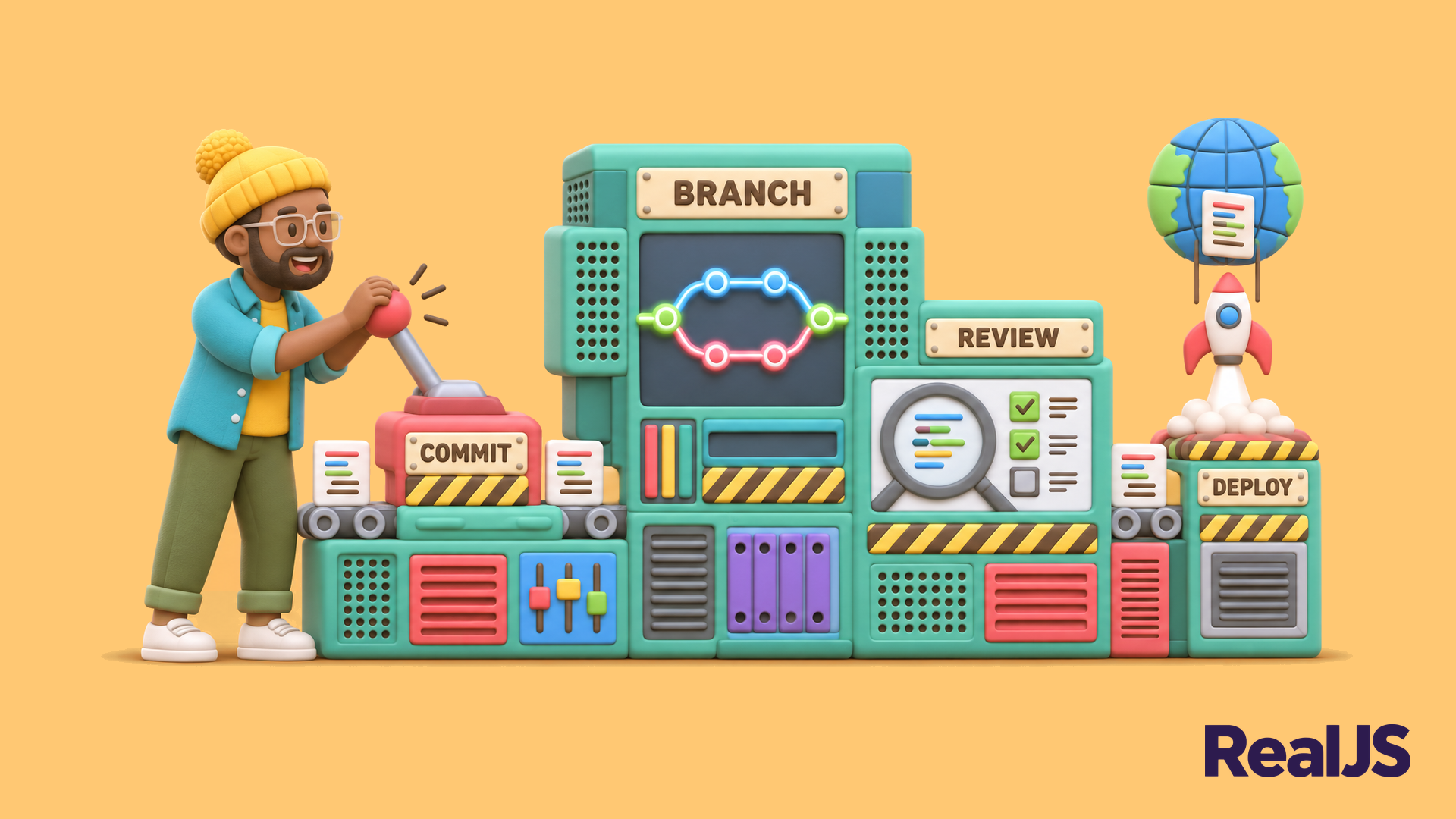
This learning path is for programmers who can write JavaScript for the browser and run scripts in a terminal, but have never made a commit or run npm install. You’ll take over the website of Generic Grocery Co., a neighborhood grocery store, and run it the way professional teams run their projects.
You’ll put the site under Git and move it to npm and Vite. Then you’ll take it to GitHub and work on it from two computers. You’ll pull and merge, resolve conflicts, review an AI assistant’s draft, and send every change through a pull request. You’ll also add ESLint and Prettier to keep the code tidy. In the last course, every merge to main deploys the site automatically.
Each course ends with a project for the store, and most add JavaScript exercises along the way. By the end, you’ll have a live site and a workflow you can bring to any team.
Tooling and Git for JavaScript Projects
Learning Path ⋅ 6 Resources
Is this path right for you? Mentor AI knows what’s in it and can help you decide where to begin.
Ask Mentor AI

Record Your Work With Git
Start by putting the grocery store’s website under Git, so every change you make from here on is recorded and can be undone. You’ll commit each change with a clear message and keep secrets out of the repository.
Course
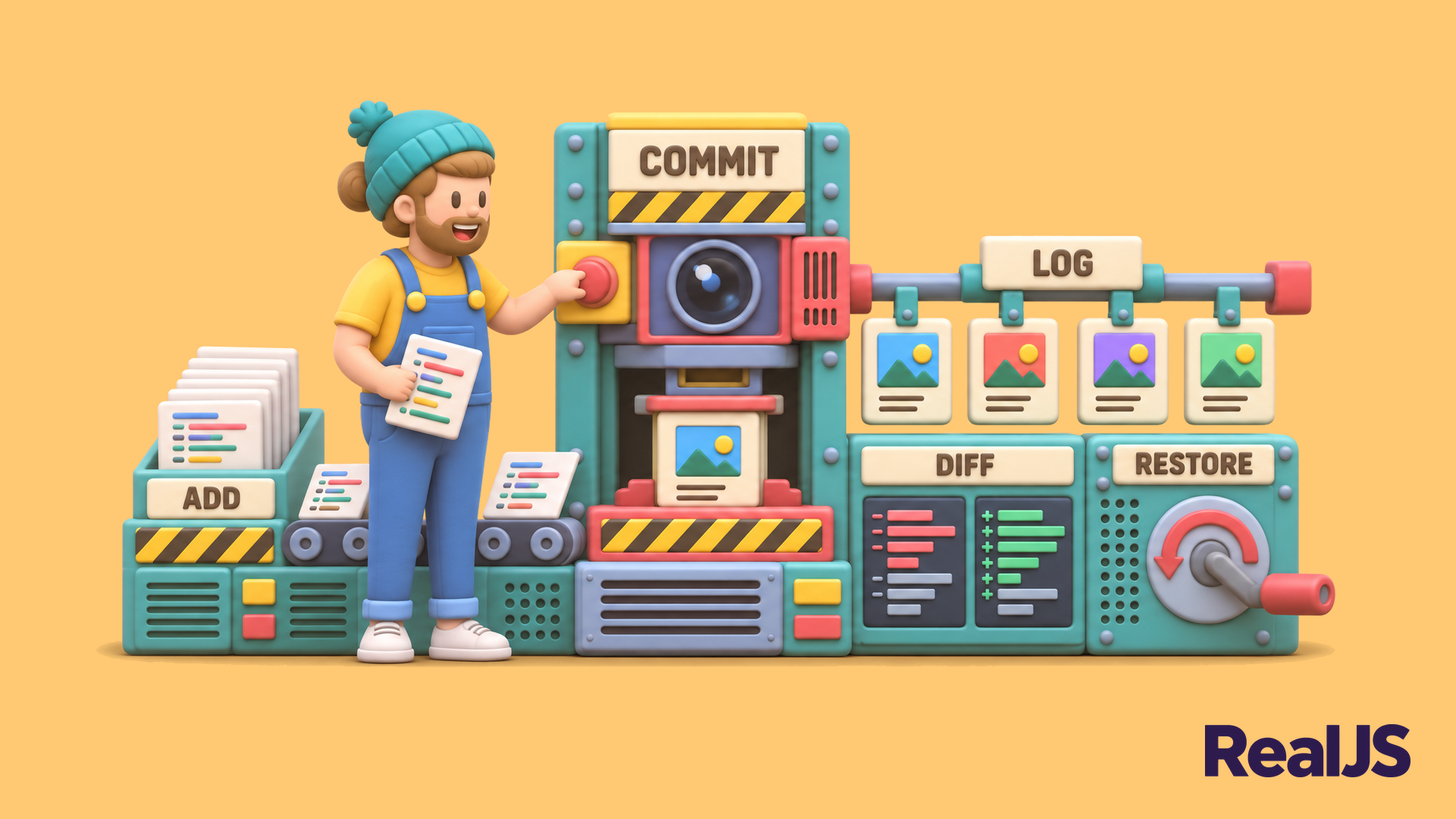
Track Your Project With Git
Put an existing website project under Git and record every change as a focused commit with a clear message. Read the history to find what changed and when, throw away an edit that went wrong, and fix your last commit.
Turn the Site Into an npm and Vite Project
Because Git now records every change, you can try a big move like switching the site to npm and Vite on its own branch. You’ll check packages before you install them and keep a secret key out of your repository, then merge the branch once it works.
Course
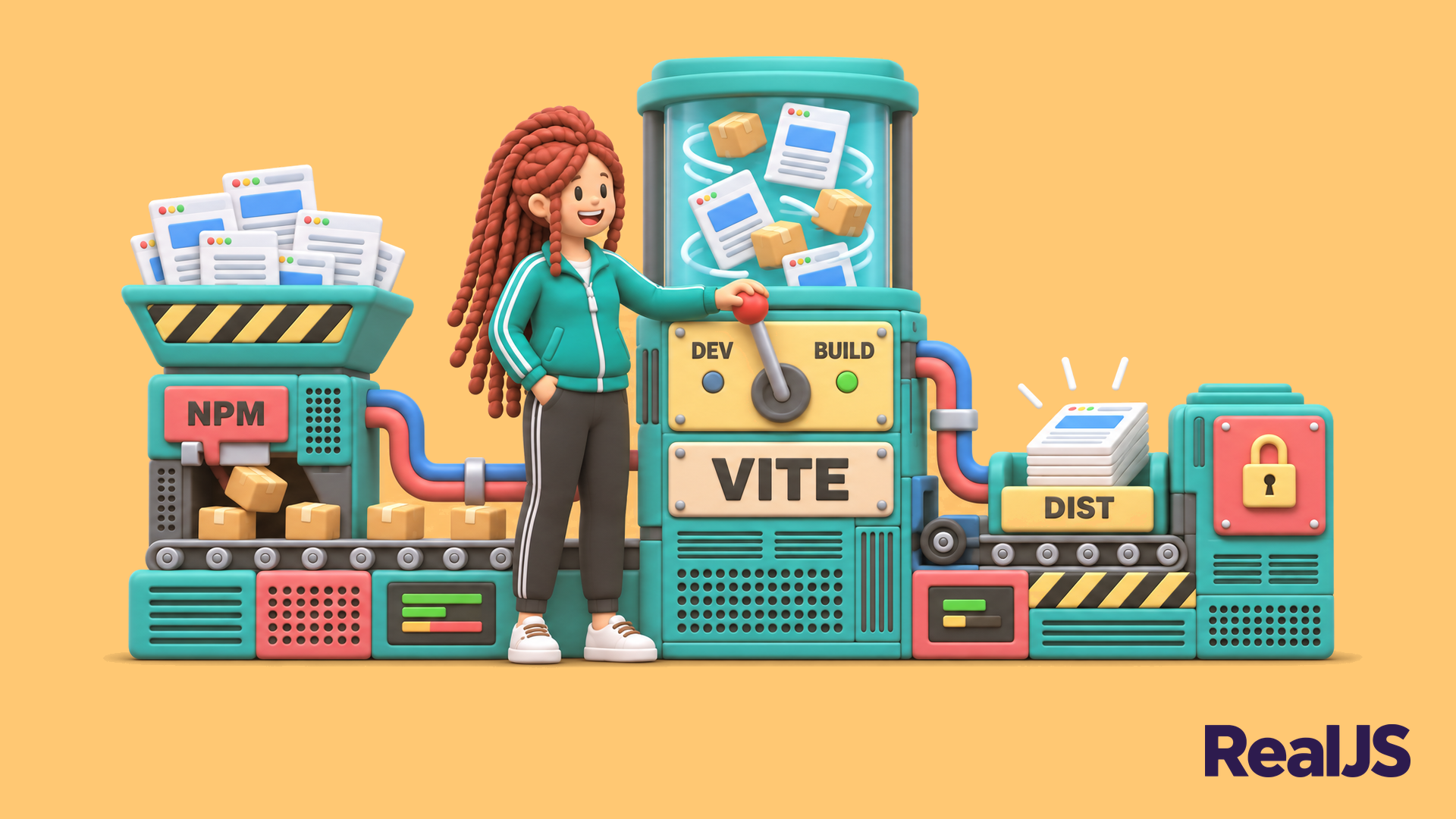
From Script Tags to a Vite Project
Move a static store site to npm and Vite on a Git branch: check a package, run the dev server, build the site, keep keys out, and merge the branch.
Take the Site to GitHub
Now that the site builds with npm and Vite, you’ll move it to GitHub and work on it from two computers. You’ll resolve the conflicts between them, add ESLint and Prettier, review an AI assistant’s draft, and send every change through a pull request.
Course
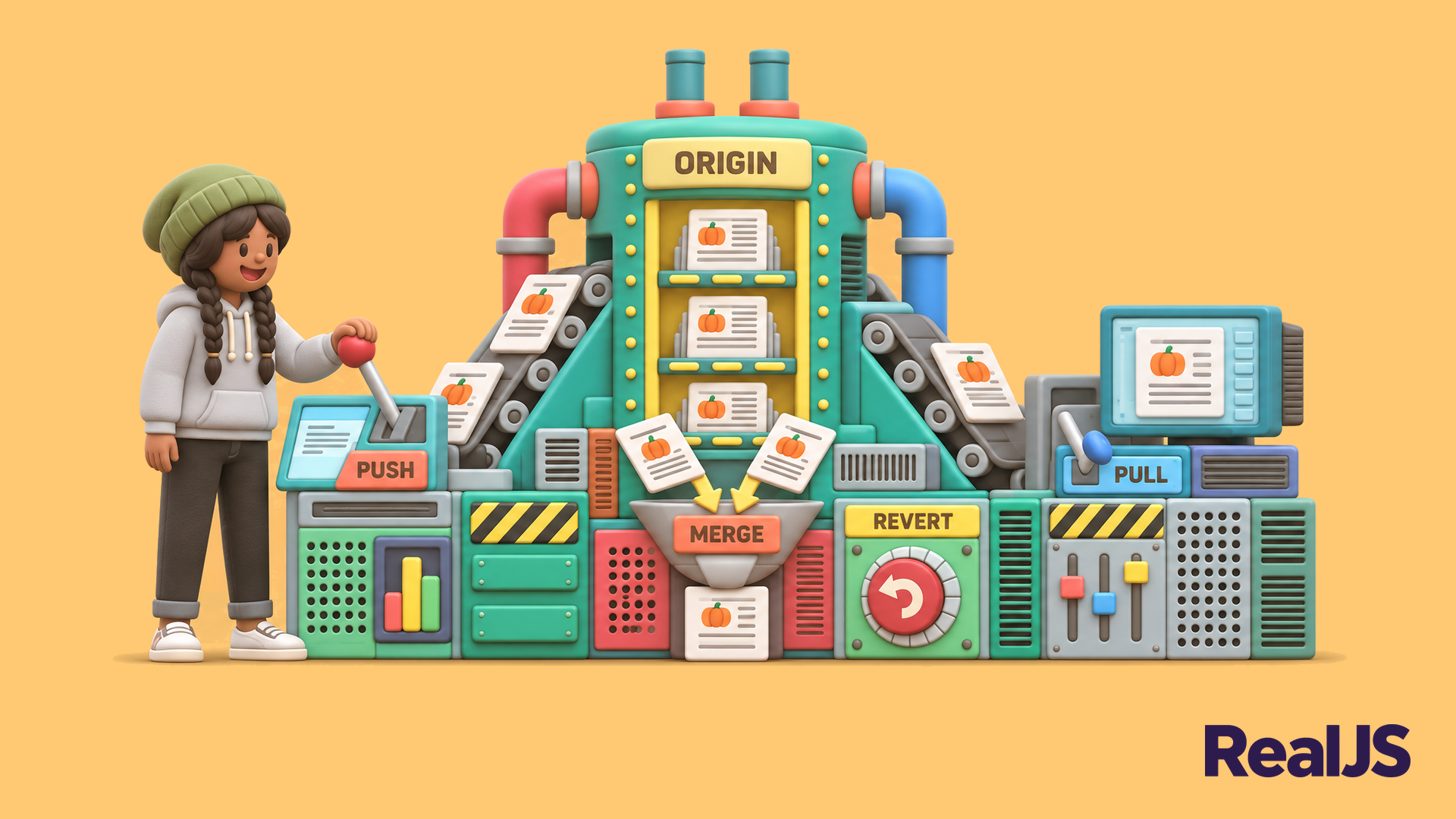
Work on GitHub From Two Computers
Put the store's site on GitHub and keep it in sync from two computers: push with a token, pull and merge someone else's work, resolve a conflict, undo a pushed mistake with revert, and set up a fresh clone with npm ci.
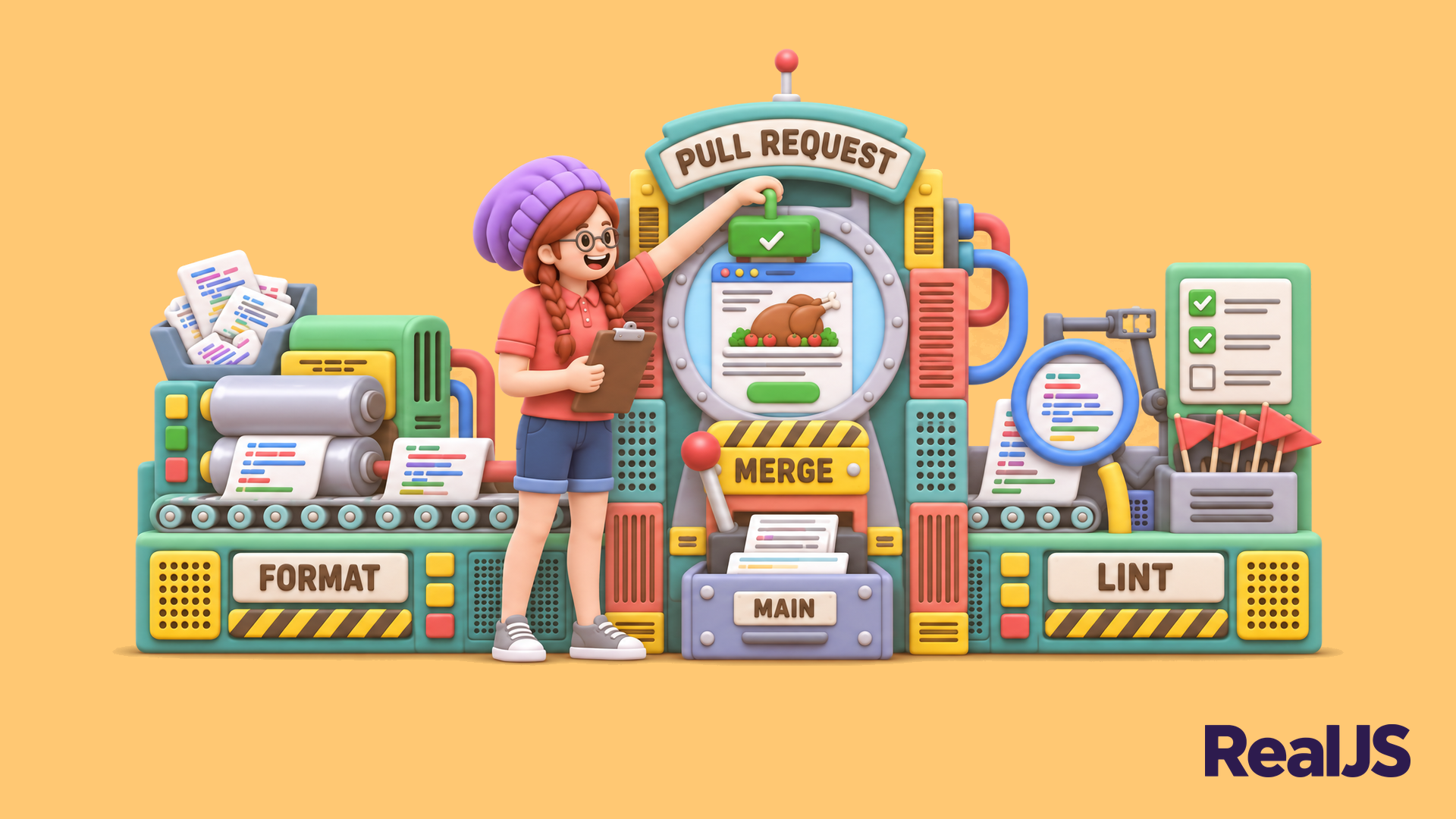
Course
Pull Requests, Linting and Formatting
Add Prettier and ESLint to the store's site, send every change through a pull request that says what and why, squash and merge it, and review an AI assistant's draft with line comments before it reaches main.
Deploy Every Merge Automatically
Since every change now goes through a pull request, you can let each merge to main put the site live. You’ll deploy with GitHub Actions and GitHub Pages, protect the main branch, and fix a failed deploy from its log while the old site stays up.
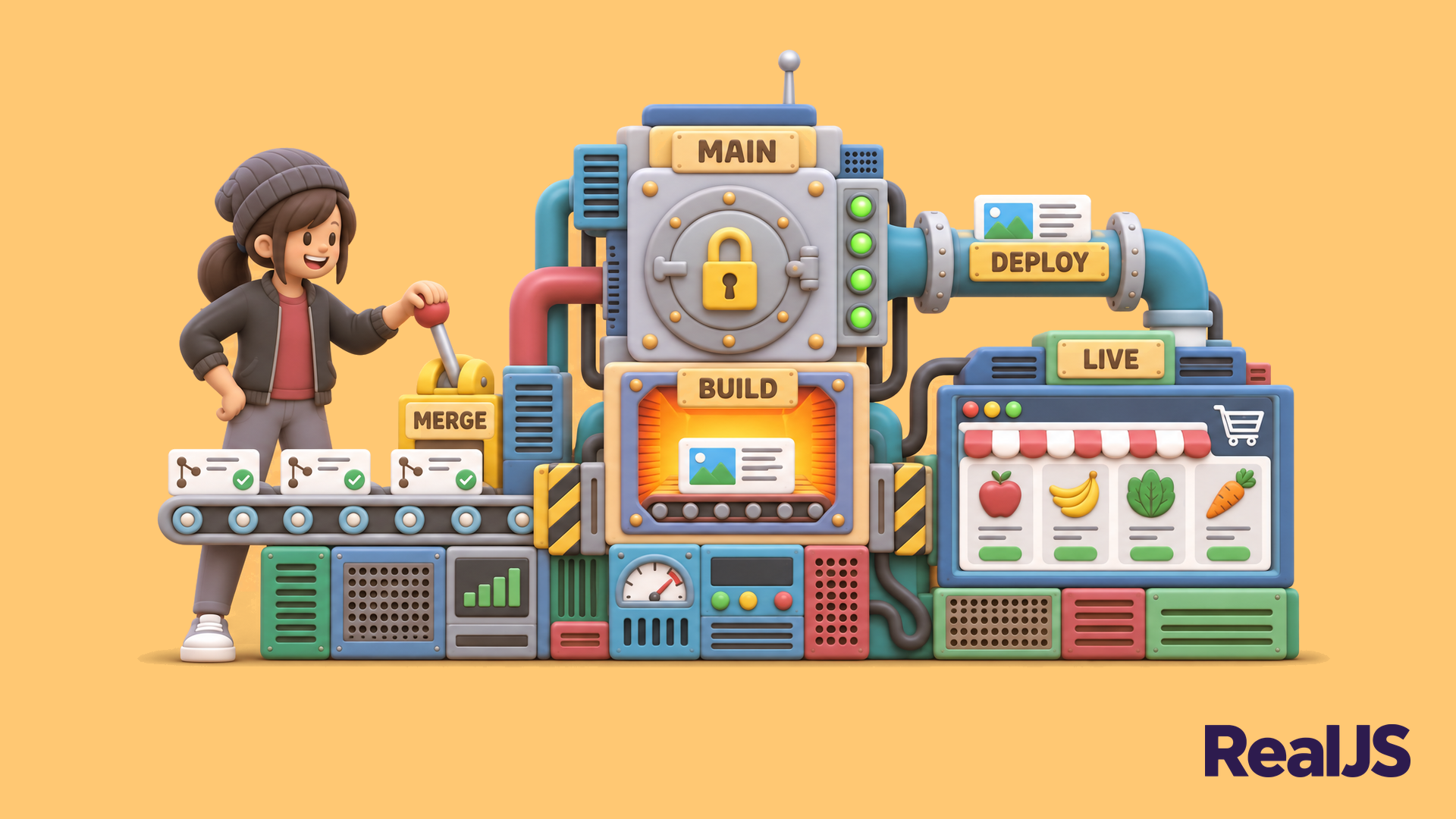
Course
Deploy Automatically From GitHub
Put the store's site live on GitHub Pages so every merge into main builds and deploys on its own, fix the wrong base and a failed deploy from its log, keep a key public on purpose, and protect main with a ruleset.
Test Your Knowledge
Your site now deploys on every merge, so it’s time to check what stuck. The wrap-up quiz below covers every stage of the path, from your first commit to a live deploy. Use it to spot any topics to review before your next project.
Interactive Quiz
Tooling and Git for JavaScript Projects
Check what you learned in the Tooling and Git for JavaScript Projects path, from commits and branches to pull requests and automatic deploys.
Congratulations on completing this learning path! You now record focused commits, read the history, and build with npm and Vite on a branch. On GitHub, you push and pull from more than one computer, resolve merge conflicts, and revert mistakes. You keep code linted and formatted and review pull requests, including AI-written code. Each merge to the protected main branch then deploys automatically.
You might also be interested in these related learning paths:
Got feedback on this learning path?
Looking for real-time conversation? Visit the RealJS Community Chat or join the next “Office Hours” Live Q&A Session. Happy coding!
