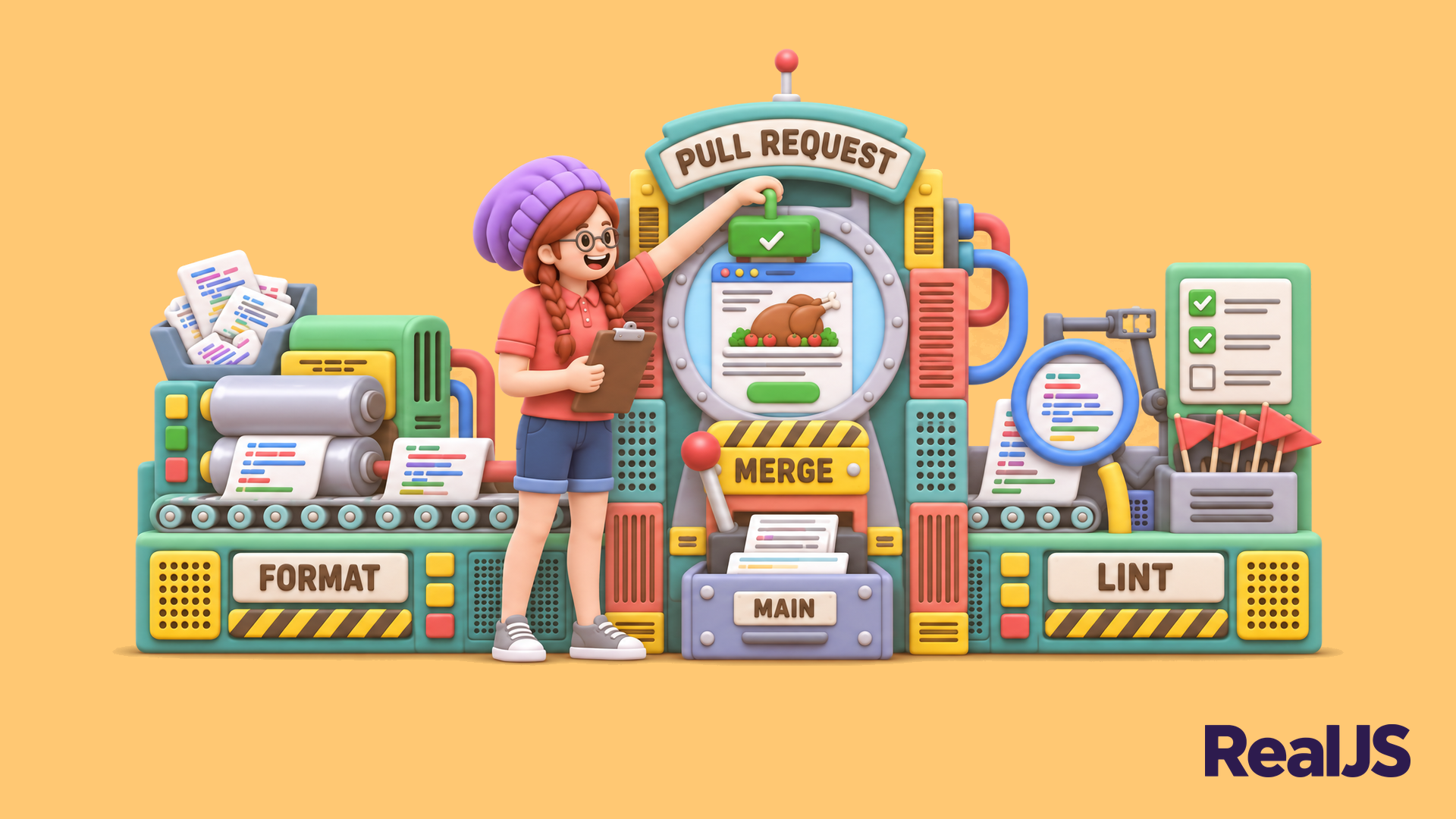

The site for Generic Grocery Co. is on GitHub, and from now on nothing goes straight to main. This week, the store needs a closing-soon notice and a Christmas turkey pre-order page, and an AI assistant has already drafted part of that page. Every change goes through a pull request that’s formatted, linted and read before it’s merged.
You’ll learn how to:
- Format the whole project with Prettier and keep it formatted every time you save
- Catch likely mistakes with ESLint, set up for the code that runs in the browser and in Node
- Open a pull request that says what changes and why, and links the issue it belongs to
- Squash and merge a pull request, then clean up the branch it leaves behind
- Review a pull request, including AI-written code, with line comments, and answer a review as its author
This course is for you if you can push, pull and resolve conflicts on GitHub in an npm and Vite project, but haven’t used a linter, a formatter or pull requests yet. It’s the fourth course in the Tooling and Git for JavaScript Projects path, and its starter project lets you begin here directly.
What’s Included:
- 17 Lessons
- Video Subtitles and Full Transcripts
- Translated Subtitles in 8 Languages
- 4 Downloadable Resources
- Interactive Quiz to Check Your Progress
- 2 Hands-On Coding Exercises
- Q&A With JavaScript Experts: Ask a Question
- Certificate of Completion

Downloadable Resources:
- Course Slides (.pdf)
- Sample Code (.zip)
- Starter Project: Generic Grocery Co., Course 4 (.zip)
- The AI Assistant's Draft of the Turkey Pre-Order Page (.zip)
Related Learning Paths:
