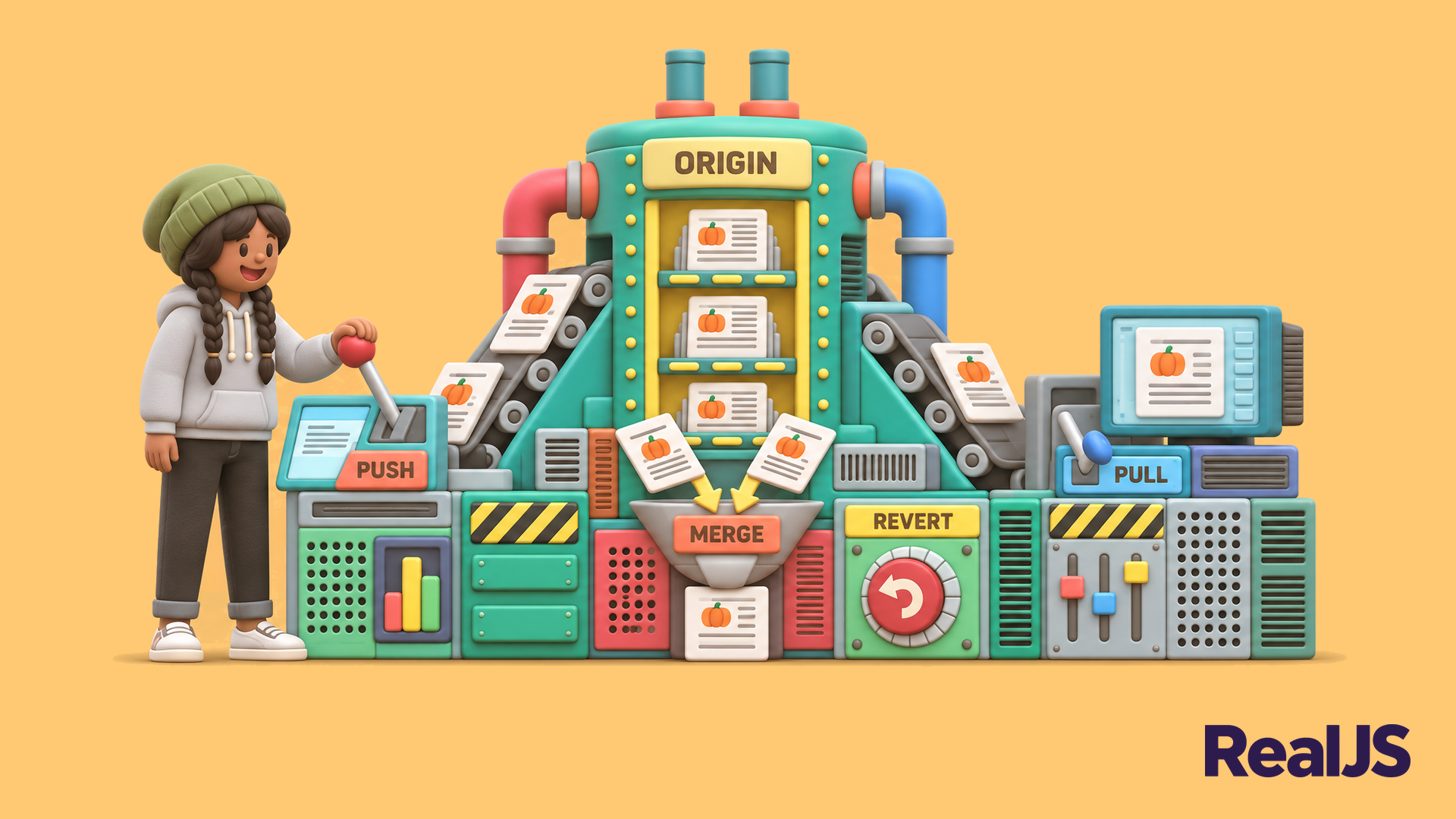

The site for Generic Grocery Co. is ready to leave your laptop. This week, the deal prices get posted from the store’s back-office computer and quick fixes come in through GitHub’s web editor, all while you keep working on the laptop. That means the project needs a home on GitHub and a safe way to keep two copies in sync, right through the busy week before Thanksgiving.
You’ll learn how to:
- Put the project on GitHub and push it with a token that can only touch this one repository
- Set up a second computer from a fresh clone with
npm ci - Read a rejected push, then fetch, pull and merge instead of forcing it
- Resolve a merge conflict by reading both sides and keeping what’s right
- Undo a pushed mistake with
git revert, without rewriting history
This course is for you if you can work with Git branches and merges on your own machine and run an npm and Vite project, but haven’t pushed to GitHub or worked from two places yet. It’s the third course in the Tooling and Git for JavaScript Projects path, and its starter project lets you begin here directly.
What’s Included:
- 17 Lessons
- Video Subtitles and Full Transcripts
- Translated Subtitles in 8 Languages
- 3 Downloadable Resources
- Interactive Quiz to Check Your Progress
- Q&A With JavaScript Experts: Ask a Question
- Certificate of Completion

Downloadable Resources:
Related Learning Paths:
