Track Your Project With Git Quiz
Interactive Quiz ⋅ 10 Questions
By Martin Breuss
Test your understanding of Track Your Project With Git.
By working through this quiz, you’ll revisit what Git and GitHub each do, what
your commit email is for, which files a .gitignore keeps out, how to write a
message that says why, how to read a diff and choose the right one, how to find
one commit’s changes in the log, and how to throw away an edit or fix your last
commit.
Most questions ask what Git does after a short series of commands. Good luck!
The quiz contains 10 questions and there is no time limit. You’ll get 1 point for each correct answer. At the end of the quiz, you’ll receive a total score. The maximum score is 100%. Good luck!
Related Resources
Course
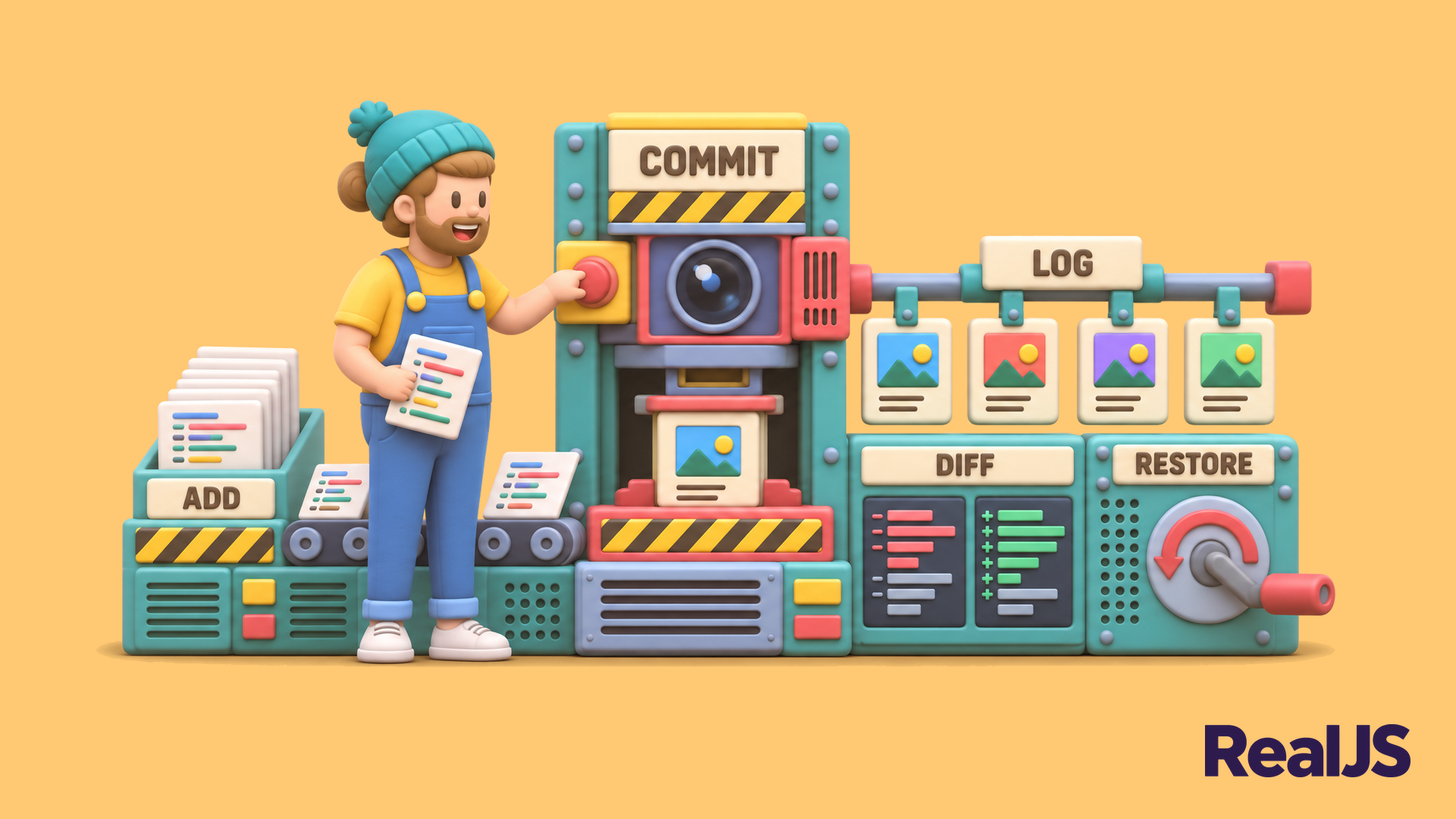
Track Your Project With Git
Put an existing website project under Git and record every change as a focused commit with a clear message. Read the history to find what changed and when, throw away an edit that went wrong, and fix your last commit.
