Track Your Project With Git: Check Your First Commits Quiz
Interactive Quiz ⋅ 8 Questions
By Martin Breuss
Test your understanding of the first section of Track Your Project With Git.
By working through this quiz, you’ll revisit how a change moves from your working
tree through the staging area into a commit, how to read git status, what a
commit records, what Git can and can’t bring back, and how to stop tracking a
file you meant to ignore.
Every question is set in a small practice repository, and most ask what Git does after a short series of commands. Good luck!
The quiz contains 8 questions and there is no time limit. You’ll get 1 point for each correct answer. At the end of the quiz, you’ll receive a total score. The maximum score is 100%. Good luck!
Related Resources
Course
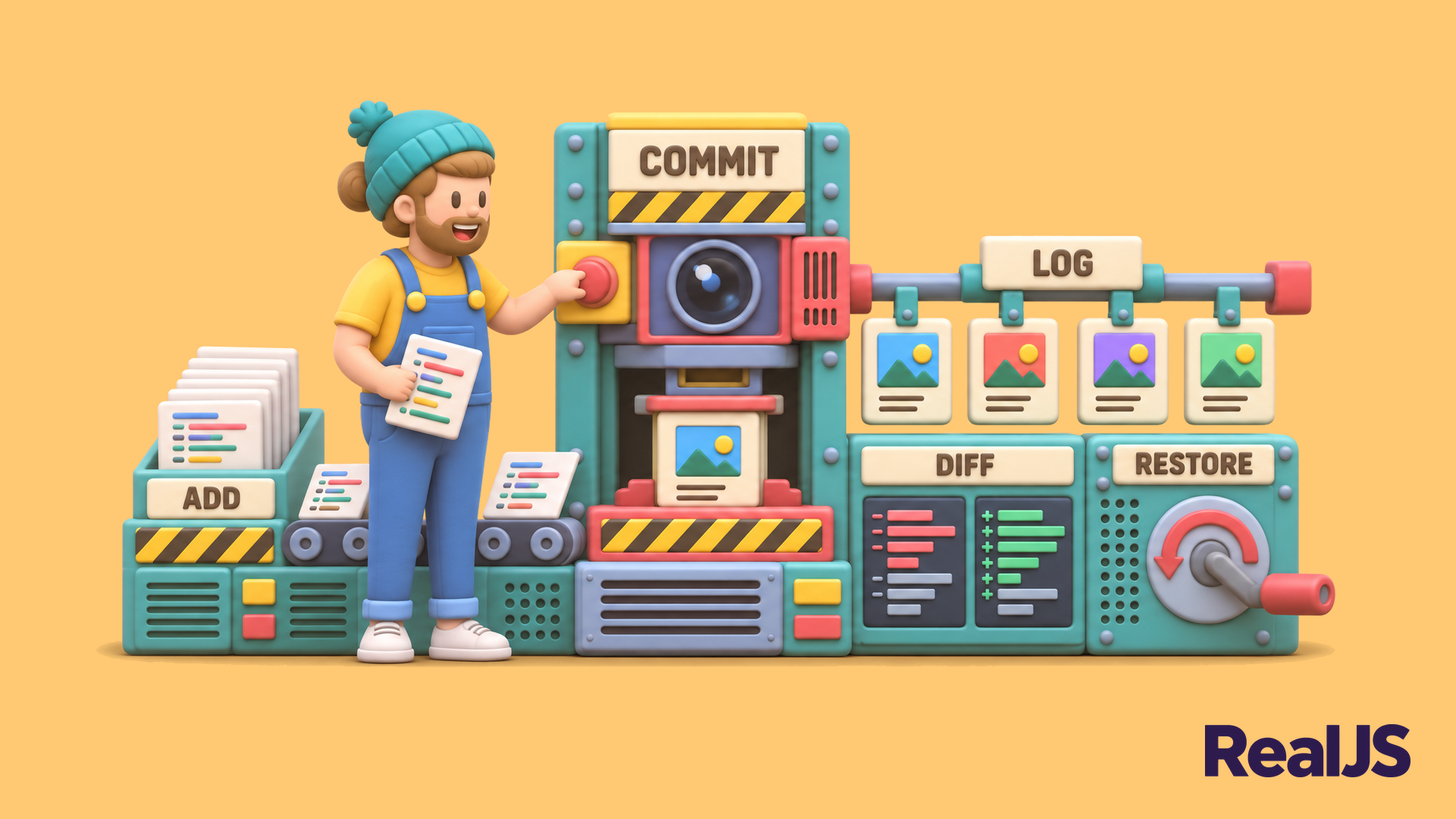
Track Your Project With Git
Put an existing website project under Git and record every change as a focused commit with a clear message. Read the history to find what changed and when, throw away an edit that went wrong, and fix your last commit.
