Work on GitHub From Two Computers: Fetch, Pull and Push Quiz
Interactive Quiz ⋅ 9 Questions
By Martin Breuss
In this quiz, you’ll test your understanding of the first part of Work on GitHub From Two Computers.
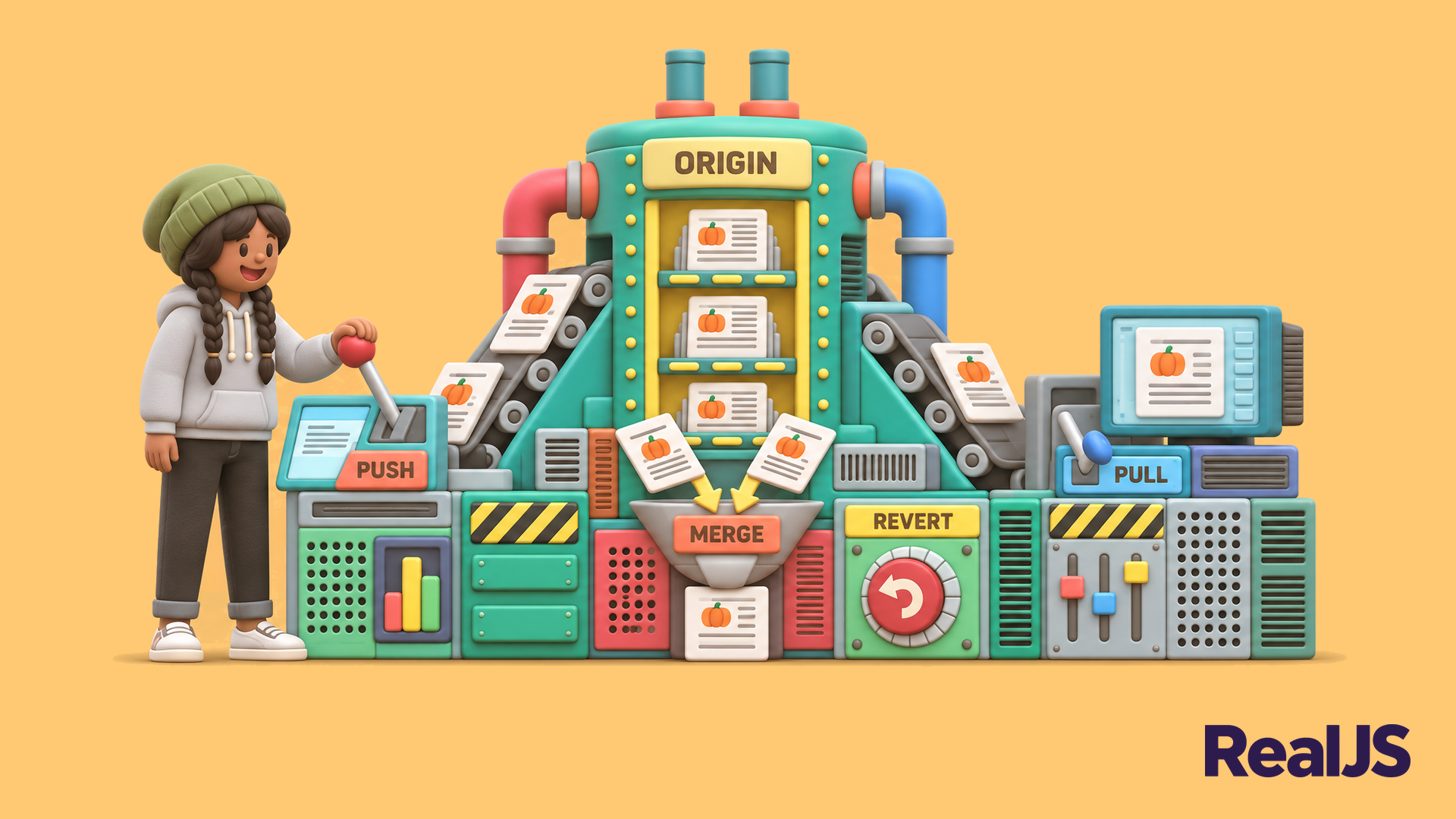
By working through this quiz, you’ll revisit how a remote connects your repository
to GitHub, what a push needs before it can work, what git status really compares
with, and what a fetch and a pull each change in your branch and your files.
Most questions follow two people sharing one small project from their own clones, and every Git message comes from a real run. Good luck!
The quiz contains 9 questions and there is no time limit. You’ll get 1 point for each correct answer. At the end of the quiz, you’ll receive a total score. The maximum score is 100%. Good luck!
Related Resources
Course
Work on GitHub From Two Computers
Put the store's site on GitHub and keep it in sync from two computers: push with a token, pull and merge someone else's work, resolve a conflict, undo a pushed mistake with revert, and set up a fresh clone with npm ci.
