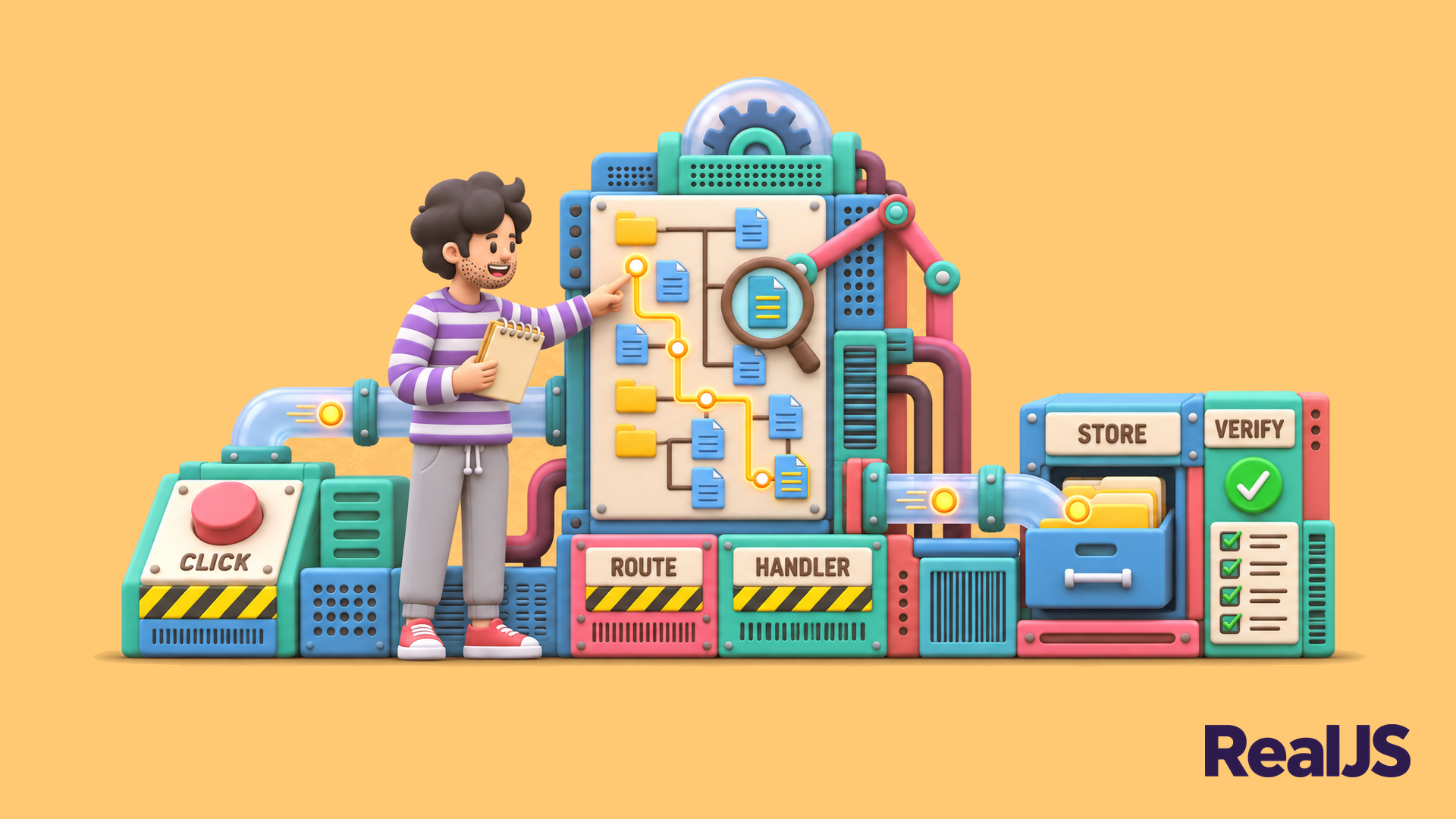

It’s your first day on the small tech team at The Second Draft, an independent bookshop. Grace, the owner, wants to know how a discount code actually gets applied to an order, because a customer says hers didn’t work. The answer is in code you didn’t write. In this course, you’ll find it without reading the whole codebase and write Grace a page she could hand the next new hire. You’ll learn how to:
- Run an unfamiliar project and find the code behind what you see on screen
- Choose how closely to read, from skimming for shape to reading one function line by line
- Trace one action from the user’s click to the data that’s stored
- Map a codebase’s modules and follow one value through every copy and format
- Find the rules the data must follow and where the code enforces them
- Check an explanation claim by claim, including one from Code Mentor, against the code and a run
You’ll practice in exercises with automated tests and finish with a project. You won’t change any code.
This course is for programmers who know the JavaScript basics, including modules, and can run a Node.js script and read an error message. You’ll need Node.js, Git, a terminal, a code editor, and a browser.
What’s Included:
- 24 Lessons
- Video Subtitles and Full Transcripts
- Translated Subtitles in 8 Languages
- 1 Downloadable Resource
- Interactive Quiz to Check Your Progress
- 10 Hands-On Coding Exercises
- Q&A With JavaScript Experts: Ask a Question
- Certificate of Completion

Downloadable Resources:
Related Learning Paths:
