
The store’s site is live with its colors, layout, and opening hours. One page still doesn’t do its job, though. Open the curbside pickup page on the live site, and instead of an order form, you’ll find one short line from Generic Curbside asking for a key.
In this lesson, you’ll find out why the build on GitHub had no key, give the deploy run the store’s publishable key, and then check for yourself where that key ends up. Along the way, you’ll see what a GitHub secret does and doesn’t hide, which is the last safety habit of this path, after habits like checking packages before you install them.
Find Out Why the Live Page Has No Key
A page that works on your laptop and not on the live site was built from different inputs in the two places. So compare the two pages first, and then look for the input that’s missing on GitHub.
Open https://<your-login>.github.io/generic-grocery/pickup.html in VS Code’s integrated browser, the same way you opened the live site in the last lesson. The page has its styles now, but where the order form should be, it shows a line of text:
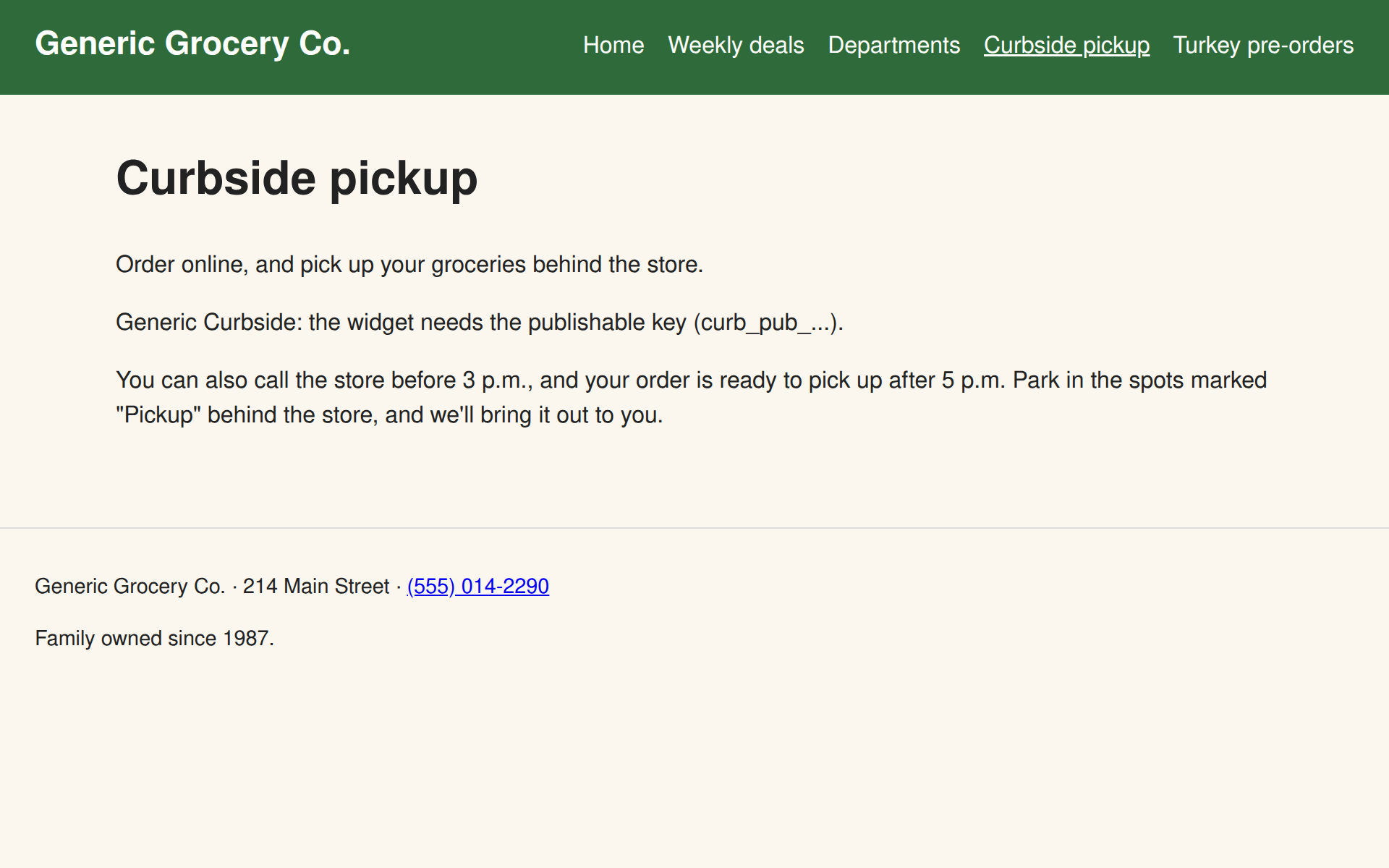
That line comes from Generic Curbside’s widget in src/vendor/curbside.js. The widget displays it when the key that src/pickup.js passes in doesn’t start with curb_pub_. Now open http://localhost:5173/generic-grocery/pickup.html with npm run dev running, and the integrated browser shows the pickup time menu and the Order for pickup button. The code is the same in both places, so the difference has to be the key.
On your laptop, the key comes from .env, the file you created from .env.example at the start of this course. Open .gitignore, and near its end, you’ll find the two lines that keep that file out of the repository:
# Keys for this computer only. .env.example shows what goes in it
.env
The deploy run builds the site on GitHub’s computer from your committed files, and .env was never committed. So when the build on GitHub read import.meta.env.VITE_CURBSIDE_KEY, there was no value, and Vite wrote void 0, which is undefined, into the page’s JavaScript.
That’s the ignore rule doing its job, so you didn’t do anything wrong. The build on GitHub needs the key from somewhere other than a file in the repository.
Before you pick that place, remember what you found about VITE_ values when you first put the key in .env. You built a test project and searched its JavaScript in dist/assets/, and the key was right there in the code:
...var e=`curb_pub_fake_4tQ8xLm2`,t=void 0;document.querySelector(`#app`)
That test showed why you need to treat every VITE_ value as public. But GitHub has a place made for keys, too. A repository’s secrets are values that GitHub stores encrypted, never shows again after you save them, and masks in a workflow run’s log when it recognizes them there. So doesn’t a GitHub secret change that rule? It sounds like the careful choice, so try it.
Pass the Key to the Build From a Secret
A workflow can read a secret by its name, so the first step is to store the key on GitHub. On your repository’s page, add it as a secret:
-
Open Settings, and in the sidebar, open Secrets and variables, then Actions.
-
On the Secrets tab, click New repository secret.
-
Type
VITE_CURBSIDE_KEYas the Name, paste the store’s publishable key,curb_pub_fake_7Rk3vNw5, as the Secret, and click Add secret.

