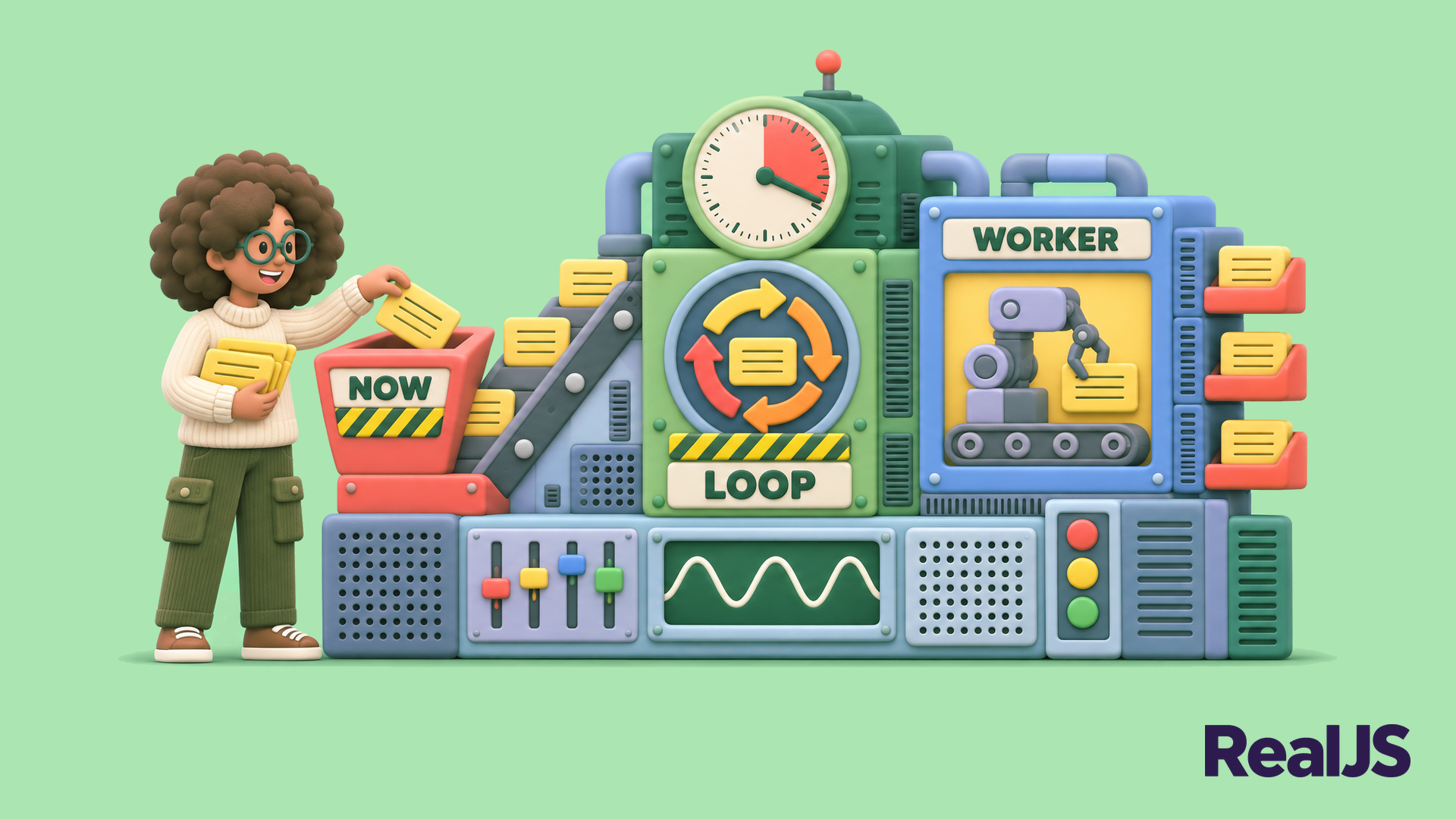

A timer with a delay of 0 sounds like “now”. Schedule a dashboard panel update with setTimeout(..., 0), sum some samples, and the sum prints first: a timer waits for running code. Press refresh twice, with the first reply slower than the second, and the older reading lands last and overwrites the newer one, with no error.
In this course, you’ll port a weather-station dashboard from Python to JavaScript: it polls stations, stops polls when a shift ends, and sums samples in workers.
By the end of this course, you’ll be able to:
- See why a timer waits for running code, and in what order promise jobs,
queueMicrotask()callbacks, and timers run - Stop a poll with
AbortController, and combine a deadline with an operator stop usingAbortSignal.timeout()andAbortSignal.any() - Keep old readings out of the dashboard, and reserve a slot before you
await - Move CPU work to a worker, and share a counter deliberately with
SharedArrayBufferandAtomics - Build the station summary dashboard, with one worker per station
You’ll need asyncio’s event loop, tasks, and cancellation, and Python threads and processes, plus Node 26 and JavaScript promises, async functions with await, Promise.all(), timers, and modules. The Python examples use Python 3.15.
The course mixes short videos and text lessons with exercises, a project that builds the dashboard, and a quiz.
What’s Included:
- 17 Lessons
- Video Subtitles and Full Transcripts
- Translated Subtitles in 8 Languages
- 2 Downloadable Resources
- Interactive Quiz to Check Your Progress
- 5 Hands-On Coding Exercises
- Q&A With JavaScript Experts: Ask a Question
- Certificate of Completion

Downloadable Resources:
Related Learning Paths:
