Advanced JavaScript
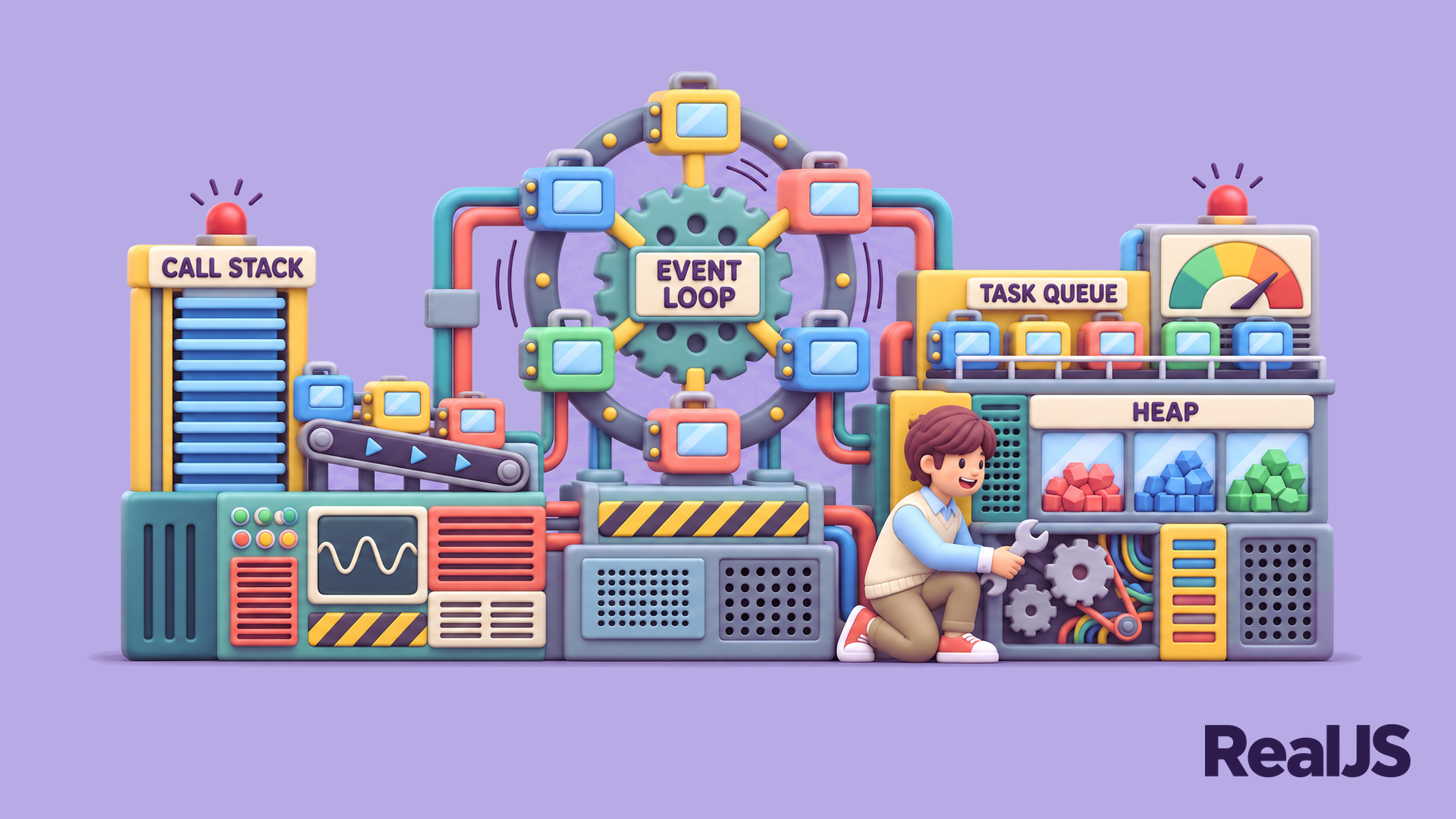
Dig into how JavaScript works under the hood. These in-depth tutorials explain the event loop and how the call stack, task queue, and microtask queue decide when your code runs. You’ll explore prototypes and the inheritance model behind classes, iterators and generators, and metaprogramming tools like Proxy and Reflect.
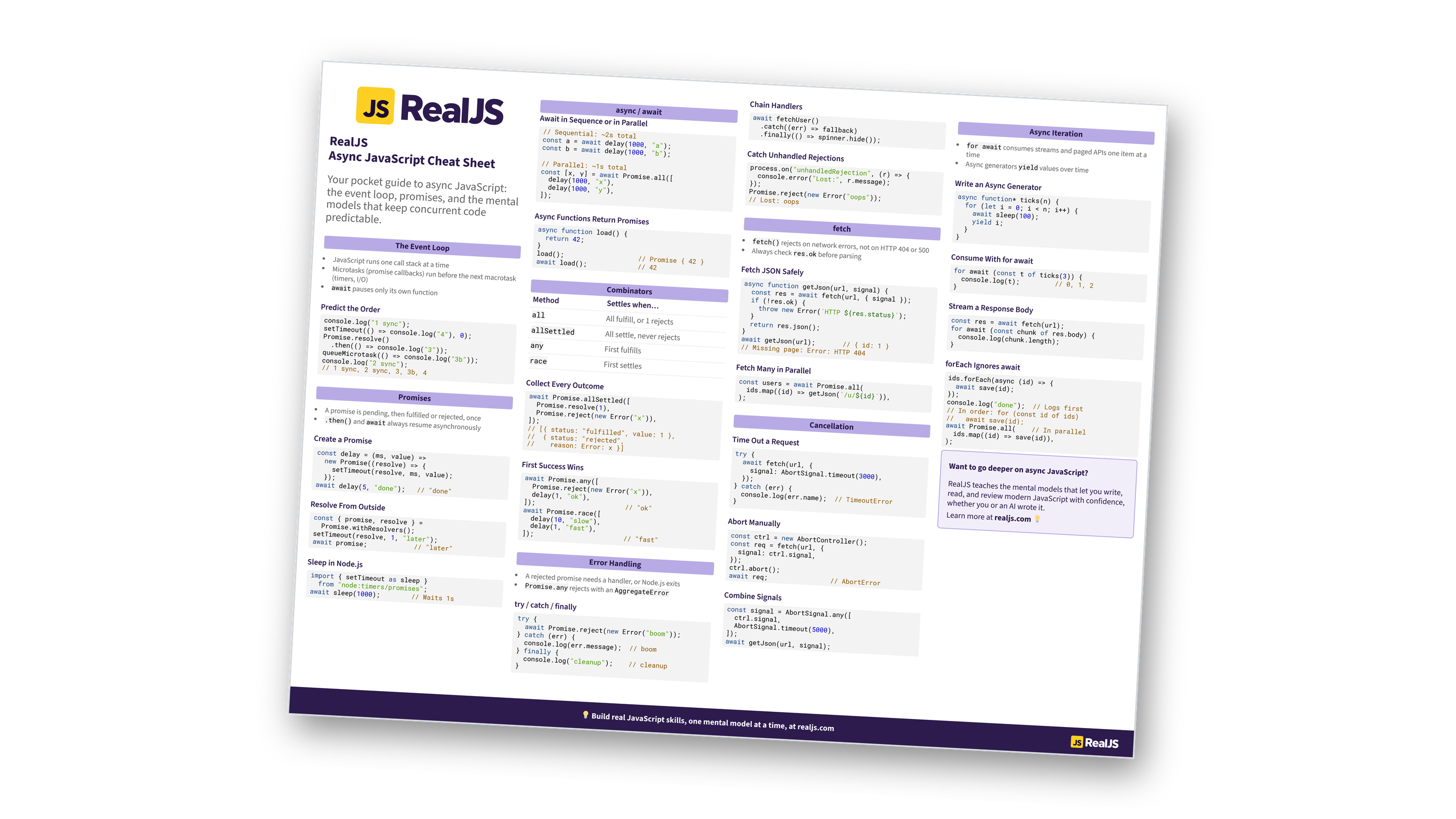
Free Bonus: Download the Async JavaScript Cheat Sheet PDF and keep the essentials at hand.
Advanced JavaScript is also about writing code that performs well and fails gracefully. Learn how memory and garbage collection work, how to find and fix memory leaks, and how to profile slow code with browser and Node.js developer tools. With a clear model of the runtime, you can reason about tricky bugs instead of guessing.
Not Sure Where You Stand?
Take the JavaScript Skill Test to find out which level fits you best:
Take the Quiz: Test your knowledge with our interactive “JavaScript Skill Test” quiz. You’ll receive a score upon completion to help you track your learning progress:

Interactive Quiz
JavaScript Skill TestTake this JavaScript quiz to test your skills from basic to expert level. Are you at the Basics, Intermediate, Advanced, or Expert level?
JavaScript runs your code on a single thread. When the call stack is empty, the event loop first runs all pending microtasks, such as promise callbacks, and then takes the next task, such as a timer or an event handler. This is why a resolved promise’s callback runs before a setTimeout() callback with a zero delay.
Every JavaScript object has a link to a prototype object. When you access a property that the object doesn’t have, JavaScript looks it up along this prototype chain. Classes are syntax on top of this model, so understanding prototypes explains how methods are shared between instances.
A generator function, declared with function*, can pause at each yield and resume later. Generators let you create custom iterators, produce values lazily, and model infinite sequences without building the whole list in memory.
Take heap snapshots in your browser’s developer tools or in Node.js, and compare them over time to see which objects keep growing. Common causes are forgotten event listeners, timers that never stop, and caches or closures that hold references longer than needed.
Use a Proxy when you need to intercept operations on an object, such as reading, writing, or deleting properties. Proxies are useful for validation, logging, and reactive state. For everyday code, plain objects are simpler and faster, so use proxies only when you need that control.