npm Supply Chain Security Cheat Sheet
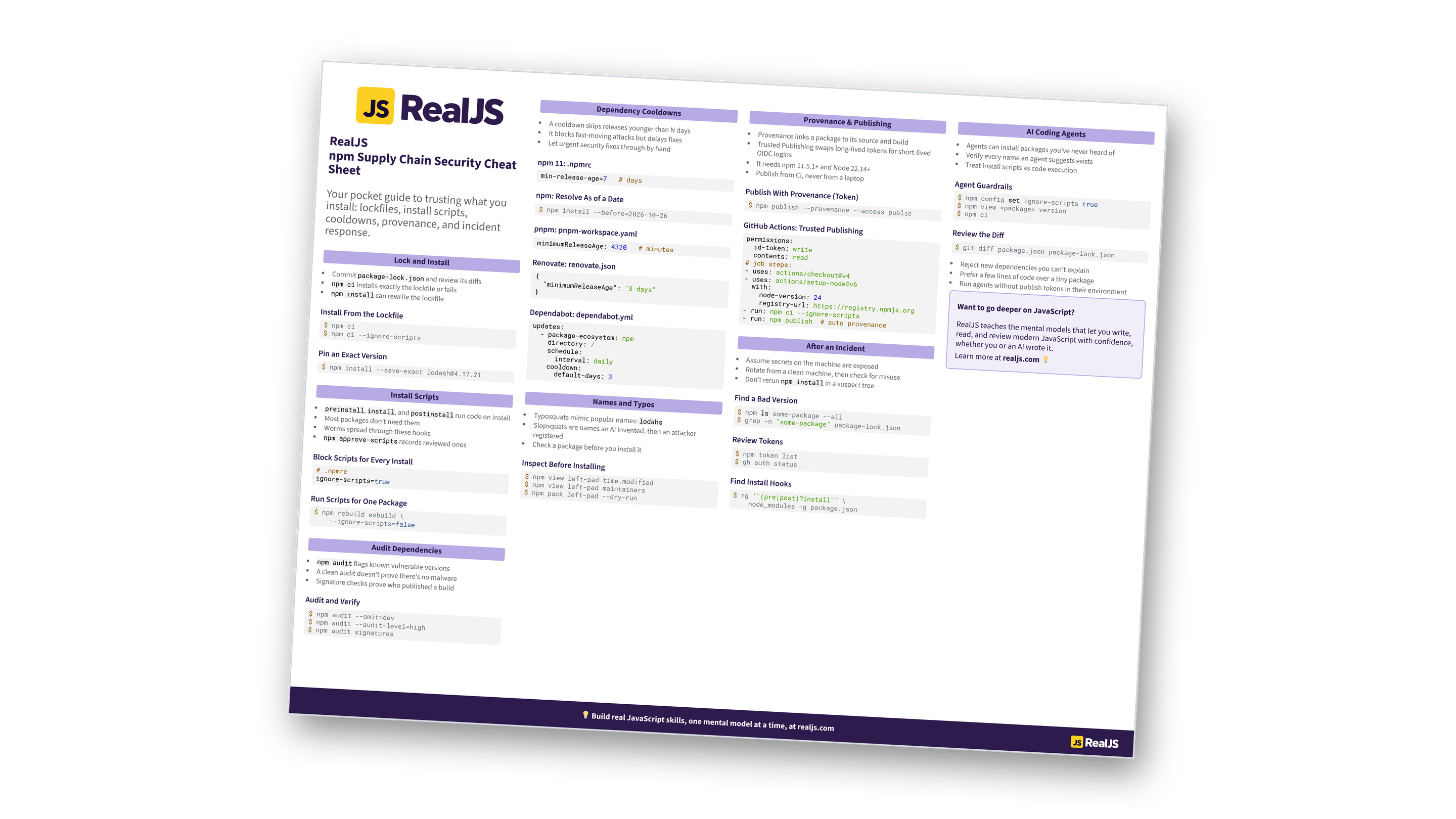
A condensed guide to trusting what you install from npm, so you can review dependencies whether you or an AI added them. You can also download the information as a printable cheat sheet:
Free Bonus: npm Supply Chain Security Cheat Sheet
Get the npm Supply Chain Security Cheat Sheet (PDF), a printable reference to lockfiles, install scripts, audits, dependency cooldowns, provenance, Trusted Publishing, incident response, and AI agent guardrails:
Want a guided path instead of a reference? Start learning at realjs.com.
Lock and Install
- Commit
package-lock.jsonand review its diffs npm ciinstalls exactly the lockfile or failsnpm installcan rewrite the lockfile
Install From the Lockfile
$ npm ci
$ npm ci --ignore-scripts
Pin an Exact Version
$ npm install --save-exact [email protected]
Install Scripts
preinstall,install, andpostinstallrun code on install- Most packages don’t need them
- Worms spread through these hooks
npm approve-scriptsrecords reviewed ones
Block Scripts for Every Install
# .npmrc
ignore-scripts=true
Run Scripts for One Package
$ npm rebuild esbuild \
    --ignore-scripts=false
Audit Dependencies
npm auditflags known vulnerable versions- A clean audit doesn’t prove there’s no malware
- Signature checks prove who published a build
Audit and Verify
$ npm audit --omit=dev
$ npm audit --audit-level=high
$ npm audit signatures
Dependency Cooldowns
- A cooldown skips releases younger than N days
- It blocks fast-moving attacks but delays fixes
- Let urgent security fixes through by hand
npm 11: .npmrc
min-release-age=7 # days
npm: Resolve As of a Date
$ npm install --before=2026-10-26
pnpm: pnpm-workspace.yaml
minimumReleaseAge: 4320 # minutes
Renovate: renovate.json
{
  "minimumReleaseAge": "3 days"
}
Dependabot: dependabot.yml
updates:
  - package-ecosystem: npm
    directory: /
    schedule:
      interval: daily
    cooldown:
      default-days: 3
Free Bonus: Download the npm Supply Chain Security Cheat Sheet PDF and keep the essentials at hand.
Names and Typos
- Typosquats mimic popular names:
lodahs - Slopsquats are names an AI invented, then an attacker registered
- Check a package before you install it
Inspect Before Installing
$ npm view left-pad time.modified
$ npm view left-pad maintainers
$ npm pack left-pad --dry-run
Provenance & Publishing
- Provenance links a package to its source and build
- Trusted Publishing swaps long-lived tokens for short-lived OIDC logins
- It needs npm 11.5.1+ and Node 22.14+
- Publish from CI, never from a laptop
Publish With Provenance (Token)
$ npm publish --provenance --access public
GitHub Actions: Trusted Publishing
permissions:
  id-token: write
  contents: read
# job steps:
- uses: actions/checkout@v4
- uses: actions/setup-node@v6
  with:
    node-version: 24
    registry-url: https://registry.npmjs.org
- run: npm ci --ignore-scripts
- run: npm publish  # auto provenance
After an Incident
- Assume secrets on the machine are exposed
- Rotate from a clean machine, then check for misuse
- Don’t rerun
npm installin a suspect tree
Find a Bad Version
$ npm ls some-package --all
$ grep -n "some-package" package-lock.json
Review Tokens
$ npm token list
$ gh auth status
Find Install Hooks
$ rg '"(pre|post)?install"' \
    node_modules -g package.json
AI Coding Agents
- Agents can install packages you’ve never heard of
- Verify every name an agent suggests exists
- Treat install scripts as code execution
- Reject new dependencies you can’t explain
- Prefer a few lines of code over a tiny package
- Run agents without publish tokens in their environment
Agent Guardrails
$ npm config set ignore-scripts true
$ npm view <package> version
$ npm ci
Review the Diff
$ git diff package.json package-lock.json
Want to go deeper on JavaScript?
RealJS teaches the mental models that let you write, read, and review modern JavaScript with confidence, whether you or an AI wrote it.
Learn more at realjs.com 💡
You can download this information as a printable cheat sheet:
Free Bonus: npm Supply Chain Security Cheat Sheet
Get the npm Supply Chain Security Cheat Sheet (PDF), a printable reference to lockfiles, install scripts, audits, dependency cooldowns, provenance, Trusted Publishing, incident response, and AI agent guardrails:
