JavaScript DOM Cheat Sheet
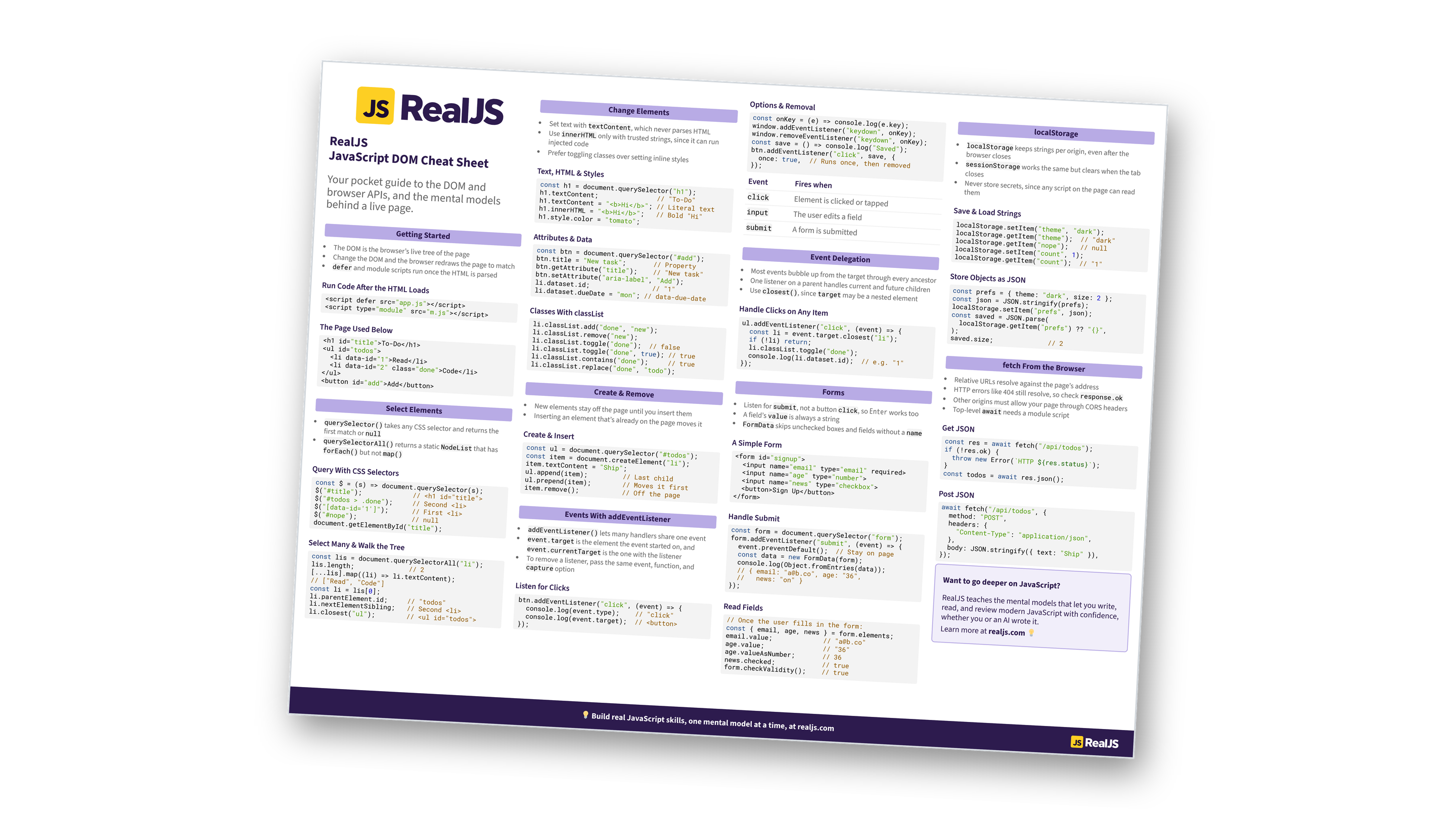
Select elements, handle events with addEventListener and delegation, and work with classes, forms, localStorage, and fetch. The mental models behind the DOM, in one scannable reference. You can also download the information as a printable cheat sheet:
Free Bonus: JavaScript DOM Cheat Sheet
Get the JavaScript DOM Cheat Sheet (PDF), a printable reference to querySelector, addEventListener and event delegation, classList, creating elements, forms and FormData, localStorage, and fetch from the browser:
Want a guided path instead of a reference? Start learning at realjs.com.
Getting Started
- The DOM is the browser’s live tree of the page
- Change the DOM and the browser redraws the page to match
deferand module scripts run once the HTML is parsed
Run Code After the HTML Loads
<script defer src="app.js"></script>
<script type="module" src="m.js"></script>
The Page Used Below
<h1 id="title">To-Do</h1>
<ul id="todos">
  <li data-id="1">Read</li>
  <li data-id="2" class="done">Code</li>
</ul>
<button id="add">Add</button>
Select Elements
querySelector()takes any CSS selector and returns the first match ornullquerySelectorAll()returns a staticNodeListthat hasforEach()but notmap()
Query With CSS Selectors
const $ = (s) => document.querySelector(s);
$("#title");             // <h1 id="title">
$("#todos > .done");     // Second <li>
$("[data-id='1']");      // First <li>
$("#nope");              // null
document.getElementById("title");
Select Many & Walk the Tree
const lis = document.querySelectorAll("li");
lis.length;              // 2
[...lis].map((li) => li.textContent);
// ["Read", "Code"]
const li = lis[0];
li.parentElement.id;     // "todos"
li.nextElementSibling;   // Second <li>
li.closest("ul");        // <ul id="todos">
Change Elements
- Set text with
textContent, which never parses HTML - Use
innerHTMLonly with trusted strings, since it can run injected code - Prefer toggling classes over setting inline styles
Text, HTML & Styles
const h1 = document.querySelector("h1");
h1.textContent;               // "To-Do"
h1.textContent = "<b>Hi</b>"; // Literal text
h1.innerHTML = "<b>Hi</b>";   // Bold "Hi"
h1.style.color = "tomato";
Attributes & Data
const btn = document.querySelector("#add");
btn.title = "New task";       // Property
btn.getAttribute("title");    // "New task"
btn.setAttribute("aria-label", "Add");
li.dataset.id;                // "1"
li.dataset.dueDate = "mon"; // data-due-date
Classes With classList
li.classList.add("done", "new");
li.classList.remove("new");
li.classList.toggle("done");  // false
li.classList.toggle("done", true); // true
li.classList.contains("done");     // true
li.classList.replace("done", "todo");
Create & Remove
- New elements stay off the page until you insert them
- Inserting an element that’s already on the page moves it
Create & Insert
const ul = document.querySelector("#todos");
const item = document.createElement("li");
item.textContent = "Ship";
ul.append(item);         // Last child
ul.prepend(item);        // Moves it first
item.remove();           // Off the page
Free Bonus: Download the JavaScript DOM Cheat Sheet PDF and keep the essentials at hand.
Events With addEventListener
addEventListener()lets many handlers share one eventevent.targetis the element the event started on, andevent.currentTargetis the one with the listener- To remove a listener, pass the same event, function, and
captureoption
Listen for Clicks
btn.addEventListener("click", (event) => {
  console.log(event.type);    // "click"
  console.log(event.target);  // <button>
});
Options & Removal
const onKey = (e) => console.log(e.key);
window.addEventListener("keydown", onKey);
window.removeEventListener("keydown", onKey);
const save = () => console.log("Saved");
btn.addEventListener("click", save, {
  once: true,  // Runs once, then removed
});
| Event | Fires when |
|---|---|
click |
Element is clicked or tapped |
input |
The user edits a field |
submit |
A form is submitted |
Event Delegation
- Most events bubble up from the target through every ancestor
- One listener on a parent handles current and future children
- Use
closest(), sincetargetmay be a nested element
Handle Clicks on Any Item
ul.addEventListener("click", (event) => {
  const li = event.target.closest("li");
  if (!li) return;
  li.classList.toggle("done");
  console.log(li.dataset.id);  // e.g. "1"
});
Forms
- Listen for
submit, not a buttonclick, so Enter works too - A field’s
valueis always a string FormDataskips unchecked boxes and fields without aname
A Simple Form
<form id="signup">
  <input name="email" type="email" required>
  <input name="age" type="number">
  <input name="news" type="checkbox">
  <button>Sign Up</button>
</form>
Handle Submit
const form = document.querySelector("form");
form.addEventListener("submit", (event) => {
  event.preventDefault();  // Stay on page
  const data = new FormData(form);
  console.log(Object.fromEntries(data));
  // { email: "[email protected]", age: "36",
  //   news: "on" }
});
Read Fields
// Once the user fills in the form:
const { email, age, news } = form.elements;
email.value;             // "[email protected]"
age.value;               // "36"
age.valueAsNumber;       // 36
news.checked;            // true
form.checkValidity();    // true
localStorage
localStoragekeeps strings per origin, even after the browser closessessionStorageworks the same but clears when the tab closes- Never store secrets, since any script on the page can read them
Save & Load Strings
localStorage.setItem("theme", "dark");
localStorage.getItem("theme");  // "dark"
localStorage.getItem("nope");   // null
localStorage.setItem("count", 1);
localStorage.getItem("count");  // "1"
Store Objects as JSON
const prefs = { theme: "dark", size: 2 };
const json = JSON.stringify(prefs);
localStorage.setItem("prefs", json);
const saved = JSON.parse(
  localStorage.getItem("prefs") ?? "{}",
);
saved.size;              // 2
Free Bonus: Download the JavaScript DOM Cheat Sheet PDF and keep the essentials at hand.
fetch From the Browser
- Relative URLs resolve against the page’s address
- HTTP errors like 404 still resolve, so check
response.ok - Other origins must allow your page through CORS headers
- Top-level
awaitneeds a module script
Get JSON
const res = await fetch("/api/todos");
if (!res.ok) {
  throw new Error(`HTTP ${res.status}`);
}
const todos = await res.json();
Post JSON
await fetch("/api/todos", {
  method: "POST",
  headers: {
    "Content-Type": "application/json",
  },
  body: JSON.stringify({ text: "Ship" }),
});
Want to go deeper on JavaScript?
RealJS teaches the mental models that let you write, read, and review modern JavaScript with confidence, whether you or an AI wrote it.
Learn more at realjs.com 💡
You can download this information as a printable cheat sheet:
Free Bonus: JavaScript DOM Cheat Sheet
Get the JavaScript DOM Cheat Sheet (PDF), a printable reference to querySelector, addEventListener and event delegation, classList, creating elements, forms and FormData, localStorage, and fetch from the browser:
